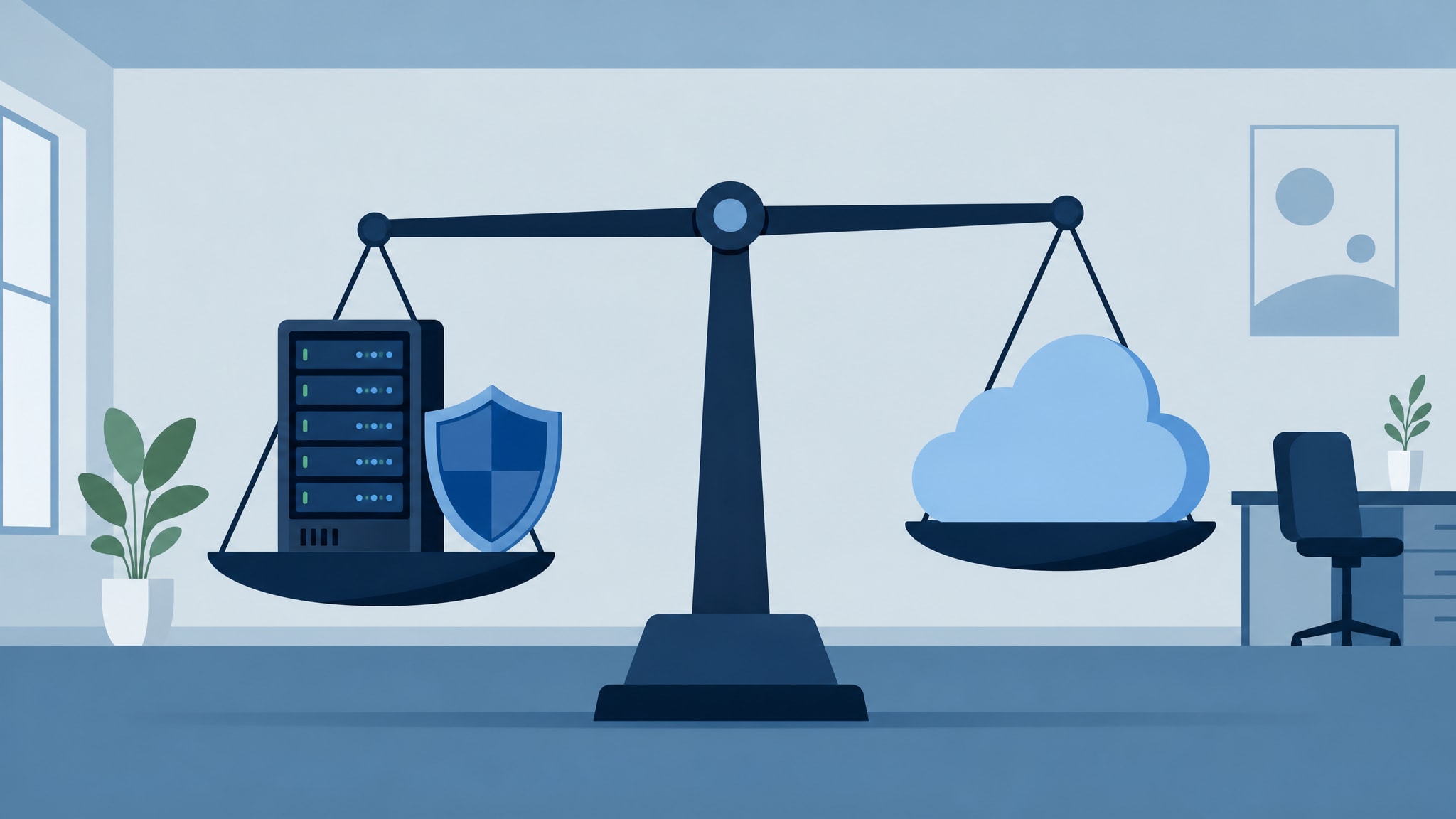
Cloud migration without downtime takes a staged cutover and a tested rollback plan, not a vendor’s promise of instant magic. Real continuity for Metro Atlanta businesses means running legacy and cloud environments in parallel until you verify every workflow works under production load. Sales brochures love the word “seamless.” The operational reality for law firms and healthcare practices demands a slower, more careful approach that puts data integrity ahead of speed.
Why ‘Seamless’ Cloud Migration Is Usually Marketing Fluff
You deserve an honest read on risk before anyone touches your production environment or promises a frictionless transition. We’ve spent thirty years managing migrations for Metro Atlanta law firms and healthcare practices, and parallel environment testing is the only reliable way we’ve found to prevent data loss. Vendors who guarantee zero disruption often lean on automated tools that report success based on byte counts, not actual user functionality. That leaves you to discover broken permissions on Monday morning. This doesn’t erase the complexity of moving regulated workloads, and it definitely won’t save you if your current infrastructure has undocumented dependencies that only show up under live traffic.
The Staged Cutover Method for Server to Cloud Migration
Big-bang migrations gamble your entire operation on a single weekend window. Staged cutovers spread that risk across weeks of validation instead. This deliberate pacing is how we pull off cloud migration without downtime for organizations where data loss isn’t an option.
Parallel Environment Setup
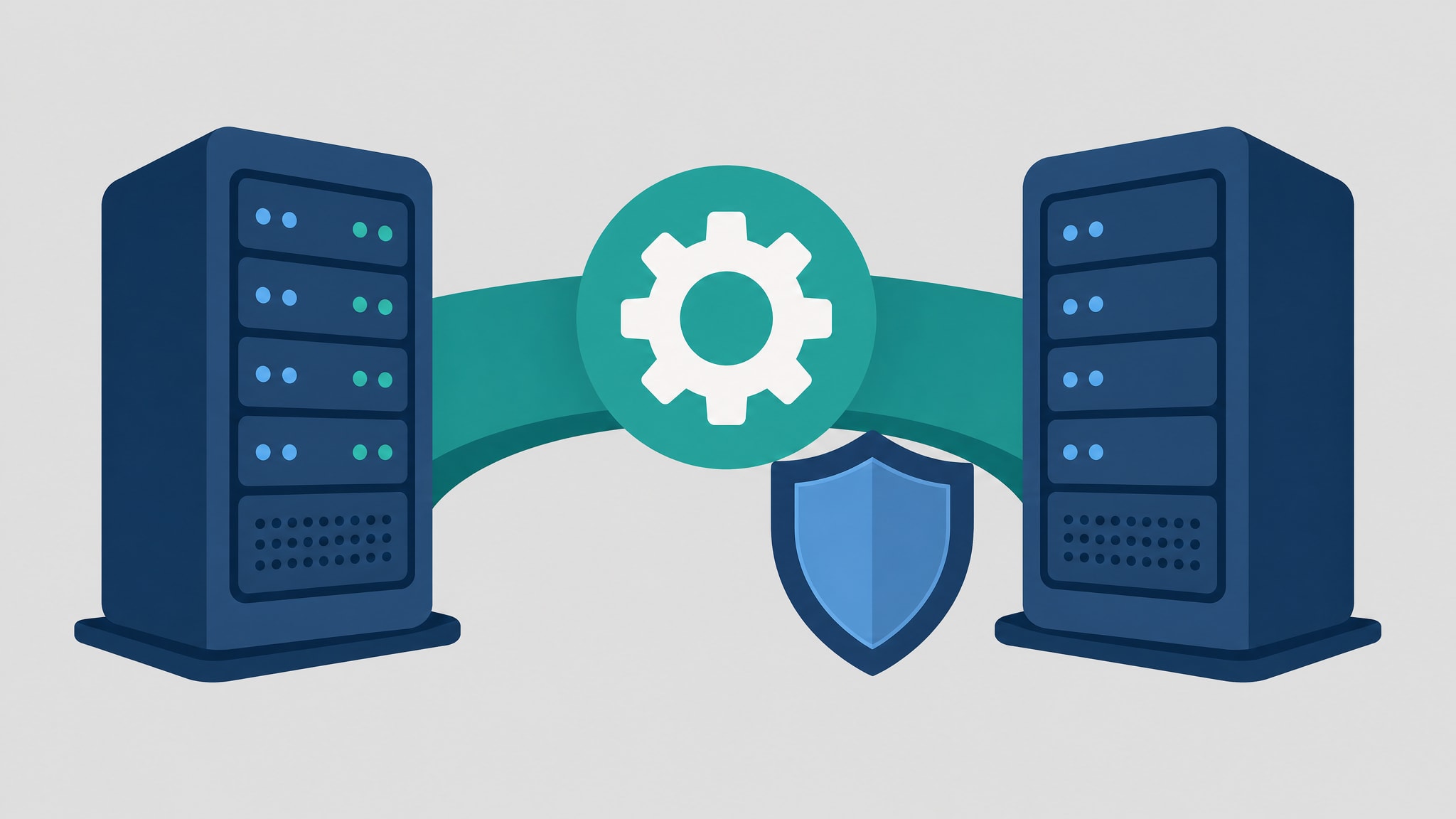
We build a complete replica of your cloud environment while your existing servers keep handling daily business. The parallel setup lets us configure security policies, test application compatibility, and validate network paths without exposing your staff to half-finished systems. You keep working in your familiar environment while we sort out the technical wrinkles in the background.
Data Synchronization and Validation
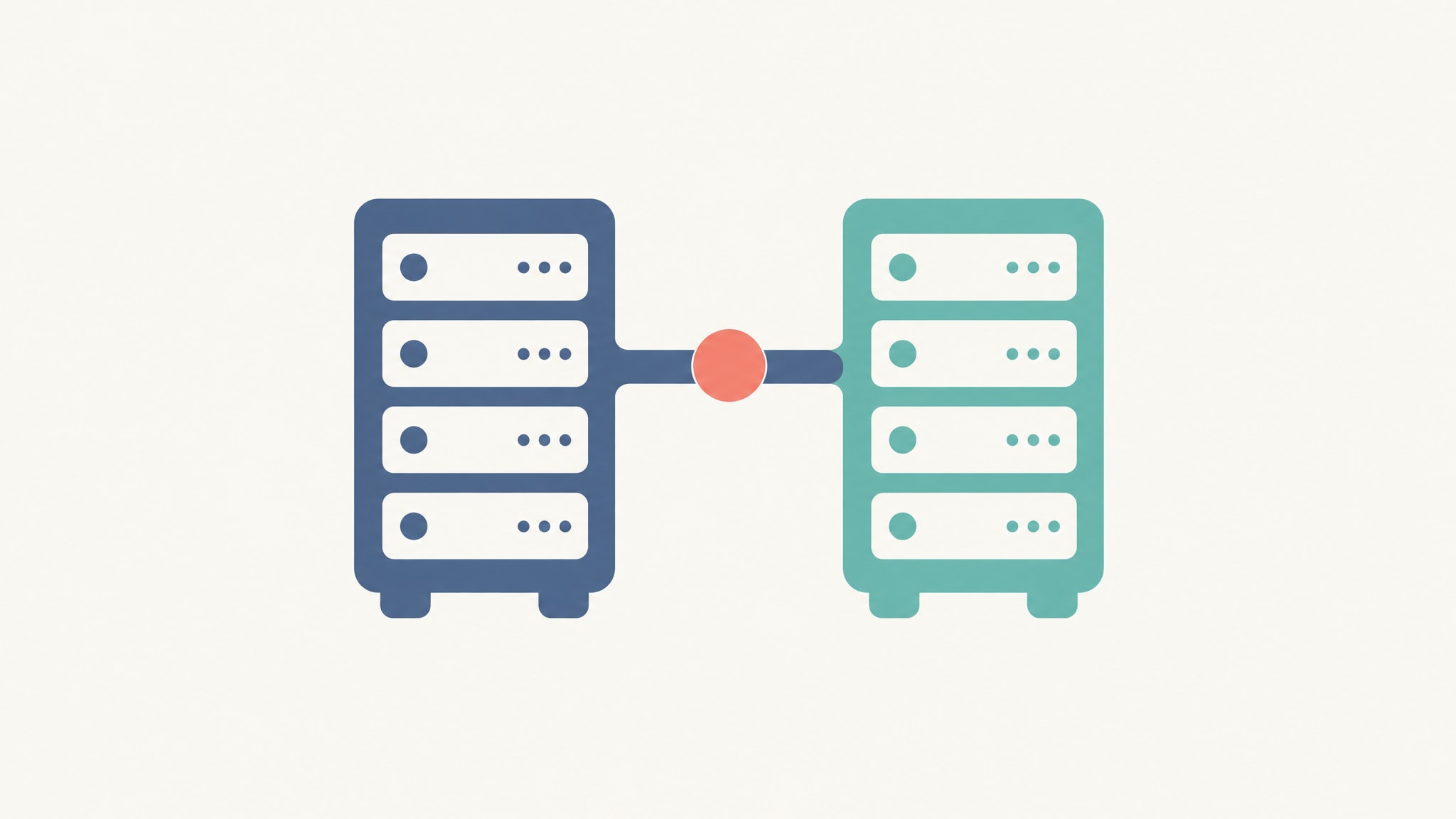
Automated migration tools report success based on byte counts, but only a human checking the result confirms that permissions, shared calendars, and workflows actually work for end users. We run continuous sync cycles between your on-premise servers and the new cloud tenant so data consistency hits 100% before anyone touches the new system. For a Decatur medical practice, we ran dual email systems for two weeks to verify HIPAA-compliant message delivery before cutting over DNS records.
Incremental User Transition
Moving everyone at once creates a helpdesk bottleneck that overwhelms support and frustrates staff. We migrate users in small cohorts, grouped by department or workflow dependency, so we can resolve issues quickly before they spread across the organization. This also lets early adopters become the people their colleagues ask for help, instead of everyone calling us at once.
Building a Rollback Plan That Actually Works Under Pressure
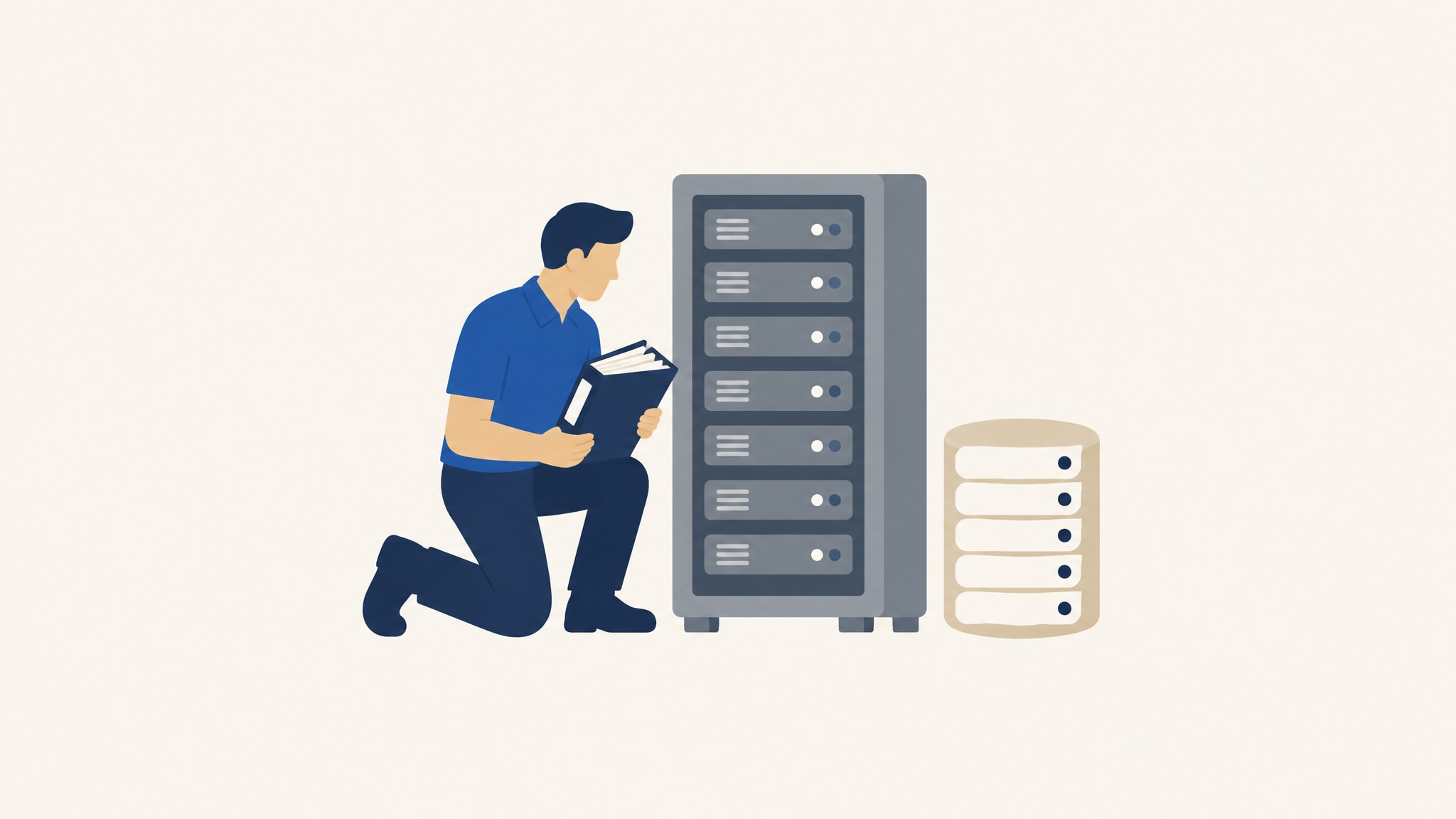
A rollback plan that lives only in a compliance binder is useless when your production environment fails at 2 AM. You need a documented, tested revert process your team can run confidently under stress, without waiting on vendor approval.
Defining Failure Triggers
We set specific technical thresholds that automatically trigger a revert to on-premise systems before users feel real disruption. These triggers include authentication failure rates past acceptable limits, database latency spikes beyond baseline, or critical application errors that persist past a defined troubleshooting window. Knowing these thresholds upfront, something we cover in our disaster recovery planning costs breakdown, keeps you from making panic decisions mid-incident.
Testing the Revert Process
We run full rollback drills under production-like conditions to confirm your team can restore service inside the recovery time objective. The drill checks that backup data is current, restoration scripts work, and communication protocols hold up when primary systems are down. Skip this step and you find the gaps in your safety net during a real emergency instead of a controlled one.
Office 365 Migration for Small Business Without Email Outages
Office 365 migration for small business needs careful attention to mail flow mechanics that enterprise bulk migrations tend to skip past. Tenant-to-tenant moves for Atlanta nonprofits and growing firms demand precision, because you don’t have the redundant infrastructure that absorbs mistakes at bigger organizations.
DNS and MX Record Management
Mail flow breaks when DNS records point to the wrong destination during the transition window between old and new systems. We pre-stage MX record changes with low TTL values and watch mail queues in real time to catch routing failures before messages bounce or vanish. This DNS management is why your clients and patients don’t see email blackouts during business hours.
Client Communication During Transition
Your staff and clients need clear expectations about what’s changing and when, not silence followed by a surprise outage. We draft plain-language notifications that lay out the migration timeline, explain what users should expect at each phase, and give direct contact information for support. Keeping that thread open preserves trust even when minor hiccups happen, because people tolerate a known inconvenience far better than unexplained chaos.
Scheduling Off-Hours Migration Windows for Real Continuity
Off-hours migration windows still matter in 2026, because human verification catches problems that automated scripts miss entirely. Faster tools cut transfer times, but they can’t replace an experienced technician watching live systems for the subtle signs that trouble is brewing.
Our technicians answer the phone directly during migration weekends instead of routing calls through ticket queues, so if something goes wrong, you get an answer, not a queue number. The same person who configured your environment is the one picking up at 3 AM, which kills the context-switching delays that plague remote support desks and overseas call centers. It’s a big part of why local IT partner advantages matter most during high-stakes transitions.
Cloud Migration Checklist: What Vendors Skip but You Need
Sales-focused guides love features and benefits and gloss over the unglamorous prep work that prevents a Monday morning helpdesk flood. A real cloud migration checklist covers compliance validation and performance benchmarking, the stuff that protects your organization long after the migration itself is done.
Compliance and Security Pre-Checks
Regulated industries need to confirm their cloud configuration meets HIPAA-compliant IT support requirements before sensitive data leaves the premises. We audit encryption settings, access controls, audit logging, and business associate agreements, so your cloud environment satisfies legal obligations and not just technical specs. Skip these checks and you’re exposed to regulatory penalties that cost far more than doing the prep properly.
Post-Migration Performance Baselines
You can’t spot degradation if you don’t know what normal looks like in your new cloud environment. Right after cutover, we set quantitative baselines for login times, file access speeds, and application responsiveness, so subtle issues get caught before users start reporting them. Those benchmarks also give you something concrete for future capacity planning and for holding vendors accountable.
Real Talk: When to Call a Local Partner Instead of DIY
Internal IT teams are good at daily operations, but they hit a wall when migration complexity stacks up against compliance risk and business continuity pressure. You’ll know you’ve hit that point when your best technician spends more time researching migration edge cases than running your current systems, or when the cost of a failed migration would blow past your annual technology budget.
Having the same technician who already knows your Buckhead or Decatur office handle the transition closes the knowledge gap that causes the expensive mistakes. Our team brings thirty years of Metro Atlanta migration experience to your specific infrastructure, regulatory environment, and organizational culture, instead of running a generic playbook. If you’re ready to talk through your situation with someone who gets your reality, our managed cloud migration services start with an honest assessment call.
Frequently Asked Questions
How long does a typical cloud migration take for a small business?
Most small business migrations span four to eight weeks from initial assessment to final cutover, depending on data volume and application complexity. The staged approach deliberately extends this timeline to allow thorough validation between phases rather than rushing toward a risky big-bang event. Your specific duration depends on how many workflows require parallel testing and how quickly your team can verify functionality.
What happens to our data if the cloud migration fails midway?
Your original on-premise systems remain fully operational throughout the migration because we run parallel environments until validation completes. If critical issues arise during cutover, we execute the tested rollback plan to restore service from your existing infrastructure within the agreed recovery time objective. No data is deleted from source systems until the cloud environment passes all acceptance criteria.
Can we migrate to Office 365 without disrupting email during business hours?
Yes, by pre-staging DNS changes and running dual mail systems during the transition window to maintain continuous message flow. We schedule the final MX record cutover during off-hours and monitor mail queues in real time to catch routing failures before they affect users. This approach keeps email functional throughout business hours while allowing us to resolve any issues outside peak usage times.
Why do we need off-hours migration windows if modern tools are so fast?
Speed addresses data transfer but not the human verification required to confirm that permissions, integrations, and workflows function correctly under real conditions. Off-hours windows provide uninterrupted time for technicians to observe system behavior, test edge cases, and resolve issues without competing against daytime user activity. Automated tools accelerate the mechanical aspects of migration, but judgment calls still require focused attention.