
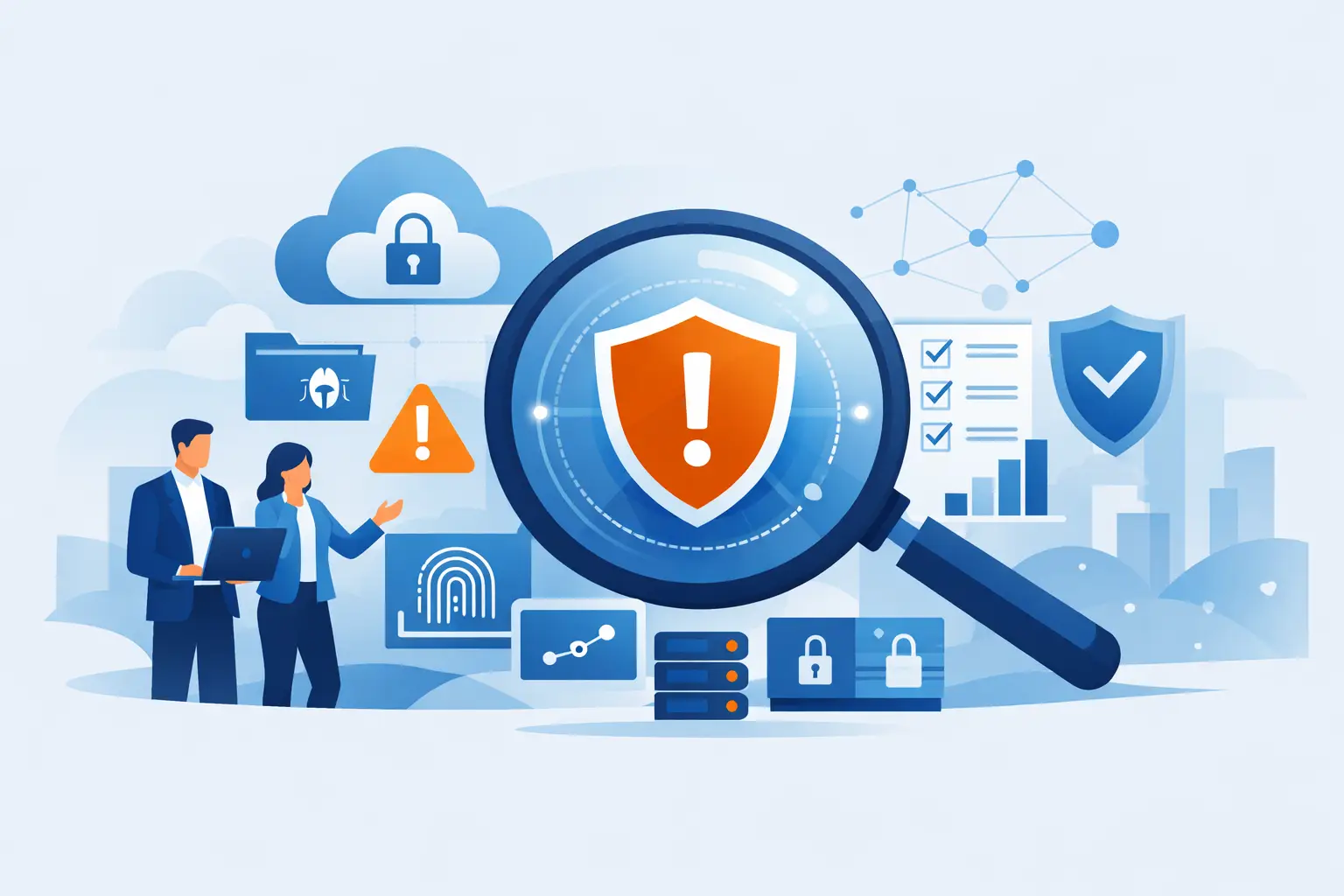
A suspicious email gets through. A former employee’s account is still active. Your backup has not been tested in a year. None of these issues looks dramatic on its own - until a ransomware event, client-data exposure, or failed audit turns a small gap into a business interruption. A cybersecurity risk assessment is how you find those gaps before someone else does.
For a Metro Atlanta law firm, medical practice, nonprofit, or growing business, the goal is not to produce a binder full of technical findings. The goal is to answer practical questions: What could stop us from operating? What data could be exposed? Which weaknesses need attention now, and which can wait? Who owns the fix?
What a Cybersecurity Risk Assessment Actually Does
A useful assessment compares the technology you have, the information you handle, and the safeguards you rely on against the threats most likely to affect your organization. It identifies where a problem could occur, what the business impact would be, and whether your current controls reduce that risk enough.
That last point matters. Every organization carries some risk. A 12-person nonprofit does not need the same security program as a 200-person healthcare organization, and neither needs a pile of enterprise tools that nobody has time to manage. The right approach is proportional: protect the assets that matter, meet applicable requirements, and make recovery possible when prevention fails.
A strong assessment looks beyond antivirus software and firewall settings. It examines how people actually work. Are staff members using personal devices? Is client information being emailed outside the organization? Can an employee approve a payment change based on one email? Does the office lose access to critical files if its internet connection drops? Security and operational continuity are tied together.
Start With the Business Impact, Not a Technology Checklist
A checklist can confirm whether multi-factor authentication is enabled. It cannot tell you which account would cause the most damage if it were compromised. That requires context.
Begin by identifying the systems that keep the organization running. For a law firm, that may include practice-management software, document storage, email, trust-account access, and e-discovery data. A healthcare-adjacent practice may depend on its electronic records platform, scheduling tools, payment systems, and secure communications. A congregation may need donor records, accounting software, and live-streaming equipment that becomes essential every weekend.
For each system, ask three straightforward questions: What information does it hold? Who needs access? What happens if it is unavailable, altered, or exposed?
The answer creates a more honest priority list than a generic scan ever will. A missed software update on a low-use workstation may be worth fixing, but unrestricted administrator access to financial systems deserves faster attention. So does a backup that exists on paper but cannot be restored.
The Areas Most Assessments Need to Examine
A disciplined cybersecurity risk assessment should cover the environment from several angles. These areas are connected, which is why treating security as a collection of separate products often leaves blind spots.
Identity and Access
Compromised credentials remain one of the easiest ways into a business. Review who has accounts, who has administrative privileges, how multi-factor authentication is enforced, and how quickly access is removed when someone leaves.
Pay close attention to shared logins and old vendor accounts. They are common in smaller organizations because they feel convenient, but they erase accountability and make offboarding much harder. If nobody can say who used an account, nobody can confidently say it is secure.
Endpoints, Networks, and Cloud Services
Laptops, desktops, servers, Wi-Fi networks, mobile devices, Microsoft 365 or Google Workspace, and line-of-business applications all need to be accounted for. The question is not simply whether tools are installed. Are they current, monitored, and configured correctly?
Unpatched systems, unsupported operating systems, open remote-access tools, weak Wi-Fi segmentation, and unmanaged personal devices can turn a single phishing click into a wider incident. Cloud applications deserve the same scrutiny as equipment in the office. The data may be hosted elsewhere, but your team still controls the accounts, settings, and sharing permissions.
Data Protection and Recovery
Not all data needs the same controls. Client files, protected health information, payroll details, banking information, and donor records are more sensitive than a public marketing brochure. An assessment should identify where sensitive data lives, how it moves, whether it is encrypted where appropriate, and how long it is retained.
Backups require special attention. A nightly backup is not the same thing as a recovery plan. Can you restore a critical file? Can you recover an entire system after ransomware? How long would it take, and who has the authority to make the call? Testing answers questions that backup reports cannot.
People and Process
Most security failures have a human or process component. That is not a reason to blame staff. It is a reason to give them better guardrails.
Review phishing training, payment-approval procedures, password practices, incident reporting, and how new employees receive access. A clear process for reporting a suspicious message is far more useful than making someone fear they will be reprimanded for clicking the wrong thing. The sooner a possible incident reaches the right person, the more options you have.
Vendors, Compliance, and Insurance
Your risk does not end at the office door. Payroll platforms, legal software, managed print vendors, cloud providers, and outsourced bookkeeping firms may all handle or access business information. Review what they can access, whether agreements address security expectations, and how their access is controlled. The National Public Data breach is a reminder of how much exposure a vendor most employees have never heard of can create.
Compliance adds another layer. HIPAA, contractual obligations, client confidentiality requirements, and cyber insurance applications each create specific expectations. They overlap, but they are not identical. A good assessment identifies the controls that satisfy multiple needs without pretending one framework automatically covers every requirement.
Turn Findings Into a Fix-First Plan
The value of an assessment is in what happens next. A report that labels every issue “high risk” does not help an operations leader make decisions. Findings should be ranked by likelihood, business impact, and the effort required to reduce the exposure.
For example, enabling multi-factor authentication for email and remote access is often a high-impact, relatively fast improvement. Replacing an unsupported server may take more budget and planning, but it should not disappear from the roadmap because it is inconvenient. Some improvements are immediate. Others need to be scheduled, funded, and tracked.
The plan should state the risk, recommended action, owner, target date, and expected result in plain language. “Implement conditional access policies” is incomplete unless it also explains which users are affected, what business problem it addresses, and how the change will be tested before it disrupts work.
This is where a local technology partner earns its keep. 404 Network Ninjas uses the assessment process to document risk-based fixes, prioritize them with the people who run the business, and stay accountable for the work after the meeting ends. No distant ticket queue. No mystery spreadsheet handed over with no explanation.
How Often Should You Assess Risk?
At minimum, conduct a formal review annually. That cadence works for many small and midsize organizations, especially when it is paired with ongoing patching, monitoring, access reviews, and backup testing.
But annual does not mean once-and-forget. Reassess when the business changes: an acquisition, a new office, a cloud migration, turnover in IT leadership, a major vendor change, a compliance audit, or a security incident. Growth changes risk. So does a new employee with access to sensitive information.
Organizations with regulated data or strict client requirements may need more frequent reviews. The right schedule depends on your exposure, not on a sales pitch for more meetings. What matters is that findings remain current and that someone verifies the agreed-upon improvements actually happened.
A Better Question to Ask Your IT Team
Do not ask only, “Are we secure?” No responsible provider can promise that. Ask, “What could hurt us most right now, what are we doing about it, and how would we recover?”
That question leads to a useful conversation about priorities, budget, and accountability. It also makes security less abstract. The best assessment does not make you feel buried in technical language. It gives you a clear view of where the business stands and a practical path to reduce the risks that could genuinely disrupt it.
The next time someone says the network seems fine, ask when the organization last tested that assumption. A calm, documented answer is worth far more than a hopeful one.



