
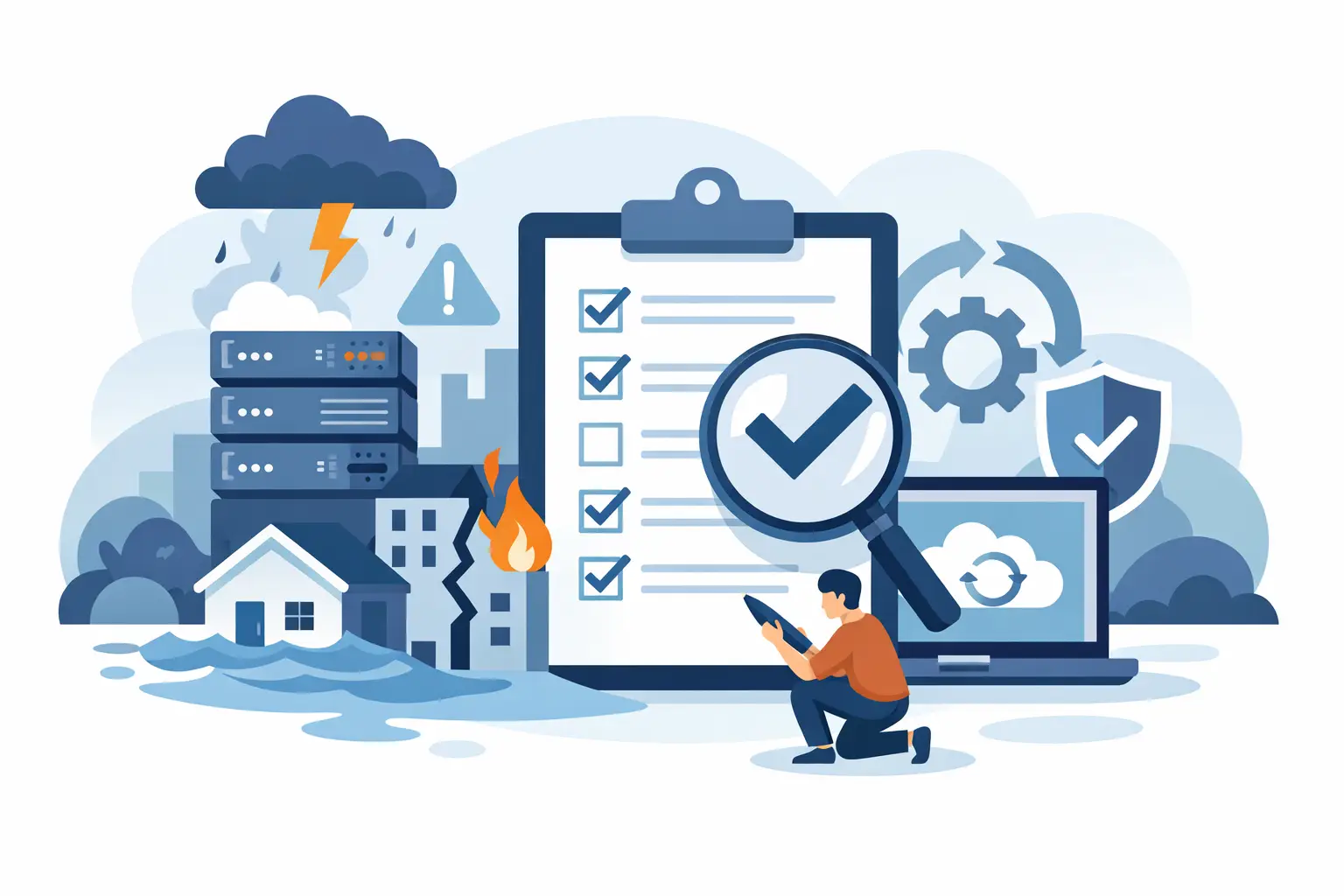
A backup that has never been restored is not a recovery plan. It is a hope file sitting somewhere you may not be able to reach when ransomware locks the network, a server fails, or a storm takes the office offline. A useful disaster recovery testing checklist turns that hope into evidence: evidence that your systems can come back, your people know what to do, and your business can keep serving clients.
For Metro Atlanta law firms, medical and healthcare-adjacent practices, nonprofits, and growing businesses, the cost of a failed recovery is not limited to downtime. It can mean missed court deadlines, delayed patient service, exposed confidential records, payroll problems, and a difficult conversation with a board, insurer, or regulator. Testing reveals the gaps while there is still time to fix them, and it’s the piece that turns a business continuity plan from a binder on a shelf into something that actually works on a bad day.
Start With Recovery Objectives, Not Technology
The first question is not whether backups completed last night. The first question is what your organization must restore first and how long it can reasonably operate without it.
Set a recovery time objective, or RTO, for each critical service. This is the maximum acceptable downtime. A firm may need its document management system back within four hours but can tolerate a day without its marketing site. Set a recovery point objective, or RPO, as well. This defines how much data loss is acceptable. If accounting data is backed up nightly, the business could lose up to one business day of entries after a failure.
Those numbers should come from operations leadership, not an IT guess. A one-hour RTO sounds reassuring until someone realizes the backup takes six hours to restore over the available internet connection. Shorter recovery targets usually require more investment in replication, standby systems, or cloud recovery capacity. That trade-off should be explicit.
Disaster Recovery Testing Checklist: What to Verify
Use this checklist as the backbone of a scheduled test. The depth of the test depends on your environment, but every item should produce a documented result, an owner, and a follow-up date for anything that fails.
-
Confirm the recovery scope. Identify the scenario being tested: ransomware, failed server, cloud application outage, lost internet service, office loss, or accidental deletion. List the systems, data, locations, and business functions affected by that scenario.
-
Verify backup success and retention. Review backup logs for failures, skipped devices, inactive licenses, and jobs that appear successful but protect too little data. Confirm that retention periods align with operational and compliance needs. A backup that overwrites the only clean copy too quickly can be useless after a delayed ransomware discovery.
-
Test restore access. Make sure authorized staff can access backup consoles, encryption keys, recovery credentials, and multifactor authentication methods during an outage. Do not assume the password vault, email account, or phone-based MFA method will be available when you need it.
-
Restore actual data. Recover representative files, folders, databases, virtual machines, and cloud data to a safe test location. Open the restored files and verify they are current, complete, and usable. A restored database that will not mount, or a legal matter folder missing permissions, is a failed test.
-
Validate full-system recovery. At least periodically, restore a critical server or application environment, then test sign-in, line-of-business workflows, printing, integrations, and remote access. File restoration is necessary, but it does not prove that a business application will work.
-
Measure recovery time. Start the clock when the incident is declared, not when an engineer begins restoring data. Include time spent locating contacts, approving decisions, acquiring credentials, configuring replacement hardware, and checking the recovered system. Compare the actual result with the RTO.
-
Check security before reconnecting. Confirm that recovered systems have current patches, endpoint protection, secure administrator credentials, and network segmentation before returning them to production. Restoring a compromised image can simply restart the incident.
-
Test communications. Verify the call tree and incident contacts for leadership, IT, employees, critical vendors, clients, insurers, and legal counsel where appropriate. Send a controlled test message through an alternate method. If email is down, can your team communicate by phone, text, or a prearranged collaboration platform?
-
Review vendor dependencies. Identify outside providers needed for recovery, including cloud software companies, internet carriers, VoIP providers, payment processors, and hardware suppliers. Confirm support numbers, account details, escalation paths, and service-level commitments are current.
-
Document the result. Record what was tested, how long it took, what failed, what worked, and who owns each remediation item. A test without documentation becomes a story people remember differently six months later.
Test the Business Process, Not Just the Server
Technical teams naturally focus on whether a virtual machine boots or a file can be restored. Decision-makers should ask a harder question: can an employee complete the work that keeps the organization running?
For a law firm, that may mean a paralegal can locate a matter, retrieve correspondence, access the practice management platform, and produce a filing-ready document. For a medical practice, it may mean staff can safely access scheduling and patient records according to downtime procedures. For a nonprofit, it could mean donations can still be accepted and restricted funds can be tracked.
Include the people who perform those tasks in the test. They will spot issues an infrastructure-only review misses, such as a missing printer mapping, unavailable third-party integration, unfamiliar workflow, or permission problem. The test should be controlled, but it should feel enough like a real disruption to expose assumptions.
Run Different Tests at Different Intervals
Not every test requires taking a production system offline. In fact, doing that too often can create unnecessary risk. The right cadence depends on the rate of change, the sensitivity of the data, and the recovery objectives.
A monthly review of backup reports and a small file restore is a sensible baseline for many small and midsize organizations. Quarterly tests can restore a key application, a database, or a virtual server into an isolated environment. An annual tabletop exercise should bring leadership and department owners together to walk through a realistic incident from detection through recovery and communication.
Organizations with strict client confidentiality, regulatory obligations, or aggressive RTOs may need more frequent and more comprehensive testing. If you have made a major change - moved to a new cloud platform, replaced a firewall, added a location, changed a line-of-business application, or acquired another organization - test the affected recovery process promptly. Old documentation rarely survives a major change intact.
Common Reasons Recovery Tests Fail
The most dangerous failures are often ordinary ones. Backup notifications went to a former employee. A new server was never added to the backup job. The recovery runbook references an old vendor contact. The only administrator capable of restoring a system is on vacation. The internet circuit is too slow to retrieve the data within the promised timeframe.
Ransomware adds another layer. A backup can be technically complete and still be unsafe if attackers had access long enough to encrypt or corrupt it. Test whether you have protected copies that cannot be altered by normal administrator accounts, and verify the process for identifying a clean recovery point. This is where backup strategy and cybersecurity strategy meet.
Cloud applications deserve the same scrutiny. Many providers protect their own infrastructure, but that does not necessarily mean they retain your deleted files, mailbox content, configuration settings, or data for the period you need. Ask exactly what is backed up, who can restore it, and how long a restore takes.
Turn Test Results Into Operational Fixes
A recovery test should end with a short action register, not a congratulatory meeting. Rank findings by business impact. A missing phone number is easy to fix. A critical application that cannot meet its RTO may require a budget decision, architecture change, or a frank adjustment to leadership expectations.
Assign each item to a named owner and revisit it until it is closed. Update the disaster recovery plan, contact list, network documentation, and recovery instructions after every meaningful change. If the procedure is too complicated for another qualified technician to follow, it is too complicated for an emergency.
For organizations without a large internal IT department, an outside partner can help plan and run these tests without turning them into an enterprise paperwork exercise. 404 Network Ninjas approaches the work the practical way: assess the environment, test what matters to operations, document the gaps, and fix the risks that could turn an outage into a business crisis.
The goal is not to prove that nothing can go wrong. It is to make sure the next bad day is met by people with current instructions, tested recovery paths, and a clear understanding of what needs to come back first.



