
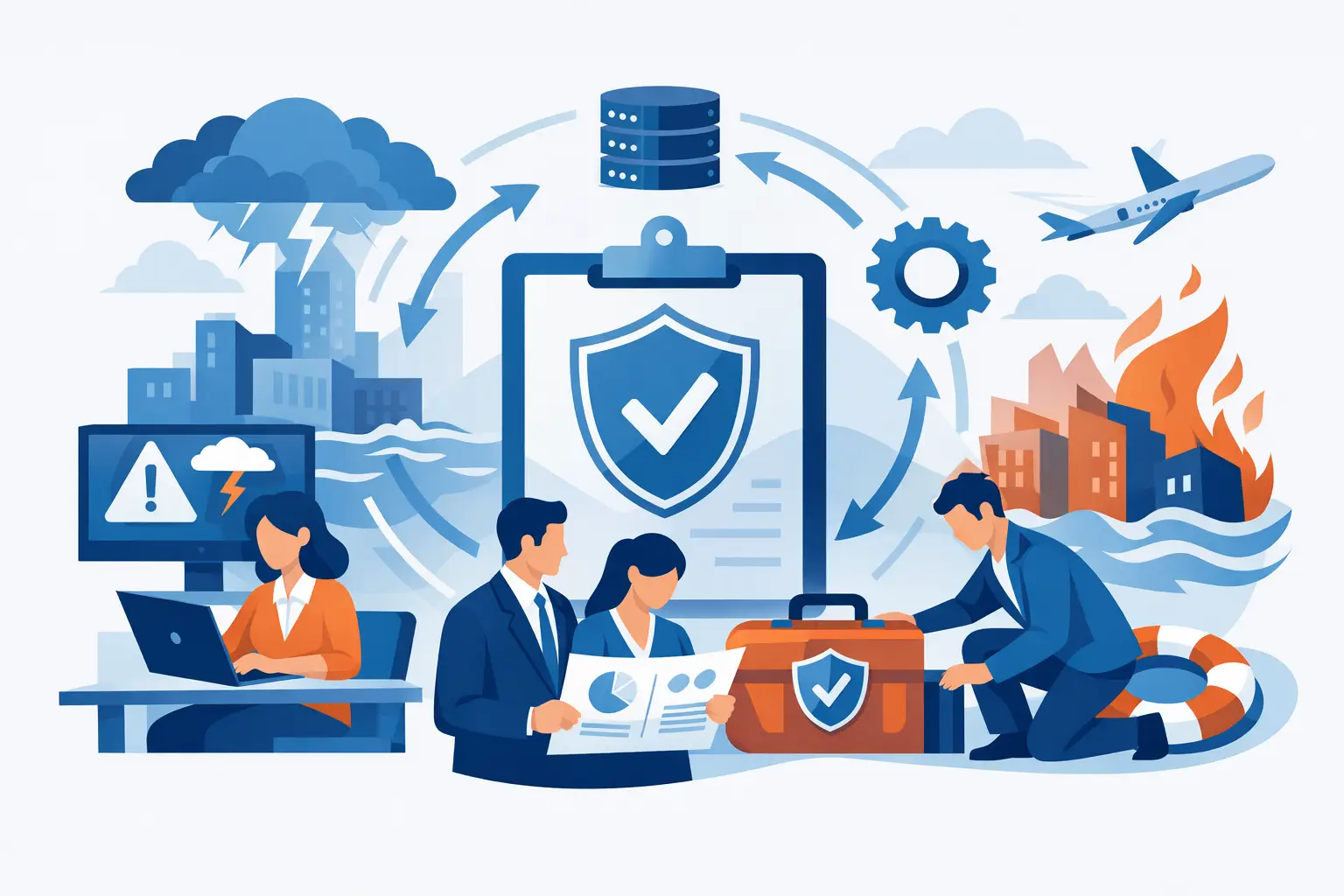
A server failure at 10:15 a.m. is not just an IT problem if your staff cannot access client files, process payments, answer phones, or see patients by 10:30. The point of a plan is to make those next 15 minutes less chaotic. When you create a business disaster recovery plan, you are deciding ahead of time who does what, which systems come back first, and how long the business can operate without them.
For a Metro Atlanta law firm, that may mean restoring document management and secure email before anything else. For a healthcare-adjacent practice, it may mean getting scheduling, communications, and protected health information back without creating a HIPAA problem. A nonprofit may need donor records and payroll available before an event or grant deadline. The technology differs. The operating question does not: what must work for the organization to keep serving people?
Start With Business Impact, Not Backup Software
Many organizations start disaster recovery planning by asking where to put a backup. That is necessary, but it is not the first question. A backup is a copy of data. Disaster recovery is the process for returning the business to an acceptable working state after a ransomware attack, failed server, fire, flood, extended power outage, or major vendor outage.
Begin by identifying the functions that stop revenue, service delivery, compliance, or safety when they go down. Talk to the people who run those functions, not only the person who administers the network. An office manager may know that a phone outage sends every client call to voicemail. A practice administrator may know a scheduling system can be unavailable for two hours but not until the next morning. A managing partner may know access to a matter file is time-sensitive even if the rest of the firm can work around an application outage.
For each critical system, document four practical facts:
- Who owns the system and who can make recovery decisions?
- What data does it hold, and does that data have confidentiality or regulatory requirements?
- How long can the organization operate without it?
- What is the manual workaround, if one exists?
This exercise exposes assumptions quickly. Staff may believe a cloud application is automatically protected, while the vendor’s responsibility ends at keeping the application available. The vendor may restore the platform, but not necessarily an accidentally deleted mailbox, corrupted file, or compromised user account. Likewise, a backup may exist but be too old, incomplete, or slow to restore when it counts.
Set Recovery Targets People Can Actually Meet
A usable disaster recovery plan includes two numbers for every critical system: recovery time objective and recovery point objective.
The recovery time objective, or RTO, is how long the system can be unavailable. If email needs to be operational within four hours, that is the target. The recovery point objective, or RPO, is how much data loss the organization can accept. If a file server is backed up nightly, a failure at 4 p.m. could mean losing most of that day’s work. For some businesses, that is tolerable. For a busy legal, financial, or clinical workflow, it may not be.
There is no universal “right” RTO or RPO. Faster recovery and more frequent backup typically cost more, and that is a valid trade-off. The mistake is paying for a basic backup while assuming it supports near-zero downtime, or paying for premium continuity tools on systems that could reasonably wait until the next business day.
Put these choices in writing. A simple table is often enough: system name, business owner, RTO, RPO, backup location, recovery method, and the person responsible for initiating the recovery. If the document cannot tell a technician what to restore first, it is not yet a recovery plan.
Build Recovery Around Real Failure Scenarios
A plan should not assume one neat kind of disaster. Most organizations need to prepare for at least four scenarios: ransomware or account compromise, hardware failure, loss of office access, and a third-party service outage.
Ransomware is different from a failed hard drive. Restoring too quickly without confirming the attacker is out can reinfect the environment or destroy evidence needed for cyber insurance and legal counsel. The plan should state who can authorize a shutdown, who contacts the insurance carrier and incident-response team, how affected endpoints are isolated, and how staff receive instructions if email is unavailable.
A hardware failure may be simpler, but only if documentation is current. Record your internet provider, firewall configuration, server roles, network diagrams, administrative accounts, software licenses, key vendor contacts, and hardware warranty details. Keep protected copies of this information somewhere accessible even if the office network is down. A password manager with emergency access procedures is far better than a spreadsheet on the server that just failed.
Office access loss deserves equal attention. A building issue, weather event, or utility failure can leave equipment intact but staff unable to reach it. Decide which employees can work remotely, how they authenticate securely, where calls should route, and whether critical line-of-business tools are accessible outside the office. If your phones, files, and applications all depend on one physical location, the business is more exposed than it may appear.
Make Your Backups Recoverable, Not Merely Present
The old advice to keep three copies of data on two types of media with one copy off-site remains useful. But modern threats require more detail. At least one copy should be isolated from routine administrative access, often called immutable or air-gapped backup. Otherwise, ransomware that reaches a privileged account may encrypt or delete backups along with production data.
Backup coverage should include more than the main server. Review cloud email and file platforms, line-of-business databases, virtual machines, shared drives, configuration backups for firewalls and network equipment, and key SaaS data. Also consider where data is created outside approved systems. A department keeping operational records in an employee’s personal cloud account creates a recovery gap no backup appliance can solve.
Then test the restore. Not just a dashboard notification that says “successful.” Restore representative files, an application database, and, when practical, an entire server or virtual machine into a safe testing environment. Confirm that the restored application opens, users can log in, and the data is current enough to meet the stated RPO.
A quarterly test is reasonable for many small and midsize organizations. Higher-risk environments may need more frequent testing. The right interval depends on the pace of data change, regulatory obligations, and the financial cost of downtime. What matters is evidence that recovery works, not confidence based on a green status report.
Assign Decision Rights Before the Emergency
During an outage, someone needs authority to make a call: disconnect the internet, take systems offline, send staff home, switch phones, notify clients, or authorize outside incident response. Do not leave those decisions to a vague group chat at 2 a.m.
Your plan should name a primary incident lead and a backup, plus contacts for executive leadership, IT, legal counsel, cyber insurance, key application vendors, and building management. Include personal phone numbers or an alternate contact method where appropriate. Company email is not a dependable emergency communication channel if identity systems or Microsoft 365 access are part of the incident.
Create short communication templates before you need them. One should tell employees what happened, what they should not do, and where to get updates. Another can inform clients or partners of a service interruption without sharing technical details that create security or reputational problems. For regulated organizations, involve counsel and compliance leadership early. Notification requirements can depend on the type of information involved and whether data was accessed, not just whether systems were unavailable.
Test the Plan With the People Who Will Use It
A disaster recovery plan hidden in a shared folder is paperwork, not preparedness. Run a tabletop exercise at least annually. Present a realistic scenario: a staff member reports a ransom note, the file server is inaccessible, and the office manager cannot reach the IT contact by email. Ask the group what happens in the first hour, the first day, and the first week.
The goal is not to catch people out. It is to find unclear responsibilities, missing contact details, recovery targets that are too optimistic, and dependencies nobody documented. Maybe the accounting system requires a license server that was left off the recovery list. Maybe remote staff cannot answer main-line calls. Maybe the executive team has no secure way to approve emergency spending after hours.
Update the plan after the exercise, after major technology changes, and after any actual incident. A cloud migration, office move, new phone platform, merger, or departure of a key employee can make an otherwise good plan stale overnight.
A Plan Should Reduce Panic, Not Create a Binder
You do not need a 100-page enterprise document to be prepared. You need a current, tested plan that reflects how your organization actually works, along with backups and security controls that support the promises in that plan. For many Metro Atlanta organizations, an outside IT partner can provide the technical depth, testing discipline, and after-hours response that a lean internal team cannot reasonably carry alone.
404 Network Ninjas approaches recovery planning the same way it approaches day-to-day IT: assess the real environment, document the risks, fix the priorities, and stay close enough to answer when something breaks. The best time to settle recovery decisions is while the lights are on, the files are available, and nobody is guessing what comes next.



