
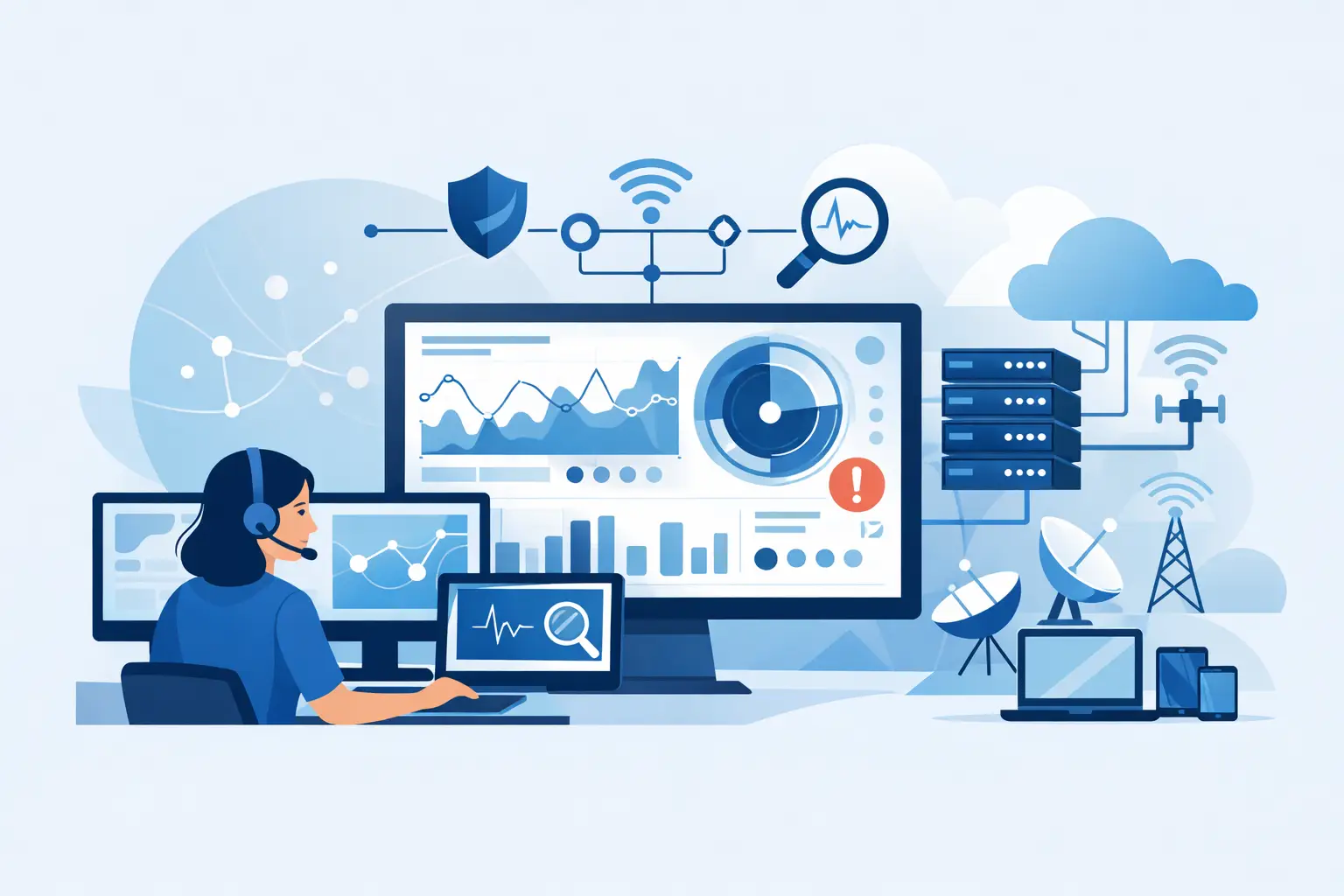
A server running out of storage rarely starts as an emergency. It starts as a warning nobody sees. A failed backup, an unstable internet connection, or a workstation quietly missing security updates can follow the same pattern. The real proactive network monitoring benefits are not flashy. They are the avoided Monday-morning outage, the faster answer when an employee cannot work, and the chance to fix a small problem before it becomes a business interruption.
For Metro Atlanta organizations without a large internal IT department, that difference is practical. Your office manager should not have to diagnose Wi-Fi drops. Your practice administrator should not find out a backup failed only after a ransomware event. Your internal IT lead should not spend every day chasing alerts that could have been handled earlier.
What Proactive Monitoring Actually Means
Proactive network monitoring means continuously watching the health, availability, and security signals across the systems your organization depends on. That can include servers, firewalls, switches, internet connections, cloud services, backups, workstations, antivirus status, patch levels, and storage capacity.
Monitoring alone is not enough. A dashboard full of red, yellow, and green indicators does not keep a business running. The value comes from people reviewing the right alerts, understanding what is normal in your environment, and taking action before users are affected.
For example, a monitoring tool may report that a server disk is 85% full. A passive provider may log the notification and wait. A proactive team investigates what is consuming space, confirms whether backups and applications are at risk, documents the fix, and addresses it before the server stops accepting files or processing work.
That is the difference between watching technology and managing it.
The Proactive Network Monitoring Benefits Businesses Feel
The strongest benefits show up in daily operations, not in a glossy report. They affect downtime, security exposure, employee productivity, and the predictability of IT costs.
Fewer Disruptive Outages
Most downtime has a lead-up. Hardware temperatures rise. A drive begins reporting errors. Network equipment loses connectivity intermittently. A certificate approaches expiration. An internet circuit drops repeatedly at certain times of day.
Monitoring makes those patterns visible. More importantly, it gives your IT partner time to respond while the business is still operating. Replacing a failing drive during a planned maintenance window is far less disruptive than recovering a server after it fails in the middle of a workday.
This does not mean every outage is preventable. A construction crew can still cut a fiber line. A cloud provider can still have an incident. But proactive monitoring reduces the avoidable failures and shortens the time it takes to identify what happened when something outside your control goes wrong.
Faster Resolution When Something Breaks
When an employee calls because they cannot reach a shared drive or use their phone system, they want help, not a lecture about ticket workflows. Monitoring gives technicians context before they start troubleshooting. They can see whether the issue is isolated to one computer, tied to a network switch, connected to an internet outage, or affecting a cloud service.
That context cuts down on guesswork. It also prevents the familiar break-fix routine where a technician starts from zero every time because no one has documented the environment.
For a law firm, that can mean restoring access to case files before a hearing prep session turns into a scramble. For a nonprofit, it can mean resolving a connectivity problem before a donor event. For a healthcare-adjacent practice, it can mean catching a system issue before it disrupts scheduling or patient communications.
Better Cybersecurity Hygiene
Cybersecurity is not one product installed once and forgotten. Attackers often succeed through ordinary gaps: unpatched software, disabled endpoint protection, weak configurations, exposed remote access, or accounts that were never removed after an employee left.
Proactive monitoring helps identify systems that fall outside the standards your organization needs. It can flag a workstation that has missed critical updates, a server with endpoint protection reporting an issue, or a firewall showing unusual activity. That gives your IT team a chance to investigate and contain risk before it turns into a larger incident.
There is a trade-off here. Monitoring creates alerts, and too many low-quality alerts create noise. A mature service provider tunes monitoring around meaningful risks and follows documented escalation procedures. The goal is not to bury your staff in notifications. The goal is to make sure the alerts that matter lead to action.
More Confidence in Backups and Recovery
A backup that has not been tested is a hopeful assumption, not a recovery plan. Monitoring can confirm whether backup jobs complete, whether storage is available, and whether critical systems are protected according to the agreed schedule.
Still, successful backup alerts are only part of the picture. Organizations with serious continuity requirements should also test restoration. Can you recover a file? Can you restore a server? How long would it take? Who has the authority and access to start the process? Those questions matter after ransomware, hardware failure, accidental deletion, or a major office disruption.
For regulated organizations, this evidence also supports more credible conversations about business continuity and safeguards. It is easier to demonstrate a disciplined process when monitoring, backup records, patching, and recovery testing are documented rather than handled informally.
Why Monitoring Supports Compliance Without Replacing It
HIPAA, client confidentiality obligations, cybersecurity insurance requirements, and audit frameworks all place pressure on organizations to show reasonable safeguards. Proactive monitoring contributes to that effort by creating visibility into assets, patch status, security controls, and unusual events.
But it is not a compliance shortcut. A monitoring platform cannot write your policies, train your employees, classify your data, or make leadership decisions about acceptable risk. It can provide the operational evidence and early warning needed to support those responsibilities.
For a law firm, the priority may be protecting confidential client files, maintaining secure remote access, and meeting insurer expectations. For a medical or healthcare-adjacent office, the focus may include access controls, device management, and documented response processes. The monitoring plan should reflect the actual environment and obligations, not a generic checklist copied from a national provider’s playbook.
The Human Part Is the Point
Many organizations already have monitoring software somewhere in their stack. They may have purchased it with a firewall, inherited it from a previous IT vendor, or installed it during a past security project. The question is not whether a tool exists. The question is who is accountable for acting on what it finds.
A useful monitoring program starts with an assessment of the network, devices, cloud services, users, critical applications, and existing risks. From there, the provider establishes practical standards for patching, endpoint protection, backups, alert response, and documentation. Then the work becomes ongoing: review, resolve, communicate, and adjust as the organization changes.
That last part matters. A network is not static. You add employees, open remote access, adopt a new line-of-business application, replace phone systems, move files to the cloud, or lose the one employee who knew how everything fit together. Monitoring should evolve with those changes.
At 404 Network Ninjas, that means the goal is not to send a monthly report nobody reads. It is to know the environment well enough to call when a risk needs attention, explain the issue in plain language, and recommend a fix that fits the organization and its budget.
When Proactive Monitoring Needs More Than Alerts
Monitoring is most effective when paired with the services that turn findings into prevention. If a system is overdue for updates, someone needs to manage patching. If endpoint protection reports a threat, someone needs to investigate it. If backup failures recur, someone needs to correct the root cause and verify recovery. If an old firewall cannot support current security needs, someone needs to plan the replacement before failure forces a rushed purchase.
That is why managed IT works best as a disciplined operating model rather than a collection of disconnected tools. Monitoring, help desk support, security management, backup oversight, strategic planning, and on-site help should reinforce one another.
For some small organizations, a lighter monitoring package may be enough at first, especially if they have capable internal staff and a simple environment. For firms with sensitive data, multiple locations, compliance pressure, or no internal IT coverage, a broader managed-service arrangement is usually the safer choice. The right answer depends on the cost of downtime, the systems you rely on, and the risk you are carrying now.
The practical question is simple: if a critical system starts failing at 2 a.m., will someone see it, understand its impact, and take the next right step before your staff arrives? That is where proactive monitoring earns its place - quietly, consistently, and before a small warning becomes your next business crisis.



