Technology
HIPAA-Compliant Cloud Backup for Medical Practices: Buyer Notes
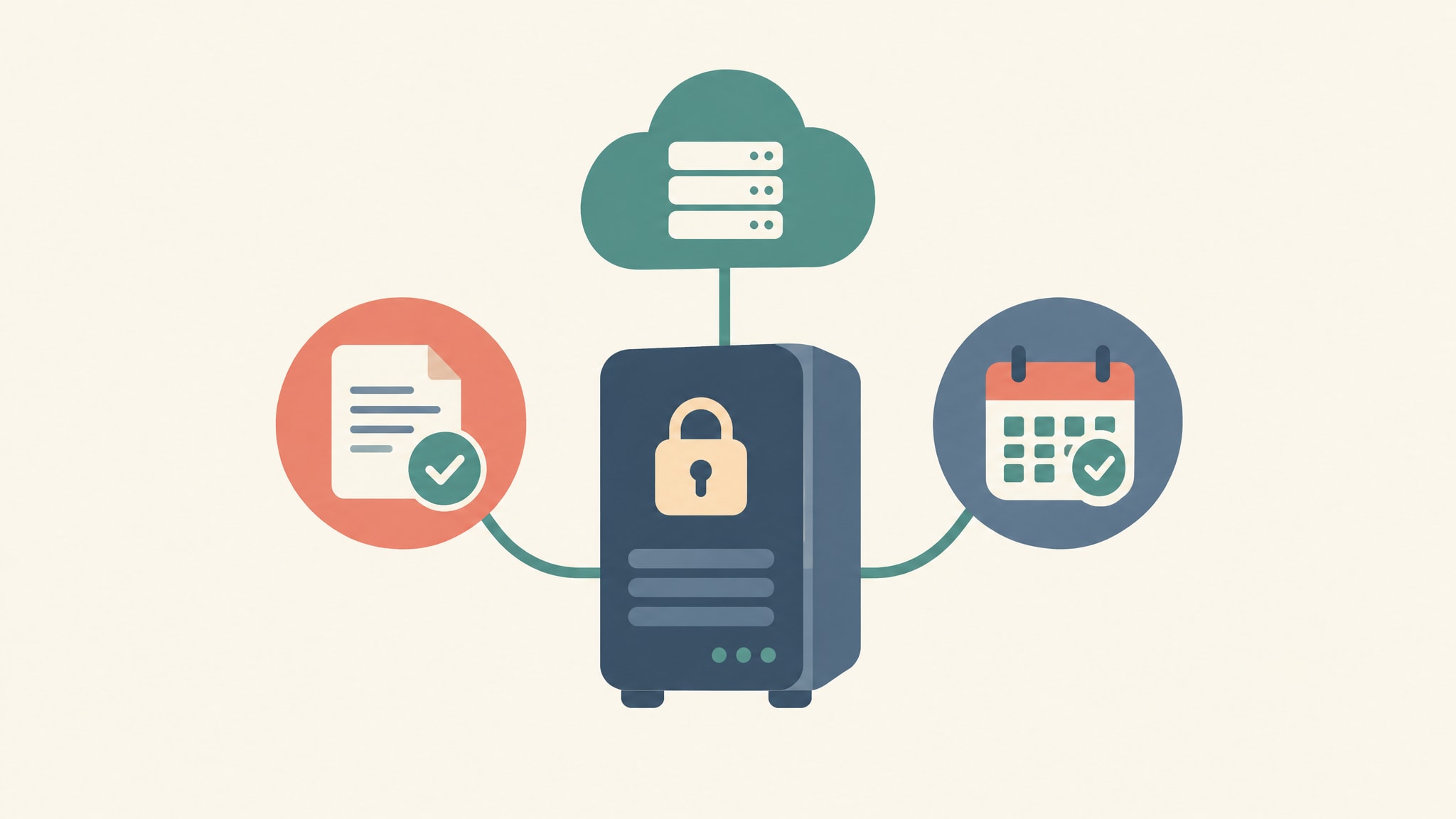
A cloud backup is HIPAA-ready when four things are true: the vendor signs a business associate agreement (BAA) that covers your backup copies, the data is encrypted, access is logged, and someone has proven a restore actually works. Miss any one and you have a line item, not a safeguard.
That’s the short answer. The rest of this page is what we’d want a practice manager to know before signing anything, written by people on a team with 30+ years of IT experience who have spent that time answering the phone when a server dies at 7 a.m. and the front desk can’t pull up a schedule.
What HIPAA-Compliant Cloud Backup Means for a Medical Practice
No federal body certifies a backup product as “HIPAA compliant.” Any vendor that stamps that phrase on a brochure is selling you a feeling. What exists is a set of obligations in the Security Rule, and your practice has to show that its backup setup meets them.
In practice, that means a signed BAA before any patient data moves, encryption you can explain, logs showing who touched the copies, and a restore test with a date on it. We cover the wider picture of what a compliance-minded provider should handle in HIPAA-compliant IT support in Atlanta, explained.
This guide won’t hand you a certification and it won’t replace a risk analysis of your own. It helps you pick a backup design and ask vendors questions they can’t dodge.
Why Cloud Backup for a Doctor’s Office Is More Than Cloud Storage
Cloud storage holds files, and file sync mirrors them. Neither one is a backup, because a mirror faithfully copies your mistakes.
Picture a front-desk PC with a synced shared folder. Ransomware encrypts the files on that PC, and the sync client dutifully uploads the encrypted versions. Now the cloud copy is damaged too, unless the provider keeps earlier versions you can roll back to. Delete a folder by accident and the deletion syncs just as cheerfully.
A real backup keeps earlier points in time, so you can restore the folder as it stood last Tuesday.
A storage vendor that signs a BAA has cleared a necessary hurdle. It still hasn’t given you a backup, and you shouldn’t treat the two as the same purchase.
Choosing a HIPAA Backup Solution: Image-Based, Cloud-to-Cloud, or Hybrid
Competing pages hand you a list of vendors and a star rating. We’d rather give you three questions that work on any vendor. Who can touch the protected health information (PHI)? Where do the encryption keys sit? And how fast does a whole server, or a single chart, come back?
The same questions carry over to other regulated shops, and we walk through them in the backup non-negotiables we apply to law firms. Medical practices just have a harsher clock, because patients are in the waiting room.
Hybrid vs. Cloud-Only: Where the Restore Time Really Comes From
Hybrid means a local copy for fast restores plus an offsite copy for disasters. For a practice with an on-site server and a cloud EHR, it’s usually the practical answer, because a local copy restores at the speed of your own network while the offsite copy covers fire, theft, and flood.
Cloud-only drops the hardware, which is appealing. The catch is that restore speed now depends on your internet connection, and pulling back a few hundred gigabytes over a business line takes far longer than anyone imagines when they sign the contract.
Hybrid has its own condition: the offsite copy must use separate credentials from your day-to-day admin accounts. If the same login that runs your server can also delete the offsite copy, you’ve built one target with two addresses.
If you’re weighing the budget side, what a disaster recovery plan costs a small business lays out the trade-offs before you commit to a design.
Image-Based and Cloud-to-Cloud: What Each One Actually Captures
An image-based backup captures the whole server: operating system, applications, settings, and every file on it. That’s why it brings a dead machine back fast, and also why it holds PHI everywhere on that machine. Everything in the image is in scope for your safeguards.
Cloud-to-cloud backup protects data that lives in software-as-a-service platforms, such as hosted email and shared drives. Microsoft and Google run those platforms, but your retention settings and your recovery options are not the same thing as a backup you control. A deleted mailbox is gone once the retention window closes.
Many practices need both. The image covers the server in the supply closet, and cloud-to-cloud covers the email where staff paste patient details more often than they’d admit. In either case, the vendor’s BAA has to cover the backup copies themselves, not just the live service they sell next to them.
BAA and Encryption: What Your Backup Vendor Has to Sign and Protect
Two documents decide whether a backup vendor is a serious candidate: the agreement they’ll sign and the explanation they’ll give of their keys. You can learn most of what you need in one phone call.
The Business Associate Agreement Your Backup Vendor Has to Sign
HHS guidance on HIPAA and cloud computing treats a provider that maintains ePHI as a business associate even when it can’t view the data. So an encrypted, zero-knowledge backup vendor still needs a signed BAA, and it has to be signed before any protected data moves.
When you read the agreement, look for three things. It should name the subcontractors, including the data center that physically holds your copies, so you know who else is in the chain. It should set a breach-reporting window, a specific number of days rather than “promptly.” And it should say what happens to your copies at termination: who deletes them, how, and whether you get written confirmation.
If a vendor’s standard agreement is silent on any of those, ask for them in writing. A vendor that refuses to discuss them is telling you how a breach would go.
Encryption in Transit and at Rest, and Who Holds the Keys
Under the Security Rule, encryption is an addressable item. That doesn’t mean optional. It means you assess it, then document what you decided and why, and for backups of patient records the sensible decision is nearly always to encrypt.
Encrypt in transit, so data is protected on its way offsite, and at rest, so a stolen disk or a curious data center employee gets nothing readable. Then ask the question vendors hate: who holds the keys? Some hold them for you, some let you keep them, and each choice has consequences. Keep your own key and lose it, and your backup is unreadable. Let the vendor hold it, and you’re trusting their staff and their access logs.
A vendor that can’t explain its key handling in plain words is not a serious candidate.
Ransomware-Resistant Copies: What an Attacker Can and Cannot Reach
Ransomware crews know what a backup is. They often go after backup repositories early, sometimes weeks before the visible attack, because a victim with a working backup doesn’t pay.
No backup is ransomware-proof. The honest promise is a copy the attacker cannot alter or delete, not a copy nobody can attack.
Our wider thinking on locking down accounts is in cybersecurity for medical practices, beyond the checkbox.
Immutable and Separately Credentialed Copies
Your backup copy must sit outside the reach of your production admin accounts. If an attacker steals a domain admin password, that password shouldn’t open the backup console, and it shouldn’t delete anything stored offsite.
Two controls do most of the work. Retention or immutability locks keep a copy from being changed or deleted for a set period, even by an administrator. And no drive stays permanently mapped to your server, because an always-mapped backup drive is just another folder for ransomware to encrypt.
Ask your vendor to show you the lock setting and the retention period. Then ask who at your practice, and who at the vendor, can override it.
Restore-Time Testing: Set Targets, Then Prove Them
The Security Rule’s contingency plan standard makes a data backup plan and a disaster recovery plan required, while testing and revising those plans is addressable. We’d read that last part as a warning: a plan nobody has tested is a guess you’ve written down.
Set a Restore Target for Each System Before You Buy
Every system needs two targets, in plain words. The first is recovery time: how long can this system be down before patient care suffers? The second is recovery point: how much recent data can you afford to lose, an hour’s worth or a day’s?
Your scheduling system and your EHR will probably answer very differently from your marketing folder. Write the numbers down per system before you shop, because those numbers decide whether you need hybrid, how often copies run, and what you can safely skip paying for. That’s also how you avoid an enterprise package built for a hospital system you aren’t.
Then test on a fixed schedule your practice writes down, and again after any major change, like a new server or an EHR upgrade. Restore into an isolated environment so live patient care is never touched.
EHR Backup and Recovery: Test the Chart, Not Just the Server
A restore that finishes with a green checkmark proves the files came back. It doesn’t prove a clinician can open a chart. So open one, compare it with the source, and confirm that recent notes, attachments, and orders match what you had.
If your EHR is hosted, ask the vendor what it retains, for how long, and whether you can get your own export before a crash rather than during one. Many practices assume the EHR vendor has them covered. Check that assumption in writing while nothing is on fire.
A Clinic Restore Walkthrough: Where the Time Actually Goes
We aren’t going to print a stopwatch table here. Restore times swing with data size, hardware, and bandwidth, and a number from someone else’s practice tells you little about yours. What does carry over is the order of events and the places time tends to disappear.
The Restore Timeline, Step by Step
Take a typical practice with an on-site server and a cloud EHR, and a server that won’t boot. The restore usually runs like this.
First comes the decision, and it takes longer than people expect. Someone has to confirm this is a restore and not a quick repair, and someone has to say who’s authorized to call it.
Next, the technician stands up the server image from the local copy, ahead of anything offsite. The shared drives and scheduling data come back first, because the front desk is waiting on them. Then comes the check that matters: a clinician opens a chart and confirms it matches.
Time tends to vanish in the unglamorous spots. Finding the encryption key. Reaching the person with the vendor portal login. Waiting on a hosted EHR vendor to confirm what they hold. None of these are technical problems, which is exactly why a stopwatch on the restore itself misses them.
After a test like this, the practice’s written plan usually changes in small, useful ways. It names who can authorize a restore, records where the keys are kept, lists the vendor contacts with direct numbers, and puts the restore order on a single page.
Healthcare Data Backup in Atlanta: Who Answers the Phone When a Restore Fails
Most IT providers call themselves a “trusted partner.” We find the phrase carries about as much weight as “synergy.” What counts is who picks up when your restore stalls at 40 percent.
At 404 Network Ninjas, a family-run shop founded in 2024, with a team that has 30+ years of IT experience, the same technicians who know your setup stay on your account for years. The person who wrote your restore plan is usually the one who runs the test and answers the phone during a real restore, with no overseas desk and no ticket queue between you and them. We wrote down why we still answer the phone ourselves because people keep asking.
We serve practices across Metro Atlanta, including Buckhead, Decatur, Woodstock, and the areas around them. If you want a HIPAA-ready backup, BAA, encryption, and restore testing handled as an ongoing service instead of a one-time purchase, that’s what our cybersecurity and compliance services cover.
Book a restore-test review by phone, and you’ll talk with the technician who would run it. Bring your current backup vendor’s name and your EHR vendor’s name, and we’ll tell you plainly where your restore would stall.
Frequently asked questions
Does a medical practice need a BAA with its cloud backup vendor if the data is encrypted?
Yes. HHS guidance on cloud computing treats a provider that maintains ePHI as a business associate even if it cannot read the data. Sign the BAA before any protected data moves, and make sure it covers the backup copies and the vendor’s subcontractors.
Is Google Drive, Dropbox, or OneDrive enough as a backup for a doctor’s office?
Not on its own. File sync mirrors changes, so deletions and ransomware-encrypted files can carry into the cloud copy. You need a service that keeps earlier points in time, signs a BAA that covers those copies, and has been tested with a real restore.
Is hybrid backup better than cloud-only for a medical practice?
For a practice with an on-site server, usually yes. The local copy gives you fast restores, and the offsite copy protects against fire, theft, and flood. Cloud-only works when you have little on-site data and a fast connection, but restore speed then depends on your bandwidth.
How often should a medical practice test its backup restores?
Set a schedule your practice writes down, and test again after any major change, such as a new server or an EHR upgrade. Restore into an isolated environment so patient care isn’t touched. For the EHR, open a chart and confirm it matches the source.
Is encryption required for HIPAA backups?
Under the Security Rule, encryption is an addressable specification. You must assess it and document your decision rather than ignore it. For backups holding patient records, encrypting in transit and at rest is almost always the decision you will be able to defend.