
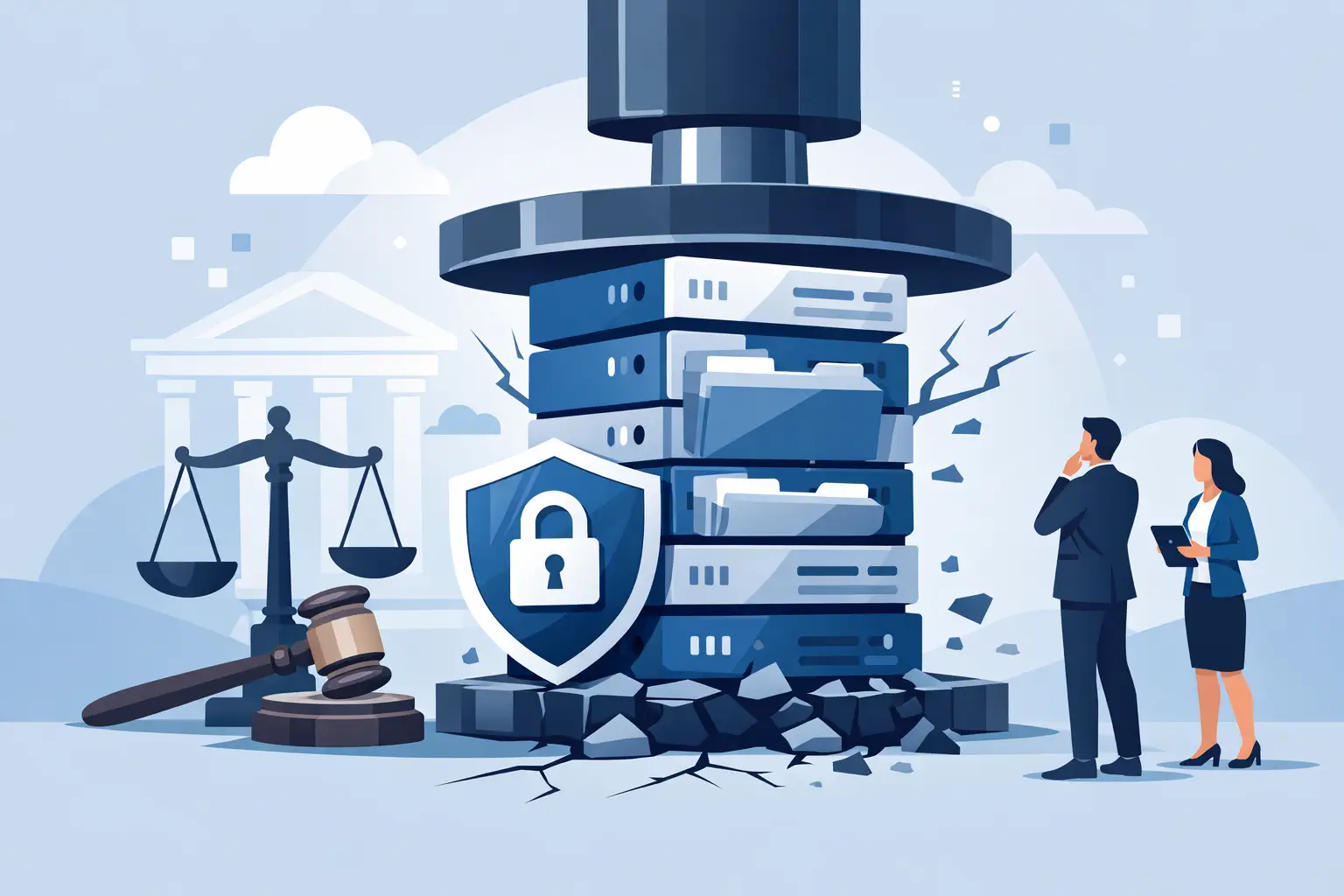
A former client calls looking for a file from seven years ago. A partner has retired, the matter management system changed twice, and the only person who knew where older records lived left three years back. Then a litigation hold arrives. This is when law firm data retention stops being an administrative chore and becomes a risk issue.
For Metro Atlanta firms, the question is not simply how long to keep files. It is whether the firm can find the right information, prove it was protected, suspend deletion when required, and recover it after a ransomware incident or system failure. A retention policy that exists only as a Word document on a shared drive will not carry much weight when the pressure is on.
Law Firm Data Retention Is More Than Keeping Everything
Keeping every document forever can feel safe, especially in a profession built on caution. In practice, indefinite retention creates its own problems. It expands the amount of sensitive client information an attacker can steal, raises storage and review costs, makes search results harder to trust, and leaves more material available for discovery disputes.
The opposite mistake is just as dangerous. Automatic deletion rules that remove matter files, email, or cloud records without regard for ethical obligations, client agreements, tax requirements, insurance expectations, or active disputes can put the firm in a difficult position fast.
A workable policy balances several interests: professional responsibility requirements, client needs, business and tax records, litigation exposure, privacy obligations, and the practical limits of the firm’s technology. The precise retention period depends on practice area, jurisdiction, engagement terms, and the record itself. Your managing partners should set the policy with qualified legal counsel, not ask an IT vendor to invent a legal rule.
IT has a different but equally critical job. It turns the approved policy into real controls: file locations, permissions, retention labels, backup settings, deletion workflows, audit logs, and recovery testing. That distinction matters. A policy is the decision. Technology is how the firm consistently follows it.
Start With a Records Inventory, Not a Storage Purchase
Before adding another cloud platform or increasing backup capacity, identify what the firm actually has. Many firms discover that client information is scattered across document management, Microsoft 365 or Google Workspace, practice management platforms, accounting software, phones, local file shares, personal devices, and former employees’ mailboxes.
A records inventory should identify each system, the types of data it contains, who owns it, who can access it, whether it is backed up, and what retention rule applies. This does not need to become a six-month bureaucracy project. Start with the systems that hold active client files, email, financial records, and the firm’s most sensitive communications.
For each category, answer a few operational questions in plain language. Where is the official record? Is there a duplicate or export elsewhere? Who approves destruction? Can an administrator place the record on hold? Can the firm retrieve it within a reasonable time if a client, insurer, court, or regulator asks?
The answer is often uncomfortable: “We think it is in someone’s mailbox.” That is useful information. It tells you where the work starts.
Separate Active Files, Closed Files, and Backups
A common failure is treating every copy of data as though it serves the same purpose. It does not.
Active matter records need convenient access by the people working the case. Closed matter records may need restricted access, a defined retention clock, and a documented destruction process. Backups exist to restore operations after deletion, corruption, ransomware, or disaster. They are not a substitute for a searchable records archive or a document management strategy.
Backup platforms can also retain deleted data longer than the production system. That can be helpful during recovery, but it can complicate retention and deletion commitments. The firm should know how long backup versions remain available, whether retention can be changed, and whether a legal hold process accounts for data stored in backup repositories.
This is not an argument for eliminating backups. It is an argument for documenting what they do. A ransomware-ready backup should be protected from ordinary user access, monitored for failure, and tested through actual restore exercises. Finding out that a backup cannot restore a critical matter database is not a test result you want after an incident.
Email deserves its own decision
Email is where retention plans usually get messy. Client instructions, draft agreements, settlement discussions, invoices, and internal advice may all sit in individual mailboxes. If departing attorneys can export mail unchecked, or if mailboxes are deleted on a fixed schedule without review, the firm has a records problem.
Set clear procedures for mailbox ownership when an employee leaves, including access approval, preservation review, forwarding rules, and eventual deletion. Apply retention settings consistently, but make sure authorized personnel can suspend routine deletion when a hold is issued. Firms should also address text messages and collaboration tools. If attorneys conduct client business there, those communications belong in the retention conversation.
Build Legal Holds Into the Workflow
A litigation hold is where a reasonable retention schedule meets a duty to preserve. Once the firm reasonably anticipates litigation, receives a subpoena, faces an employment dispute, or identifies another preservation trigger, routine destruction for relevant information must stop.
That means the firm needs more than a partner sending a vague email saying, “Do not delete anything.” It needs a repeatable process for identifying relevant custodians and systems, preserving files and communications, documenting who received the notice, following up on compliance, and releasing the hold when appropriate.
The process should cover cloud systems and personal devices used for firm business. If a lawyer has client texts on a personal phone, a hold cannot ignore that fact because it is inconvenient. The firm may need a practical bring-your-own-device policy, mobile management controls, or a requirement that client communications occur through approved platforms.
Technology can help preserve content through retention labels, e-discovery functions, mailbox holds, and restricted deletion privileges. But tools do not decide relevance. Someone with authority must coordinate legal, records, HR, and IT actions. For a smaller firm, that may be a managing partner, practice administrator, and trusted IT partner working from a short written procedure.
Security and Retention Belong in the Same Room
The longer a firm keeps data, the more carefully it must protect it. Client files often contain financial details, health information, trade secrets, family matters, litigation strategy, and personally identifiable information. A criminal does not care whether the file is active or closed.
Basic controls should be treated as part of the retention program, not as a separate technology project:
- Multi-factor authentication for email, cloud storage, remote access, and administrative accounts.
- Role-based access so staff can reach the files they need without broad access to every matter.
- Encryption for devices and sensitive data, especially laptops used outside the office.
- Endpoint protection, patching, and monitoring that catch suspicious activity before it spreads.
- Tested backups with protected copies that ransomware cannot easily encrypt or delete.
Access should narrow when a matter closes and end promptly when an employee leaves. Shared passwords, orphaned accounts, and “temporary” admin access are exactly the kind of small shortcuts that become expensive incidents.
For firms subject to client security questionnaires or malpractice carrier requirements, documented controls are as valuable as the controls themselves. You should be able to show who has access, how systems are protected, how long data is retained, and what happens during an incident. If nobody can produce that evidence, the program is harder to defend.
Make Destruction Deliberate and Defensible
When a retention period ends and no hold applies, destruction should be intentional. The firm should document the category of records destroyed, the date, the approved method, and the person who authorized it. For paper records, this may involve secure shredding. For electronic records, it means considering files, mailboxes, cloud repositories, local copies, and applicable backup limitations.
Not every residual backup copy can disappear immediately, particularly where backup systems overwrite data on a schedule. What matters is that the firm understands the lifecycle, limits access to retained backup data, and does not misrepresent what has been destroyed.
Client agreements can add another layer. Some clients may require return of files, longer retention, shorter retention, or specific disposal requirements. Record those exceptions at matter opening, not when a client asks for an old file after the fact.
Turn the Policy Into a Routine
The best law firm data retention plan is usually not the longest one. It is the one people can follow on a busy Tuesday. Assign an owner for each major system, train staff at onboarding, review the schedule annually, and test one or two real-world scenarios each year.
Try questions like these: Can we locate all records for a closed matter? Can we preserve a departing attorney’s email and files without disrupting the firm? Can we restore a document system after ransomware? Can we show which accounts accessed a sensitive client folder? Those exercises expose gaps before a client complaint, audit, or breach does it for you.
404 Network Ninjas helps Metro Atlanta law firms translate these operational questions into practical technology controls. That starts with an assessment of where data lives, who can reach it, how it is backed up, and what would fail during a hold or recovery event. No buzzword parade. Just a documented plan and technicians who answer the phone when the plan needs to work.
A file retention schedule will not prevent every dispute or cyberattack. But a firm that can locate, preserve, protect, and recover its records is far less likely to let an avoidable technology failure become a client-confidence problem.



