
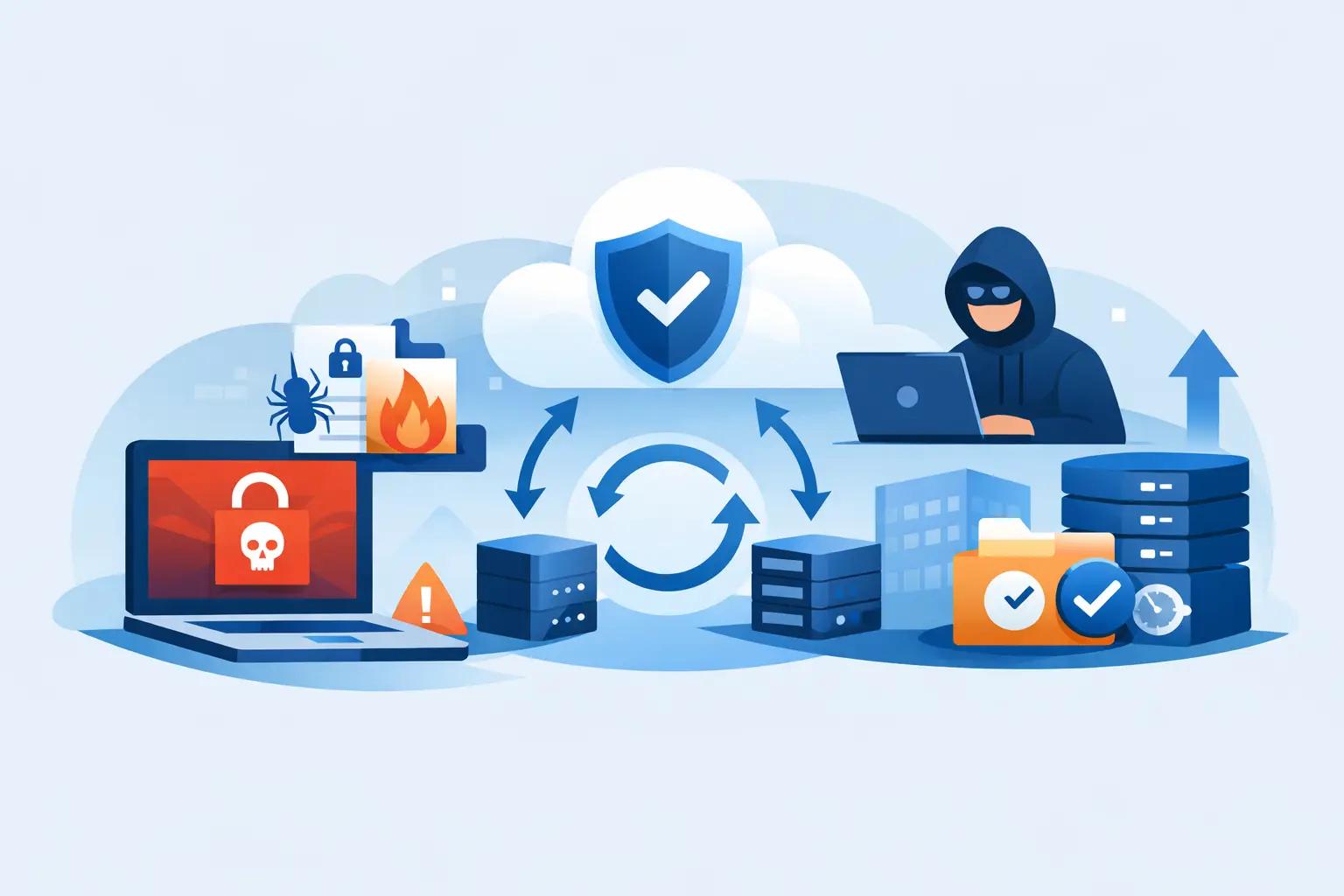
A ransomware screen is not the beginning of the problem. It is the moment your staff can finally see it. The real question is whether your ransomware backup recovery solutions can restore clean, usable business data before payroll, client service, patient scheduling, or case deadlines start slipping.
For many small and midsize organizations, backups exist but recovery has never been tested under pressure. Files may be copied every night, yet the backup may be connected to the same network the attacker entered. A cloud storage folder may preserve encrypted copies right alongside the originals. Or a recovery process that looked fine on paper may take days when the business can only afford hours.
Why a Backup Is Not Automatically a Recovery Plan
Ransomware operators know backups are the fastest way to deny them a payout. That is why they increasingly target backup servers, administrative credentials, cloud accounts, and virtual infrastructure before encrypting production systems. If an attacker can delete recovery points or encrypt them, a backup job that reports “successful” does not help much.
A workable recovery plan has to answer practical questions. Which systems must come back first? Where is the most recent clean copy? Who has authority to initiate recovery? Can staff work somewhere safe while core systems are restored? How long will each recovery stage actually take?
The answers differ by organization. A law firm may need document management, email, billing, and matter files available in a specific order. A healthcare-adjacent practice may need its scheduling and line-of-business platform restored before anything else. A nonprofit may be able to use temporary workarounds for some functions but cannot lose donor records or payroll data.
This is why recovery planning should be based on business impact, not on how many terabytes are stored.
What Ransomware Backup Recovery Solutions Need to Do
Good recovery is not one product. It is a combination of protected copies, clear procedures, secure access, and people who know the environment well enough to make decisions quickly. The technology matters, but the operating discipline matters just as much.
Keep Copies Outside the Attacker’s Reach
A sensible starting point is the 3-2-1 approach: keep at least three copies of critical data, on two types of storage, with one copy stored offsite. For ransomware risk, many organizations should go further and use an immutable or otherwise isolated backup copy. Immutable storage prevents data from being altered or deleted for a defined retention period, even by an account with broad access.
That does not mean every file needs the same retention or the most expensive storage tier. Retention should follow business needs, legal requirements, and budget. A law firm may need longer retention and tighter controls for client records. A smaller office may prioritize a protected monthly archive and frequent backups of its active systems. The key is making sure an attacker cannot use stolen credentials to erase every available restore point.
Protect the Backup Credentials Too
Backup systems are high-value targets. If the same administrator account manages daily operations, endpoint tools, Microsoft 365, and backups, one compromised password can turn a contained incident into a full recovery failure.
Backup administration should use separate accounts, strong multi-factor authentication, limited access, and documented emergency procedures. Administrative rights should be assigned carefully, not handed out because someone occasionally needs to restart a service. This may sound basic, but many ransomware events become costly because access controls were convenient rather than deliberate.
Restore Clean Data, Not Just Recent Data
The newest backup is not always the right backup. Attackers may remain in an environment for days or weeks before triggering encryption. They may steal data, create accounts, disable protections, and identify backup infrastructure long before staff notice anything unusual.
A recovery process needs a way to identify a clean restore point and scan restored systems before reconnecting them to production. It should also include steps for resetting privileged credentials, reviewing suspicious accounts, applying security updates, and validating endpoint protection. Restoring infected systems without addressing the entry point can invite a second incident.
Recover in the Right Order
Every organization has systems that matter more than others during the first 24 hours. A phone system may be essential for coordinating staff and clients. Internet access and identity services may need to be restored before users can reach anything. File shares, email, accounting software, and specialized applications each have dependencies.
Documenting that order turns a stressful technical scramble into an operational plan. It also exposes gaps before an emergency. If your accounting platform requires a server, a database, a vendor license, and a particular network configuration, those requirements should not be discovered at 2 a.m. during an active ransomware response.
The Recovery Test Most Businesses Skip
A backup is only proven when it is restored. Checking a dashboard that says “backup complete” confirms that a job ran. It does not confirm that the data is readable, that applications work, or that the organization can meet its recovery objectives.
Testing should include more than restoring a single document. Periodically restore a representative set of files, a server image, or a critical application into a safe test environment. Measure how long it takes. Ask the department that uses the system whether the restored data is actually complete and usable. Our disaster recovery testing checklist covers this in more depth, including how often to run each type of test.
A useful test also reveals whether your recovery time objective and recovery point objective are realistic. Recovery time objective is the maximum downtime the business can tolerate. Recovery point objective is the maximum amount of data loss it can accept. If a firm enters time-sensitive case notes all day, losing 24 hours of data may be unacceptable even if the systems come back quickly. If a small organization can operate manually for a day, it may choose a different balance of cost and recovery speed.
There is no universal right answer. There is only the answer that fits the operational consequences your organization is prepared to accept.
A Practical Recovery Checklist After an Attack
When ransomware is suspected, speed matters, but careless speed can make things worse. Staff should know who to call and what not to do. A basic incident procedure should include these actions:
- Isolate affected computers and servers from the network without wiping or rebooting them unless directed by the incident team.
- Contact your IT and cybersecurity response team immediately, then preserve notes about what users saw and when they saw it.
- Verify whether backups, cloud accounts, administrative accounts, and remote access tools may also be affected.
- Identify the systems that support the next business-critical function, not simply the systems that are easiest to restore.
- Restore only after the environment, accounts, and recovery point have been reviewed for signs of compromise.
- Document the incident, recovery actions, and remaining risks for leadership, insurers, legal counsel, and any applicable compliance requirements.
Cyber insurance and legal obligations can shape the process. Many policies require the insurer’s breach coach or approved response vendors to be involved early. Organizations subject to HIPAA, contractual confidentiality obligations, or client notification rules may also need a careful forensic review before declaring the event contained. Recovering systems is essential, but it is not the same as completing incident response.
Where Managed Support Changes the Outcome
Small organizations rarely have the spare staff to design, monitor, test, and improve recovery systems alone. That is not a failure of leadership. It is a capacity problem. A dependable managed IT partner can monitor backups, review failed jobs, protect backup access, maintain documentation, and run recovery tests before an actual attack forces the issue.
The local part matters during a serious incident. You need a technician who can explain what is happening in plain English, coordinate with leadership, and come onsite when the problem calls for it. You do not need a distant ticket queue reciting a script while your office is unable to work.
404 Network Ninjas approaches backup and disaster recovery as an operational service, not a storage purchase. That means starting with an assessment of critical systems, documenting priorities and risks, then maintaining the protections and tests that keep recovery credible.
The best time to find out whether a backup can save your organization is during a scheduled recovery test, with coffee on the table and no ransom note on the screen. Ask for the last test result, the estimated recovery time for your most critical system, and whether your backups are protected from an administrator-level compromise. The answers will tell you far more than a green check mark ever will.



