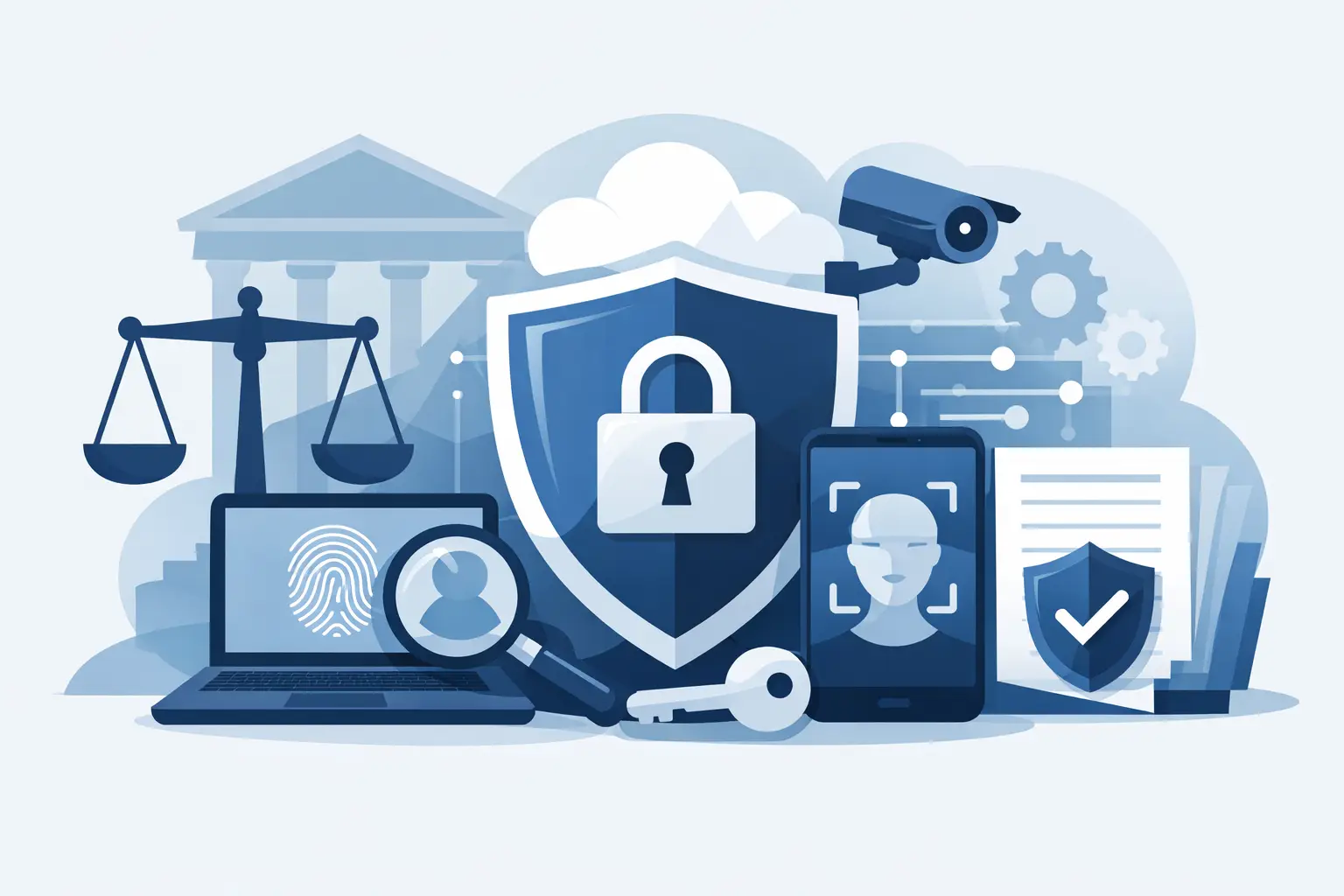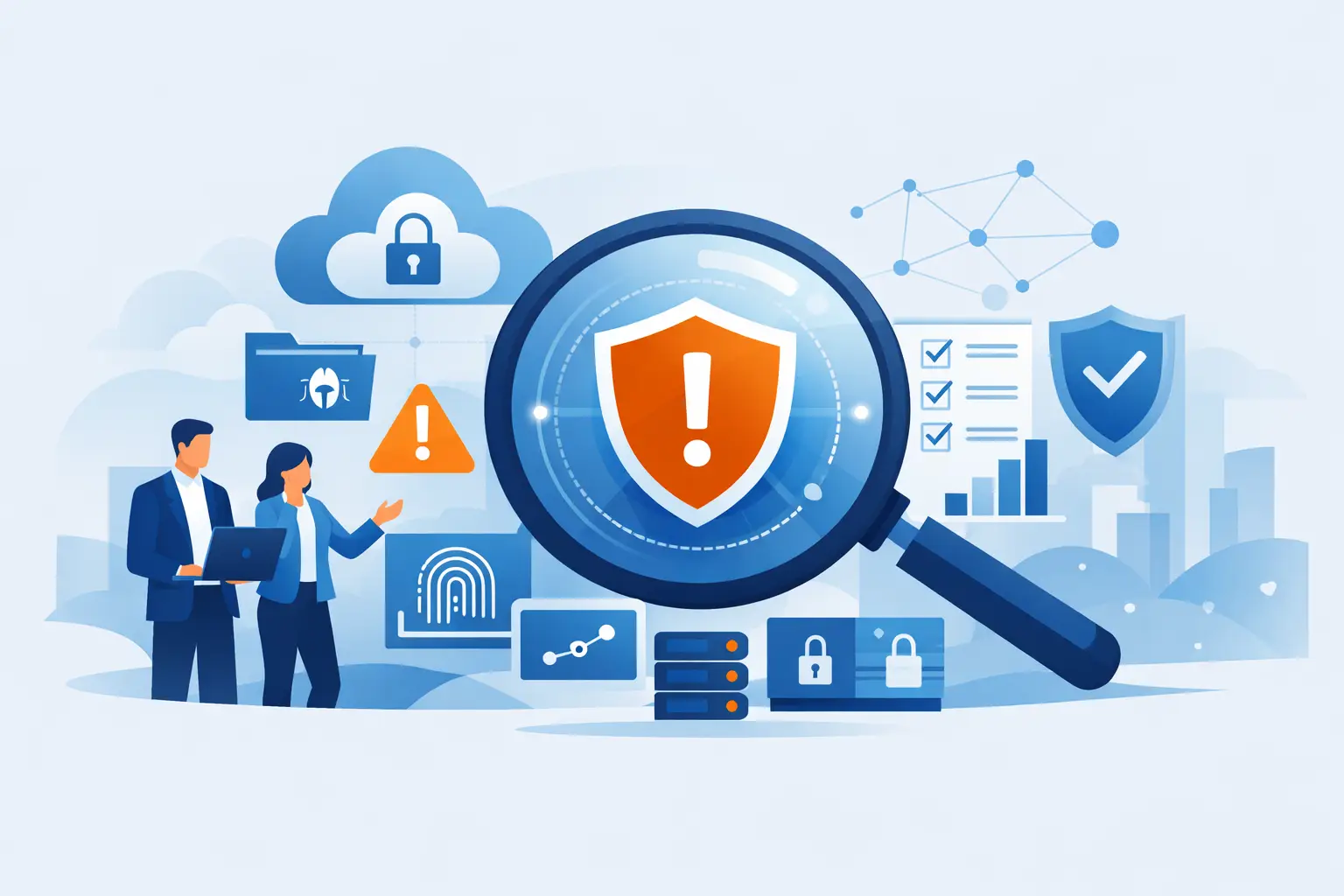

Cybersecurity for a law firm protects two things: client confidences and the money moving through your trust accounts. In practice that means locking down email, verifying every wire, tightening sign-ins, keeping backups you can restore, and knowing exactly who to call when something looks wrong. General IT support doesn’t target any of that directly.
We’re 404 Network Ninjas, a thirty-year-old, family-run managed IT provider in Metro Atlanta, and law firms sit on our client list alongside healthcare practices, nonprofits, and churches. This article covers the security layer for firms in Buckhead, Decatur, Woodstock, and the suburbs in between. No “trusted digital transformation partner” language. Just what attackers do and what stops them.
Why Law Firm Cyber Security Goes Beyond General IT Support
General IT keeps the lights on. It makes sure the network is up, the laptops boot, the printer talks to the scanner, and the new paralegal gets a login by Tuesday.
Law firm cyber security asks a different question: what happens when someone is actively trying to get into your mailbox, your document system, or your bank account? A firm with flawless uptime can still lose a six-figure closing payment in an afternoon, because nothing in “the network is running” stops a convincing fake email.
Law firms make attractive targets for a plain reason. You hold confidential files, you hold other people’s money, and your deadlines make everyone move fast. A real estate closing in Atlanta, a settlement disbursement, or a litigation file full of medical records all carry that mix of urgency and sensitivity.
So the two jobs overlap but never merge. Your IT provider should handle both, and you should know which controls belong to which job.
Security won’t make a firm breach-proof. It shrinks the odds and the damage, and it won’t fix a firm where one person can approve and send a wire alone. If you want the broader picture first, start with our guide to IT support built for Atlanta law firms, then come back here for the security layer on top.
Business Email Compromise at Law Firms
Business email compromise is the main way money leaves a law firm. It needs no malware and no clever exploit. It needs a mailbox and some patience.
How a Compromised Inbox Becomes a Redirected Wire
Here’s the pattern we see described again and again. An attacker takes over the mailbox of a client, opposing counsel, a title contact, or one of your own partners. Or they skip the takeover and spoof an address that looks right at a glance.
Then they wait. They read the thread, learn who the players are, and learn when the closing or settlement is scheduled. Right before the money moves, a message arrives with updated wire instructions. It uses the same tone and the same signature, and it even arrives inside the same email thread.
The money leaves before anyone calls a phone number they already had.
Nobody hacked the bank. Someone persuaded a person to send the money, and that person was doing exactly what a busy closing week trains them to do.
Trust Account Wire Fraud Controls That Hold Up
The defense is a verification step that never depends on the suspicious email. Everything else supports that one idea.
Start with the callback. Before any wire goes out, someone phones the recipient at a number already in your file, never one printed in the email asking for the change. Pair that with dual approval, so no single person can both prepare and release a trust account wire. Ask your bank what verification it offers on its side, because some banks can add holds or confirmation steps that catch a bad payee.
Then fix the plumbing. Enforce SPF, DKIM, and DMARC on your domain so attackers can’t easily send mail that looks like it came from you. Turn on mailbox audit logs, because if an account is taken over, those logs show what the intruder read, forwarded, and deleted. Watch for forwarding rules you didn’t create, since that’s a favorite hiding place.
Finally, put one rule in writing and tell clients about it up front: wire instructions never change by email alone. When a client hears that rule at intake, a fake “update” at closing stands out.
You can’t train your way out of this entirely, because a fast, believable email will fool a careful person eventually. That’s why the controls sit around the people rather than relying on them.
Ethics Rules and Data Security for Attorneys
Security isn’t only good business for a law firm. It’s part of the job description, and the ethics rules say so.
The Ethical Duty of Technology Competence
The ABA’s comments to the competence rule (Model Rule 1.1) expect lawyers to keep abreast of the benefits and risks of relevant technology. That comment is where the profession’s technology-competence duty comes from. Georgia has its own Rules of Professional Conduct, and you should read the current Georgia text rather than relying on our paraphrase.
Competence here doesn’t mean you configure the firewall yourself. It means you understand the risks well enough to ask the right questions and notice when the answers are thin.
Client Confidentiality and the Vendors Who Touch Your Files
The confidentiality rule (Model Rule 1.6) asks lawyers to make reasonable efforts to prevent unauthorized access to client information. “Reasonable” isn’t a checklist, but it does show up in daily habits. Sensitive files go out through encrypted delivery rather than plain attachments. Access to a matter is limited to the people working on it. Departing staff lose access the same day.
You can hand the work to a vendor, and most firms should. You can’t hand off the responsibility. If your managed provider, your cloud host, or your e-discovery vendor mishandles a file, the duty to the client still sits with you.
That’s why oversight should be documented. Keep a record of who your providers are, what they can access, what controls they run, and when you last reviewed them. A short annual review with your IT provider, written down, beats a handshake and good intentions. This isn’t legal advice, so confirm how the rules apply to your firm with ethics counsel or the State Bar of Georgia.
MFA and Endpoint Protection for Remote Attorneys
Attorneys work from home, from courthouses, and from the back of a Woodstock coffee shop between depositions. Every one of those laptops is a door into your files.
The baseline is short. Multi-factor authentication goes on email, remote access, and your document management system. Legacy sign-in methods that bypass MFA get switched off, because an attacker will happily use the one door you forgot to lock. And laptops that leave the office run endpoint detection and response, not just antivirus.
The difference matters. Antivirus checks files against a list of known bad things. Endpoint detection watches behavior, so it can flag a stolen login being used strangely or a process encrypting files at 2 a.m. and a technician can isolate that laptop before the problem spreads.
On a Monday morning, this looks small. An attorney opens a laptop, approves a prompt on a phone, and gets to work. Nobody attends a “journey.” You just can’t log in from a stranger’s computer in another country with a password you reused in 2019.
Why Text-Message Codes Are Not Enough
A text-message code is better than no second step. It’s also the weakest option you can choose.
Attackers can trick a phone carrier into moving a number to a new SIM, and they can send a fake login page that collects the code as you type it. Staff can also be nudged into reading a code aloud to someone posing as IT. We wrote up how text-message scams hit businesses because it happens far more often than people assume.
App-based approval and hardware security keys hold up better. A hardware key won’t hand over anything to a fake page, because it checks the real site before it responds. For anyone who touches trust accounts or admin settings, we’d use a key or an app and retire texts entirely.
Law Firm Ransomware Protection
Ransomware turns a firm’s files into a hostage situation. Whether it becomes a shutdown or a bad week depends almost entirely on your backups.
You want copies that attackers can’t reach: offline or immutable, meaning they can’t be altered or deleted even by someone holding stolen admin credentials. You also want restores that someone has actually tested, because a backup nobody has restored is a hope, not a plan. With both in place, a ransom demand becomes a recovery job.
We cover the design and testing in detail in our guide to backup and disaster recovery rules for law firms, so we won’t repeat it here. Know that backups alone don’t undo the confidentiality problem if an attacker copied your files before encrypting them. That part goes to your incident response plan.
Incident Response Plan for a Georgia Law Firm
An incident response plan is a one-page answer to “who do we call, and in what order.” It gets written on a calm Tuesday so nobody improvises on a terrible Friday.
The First Hours After a Suspected Breach
Speed matters most when money is moving. If a wire may be in flight, call the bank first and ask for a recall. Then report it to the FBI’s Internet Crime Complaint Center, because quick reports give the best chance of freezing funds.
In the same first stretch, call the managing attorney and the technician who answers your phone. You want an IT provider who picks up the phone at that moment, not one who logs a ticket and promises a callback. Our technicians answer directly, and the same people stay on an account for years, so whoever picks up already knows your setup.
Next, read your cyber insurance policy. Some require prompt notice and use approved response vendors, and calling the wrong one first can cause trouble later.
Only then do you contain the threat and preserve the evidence. Disconnect affected machines, lock compromised accounts, and save the logs before anyone starts cleanup. Wiping a laptop feels productive, but it destroys the trail that tells you what the intruder saw.
What Georgia Notification Duties Mean for Your Firm
Notification is where firms get nervous, and the honest answer is that it depends on the facts. Georgia’s breach notification statute and the ABA’s guidance on informing affected clients may both apply, depending on what personal information was involved and how your firm holds it.
The ABA’s formal guidance on lawyers’ duties after an electronic data breach treats the response as more than a technical fix. You stop the breach, restore systems, and inform affected current clients when material client information is involved.
We won’t give you a deadline here, because the right one depends on your situation. Confirm your duties with counsel before any notice goes out, and have your IT provider give counsel a clear record of what was accessed.
Choosing Cybersecurity Services for Your Atlanta Law Firm
When you compare providers, the glossy security brochure matters least. Ask who owns each control: who manages email protection, who reviews the alerts, and who approves changes. Ask whether monitoring and response cover nights and weekends, since attackers rarely wait for business hours. Ask how restores get tested and when the last one happened. And ask who answers the phone during an incident, by name if possible.
If you want a wider vetting framework, we wrote up how to choose a managed IT provider without getting burned. For budgeting, here’s what Atlanta managed IT pricing looks like.
A small firm rarely needs an enterprise package. If a provider pushes a stack of tools built for a bank, push back.
What Managed Security Services for Legal Practices Should Include
Good managed security services for legal practices cover the controls this article names. That means protected email with enforced authentication, MFA with app or hardware methods, endpoint detection on every laptop, tested backups, and a written incident plan with a real phone tree. Each one should have an owner you can name and a report you can read without a translator.
It should also include documentation you can show an ethics reviewer, a client, or an insurer: who has access, what’s monitored, and when you last tested a restore.
We’re a thirty-year-old, family-run provider serving Metro Atlanta, with a small team of real technicians who answer the phone and stay on your account for years. That’s the whole pitch. See the cybersecurity and compliance services we run for firms like yours, then call us and talk to a technician, or ask for a quote if you’d rather start there.
Frequently asked questions
Is text-message MFA better than no MFA at all?
Yes. A text code still blocks many stolen-password attacks, so don’t leave it off while you plan a switch. It’s the weakest option, though, because attackers can swap a SIM or capture the code on a fake login page. Move attorneys and anyone near trust accounts to an authenticator app or a hardware key.
How do we spot a fake wire instruction before the money moves?
You don’t rely on spotting it. You verify it. Call the recipient at a phone number already in your file, never one from the email, and require a second person to approve any outbound wire. A written rule that instructions never change by email alone gives staff a reason to pause.
If our IT provider is breached, are we still responsible to our clients?
In practice you can hand the work to a vendor, but you can’t hand off responsibility for protecting client information. That’s why firms should document who their providers are, what those providers can access, and when the arrangement was last reviewed. Ask ethics counsel how the Georgia rules apply to your setup.
Do we have to notify clients after a breach?
It may be required, but it depends on what information was involved and how your firm holds it. Georgia’s breach statute and the ABA’s guidance on informing affected clients can both come into play. Confirm your duties with counsel before any notice goes out.
Does a small law firm need an enterprise security package?
Rarely. A small firm needs the baseline done well: protected email, MFA, endpoint detection, tested backups, and a written incident plan with someone who answers the phone. Be wary of any provider who sells you tools built for a much larger organization.