
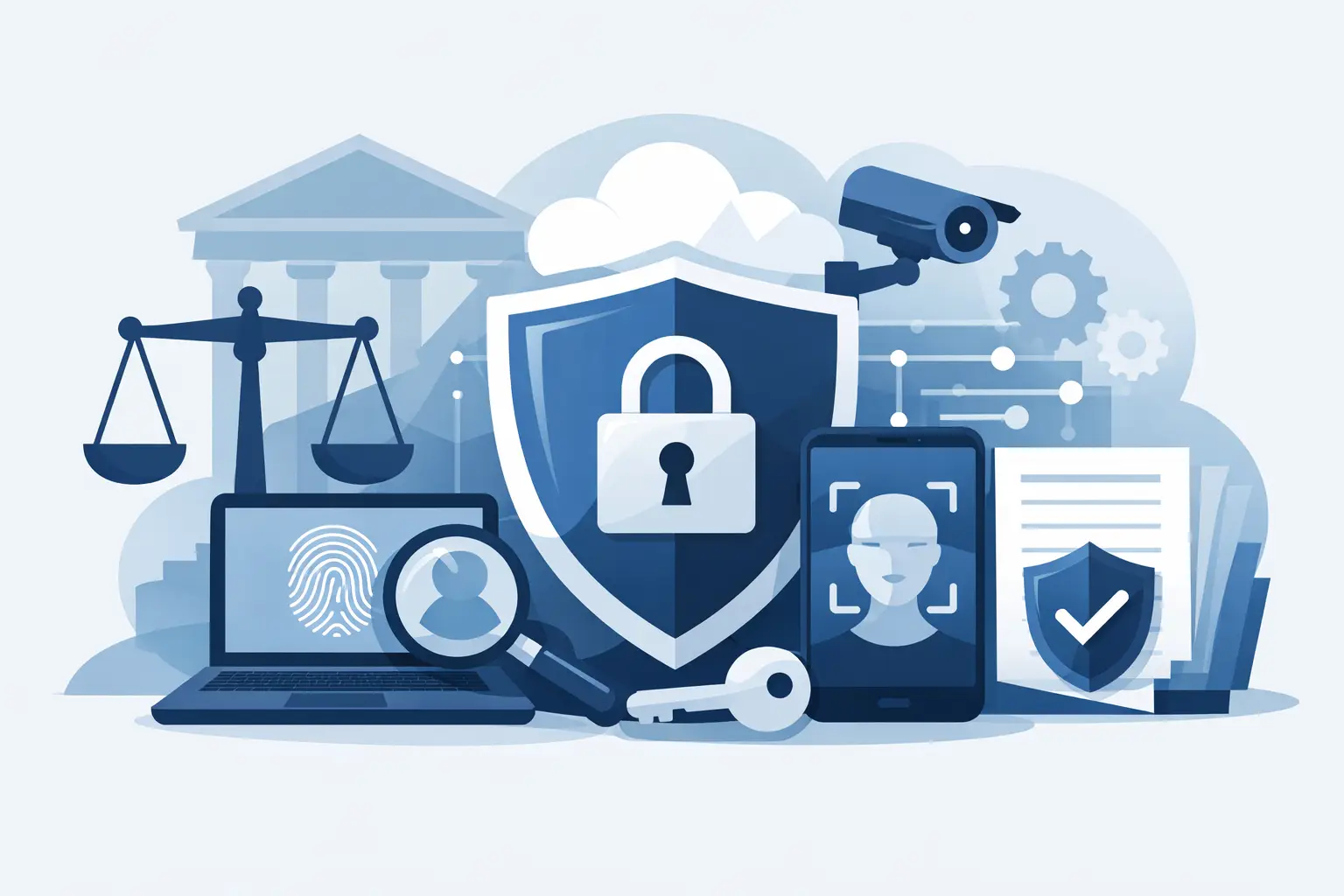
A stolen laptop, a compromised Microsoft 365 account, or one convincing wire-fraud email can put a law firm in a bad position fast. The top law firm security tools are not the ones with the flashiest dashboard. They are the tools that protect privileged information, keep attorneys working, and give the firm defensible answers when a client, insurer, or regulator asks what safeguards are in place.
For a small or midsize firm, the goal is not to buy every security product on the market. It is to build a practical security stack that closes the gaps criminals exploit most often - weak passwords, unmanaged devices, unpatched software, exposed email, and backups that cannot be restored when they matter.
Top Law Firm Security Tools: Start With the Basics That Matter
Legal work creates a tempting target. Firms hold client financial data, sensitive employment records, merger documents, health information, intellectual property, settlement details, and credentials that can lead attackers into a client’s environment. The confidentiality obligation is real, but so is the operational problem: attorneys need quick access to files, email, and case systems whether they are in the office, in court, or working remotely.
That tension is why security cannot be a single product. A firewall alone cannot stop a phished mailbox. Endpoint antivirus cannot fix an overly permissive cloud file share. A backup system does not prevent an attacker from stealing data before encrypting it. Each tool should have a clear job, and somebody needs to make sure the tools are configured, monitored, and maintained.
1. Multifactor Authentication
Multifactor authentication, or MFA, should be required for email, cloud storage, remote access, case-management platforms, accounting systems, and administrator accounts. A password can be guessed, reused from another breach, or handed over during a phishing attack. MFA makes that stolen password far less useful.
Not all MFA is equal. Text-message codes are better than password-only access, but app-based prompts, authenticator codes, or hardware security keys generally offer stronger protection. Firms should also use number matching or phishing-resistant methods where possible. Otherwise, an exhausted employee may approve repeated login prompts just to make them stop.
The trade-off is user friction. The right answer is not to exempt busy partners. It is to select an approach that is easy enough to use consistently and tightly control exceptions.
2. Managed Endpoint Detection and Response
Every firm-issued laptop and desktop needs more than basic antivirus. Managed endpoint detection and response, often called EDR, watches for suspicious behavior such as ransomware encryption, credential theft, malicious PowerShell activity, or unauthorized remote-control software.
The word managed matters. An EDR tool can generate alerts, but an alert at 2:00 a.m. does not protect the firm if no one sees it or knows whether to isolate the device. A managed service can investigate activity, contain a confirmed threat, and contact the firm before a minor incident becomes a firmwide outage.
This is especially valuable for law firms with a mix of office staff, hybrid employees, and attorneys using laptops outside the office. If a device is lost or compromised, the firm needs the ability to locate it, enforce encryption, remove access, and understand what happened.
3. Email Security With Phishing Protection
Email remains the front door for many attacks on law firms. Wire instructions are changed. Clients receive fake invoices. A paralegal receives a message that appears to come from a partner asking for urgent documents. A malicious attachment looks like a pleading, subpoena, or shared file.
A good email security platform filters malicious messages before they reach the inbox and checks links, attachments, impersonation attempts, and suspicious sending domains. It should be paired with domain protections that reduce the risk of criminals spoofing the firm’s own email address.
No filter catches everything, so employee training still has a place. Keep it practical. Show staff the kind of message they actually receive, establish a clear verification procedure for wire transfers and account changes, and make reporting suspicious email easy. A one-hour annual slideshow will not do much against a well-timed business email compromise attempt.
4. Secure Backup and Tested Recovery
Backups are a business-continuity tool, not an excuse to tolerate weak security. Still, when ransomware gets through or a server fails, a clean and recoverable backup can be the difference between a difficult day and a prolonged crisis.
Law firms should protect core systems, document repositories, email data where appropriate, financial systems, and critical cloud data. Backups should be encrypted, retained according to a documented schedule, and separated from the production environment so an attacker cannot simply delete or encrypt them too.
The part many firms miss is testing. A backup report that says “successful” does not prove a case file, database, or server can be restored within the time the firm can tolerate. Periodic recovery testing reveals whether the backup is complete, whether the restoration process works, and who is responsible for making decisions during an outage.
5. Firewall, Secure Remote Access, and Network Segmentation
A business-grade firewall is still a core tool, particularly for firms with an office, on-premises servers, VoIP phones, or devices that connect to client systems. Properly configured firewalls can block known threats, restrict unnecessary traffic, and provide visibility into unusual network activity.
But a firewall should not become a set-it-and-forget-it appliance in a closet. It needs firmware updates, configuration reviews, secure remote-access policies, and someone watching for failed connections or unexpected changes. If the firm permits remote access to internal resources, a properly configured virtual private network or zero-trust access solution is usually safer than exposing remote desktop services directly to the internet.
Network segmentation can also limit damage. Guest Wi-Fi, staff devices, servers, phones, and specialized systems do not always need to share the same network. Separating them makes it harder for one compromised device to move freely across the office.
Tools That Turn Security Into a Defensible Process
Security products work better when paired with policies and visibility. For many firms, cyber liability insurance applications and client security questionnaires expose the missing pieces: no documented incident response plan, no asset inventory, incomplete patching, or no proof that access is removed when an employee leaves.
Vulnerability and Patch Management
Software updates are not glamorous, but unpatched systems are a recurring path into small businesses. A patch-management process should cover operating systems, browsers, office software, VPN equipment, firewalls, and commonly used applications. It should also identify devices that cannot be patched because they are outdated or tied to a legacy application.
Timing requires judgment. Patching every device immediately can disrupt legal software or an active trial-preparation workflow. Waiting indefinitely is worse. A sensible approach tests significant updates, sets defined patch windows, documents exceptions, and addresses critical vulnerabilities quickly.
Password Management and Access Controls
A business password manager gives each user a secure way to create and store unique passwords without relying on spreadsheets, notebooks, or recycled credentials. It also makes offboarding cleaner. When an employee leaves, the firm can remove their access to shared credentials instead of changing passwords one by one and hoping nothing was missed.
Access controls should follow the same principle: people get the access needed for their job, not permanent access to everything because it was convenient on day one. Review administrator rights, shared mailboxes, cloud folders, financial systems, and vendor portals regularly. This is particularly important when firms use temporary staff, outsourced bookkeeping, contract attorneys, or outside IT vendors.
Security Awareness and Incident Response
Training and an incident response plan are tools in the operational sense. They tell people what to do when a suspicious email arrives, a device disappears, a client reports an unusual message, or a bank transfer looks wrong. Under pressure, clear steps beat vague instructions.
The plan does not need to be a 90-page binder nobody opens. It should name decision-makers, include current contact information, explain how to isolate a device, establish communications expectations, and identify legal, insurance, and forensic contacts. Review it after personnel or technology changes, then test it with a realistic tabletop exercise.
Avoid the Security Tool Pileup
Buying overlapping tools from different vendors often creates more alerts, more invoices, and more blind spots. The firm may have antivirus, a separate email filter, a cloud backup product, and a firewall, yet no one is verifying alerts or confirming that the tools are configured correctly.
Before adding another product, assess the environment. Identify where sensitive data lives, who can access it, which devices are unmanaged, how backups are tested, and where security logs are actually reviewed. Then prioritize risks by likelihood and business impact. A firm with weak MFA should fix that before shopping for advanced threat intelligence.
The right stack also depends on the firm. A five-person practice with cloud-based legal software has different needs than a 50-person firm with an internal file server, multiple offices, litigation data, and strict client requirements. The basics remain the same, but the level of monitoring, compliance documentation, and recovery planning should match the risk.
For Metro Atlanta firms that need an outside team to assess, fortify, and sustain that stack, 404 Network Ninjas focuses on the practical work: documenting the environment, fixing risk-based gaps, monitoring systems, and answering the phone when a problem needs a real person. The best security tool is only useful when it is part of a plan your firm can actually run on its busiest day.



