Good IT support for dental practices in Atlanta comes down to one accountable provider keeping your imaging, practice software, chairside computers, network, backups, and HIPAA safeguards running, and answering the phone when your front desk calls. That is what dental office IT services should mean. Dental practice managed IT is simply the name for doing it on a standing plan instead of scrambling after something breaks.
Plenty of IT companies describe themselves as a “trusted digital transformation partner.” Your hygienist doesn’t need a transformation. She needs the X-ray to open.
We’re 404 Network Ninjas, a thirty-year-old, family-run IT provider in Metro Atlanta. Healthcare practices sit alongside our law firm, church, nonprofit, and small business clients, and the rest of this page is what that work looks like inside a dental office.
What Dental Practice IT Support in Atlanta Actually Covers
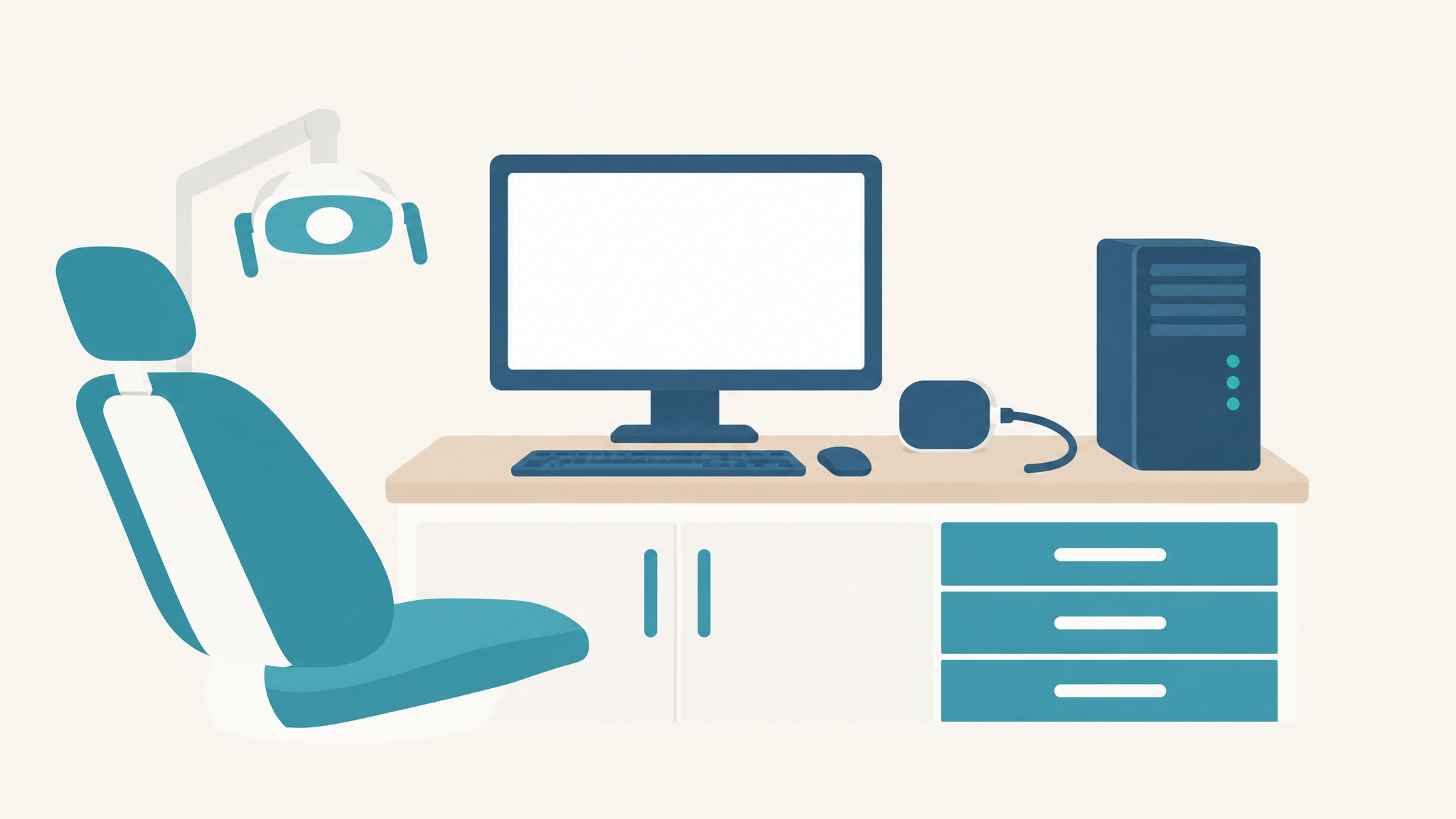
A dental office runs more technology than most people picture from the waiting room. There’s the practice management software that holds charts, billing, and the schedule, with Dentrix being one common example. There are digital sensors and imaging software, a computer in every operatory, the phones, patient communication tools for reminders and e-forms, and accounting software such as QuickBooks in the back office. Underneath all of it sit a server or cloud storage, the network, and the backups.
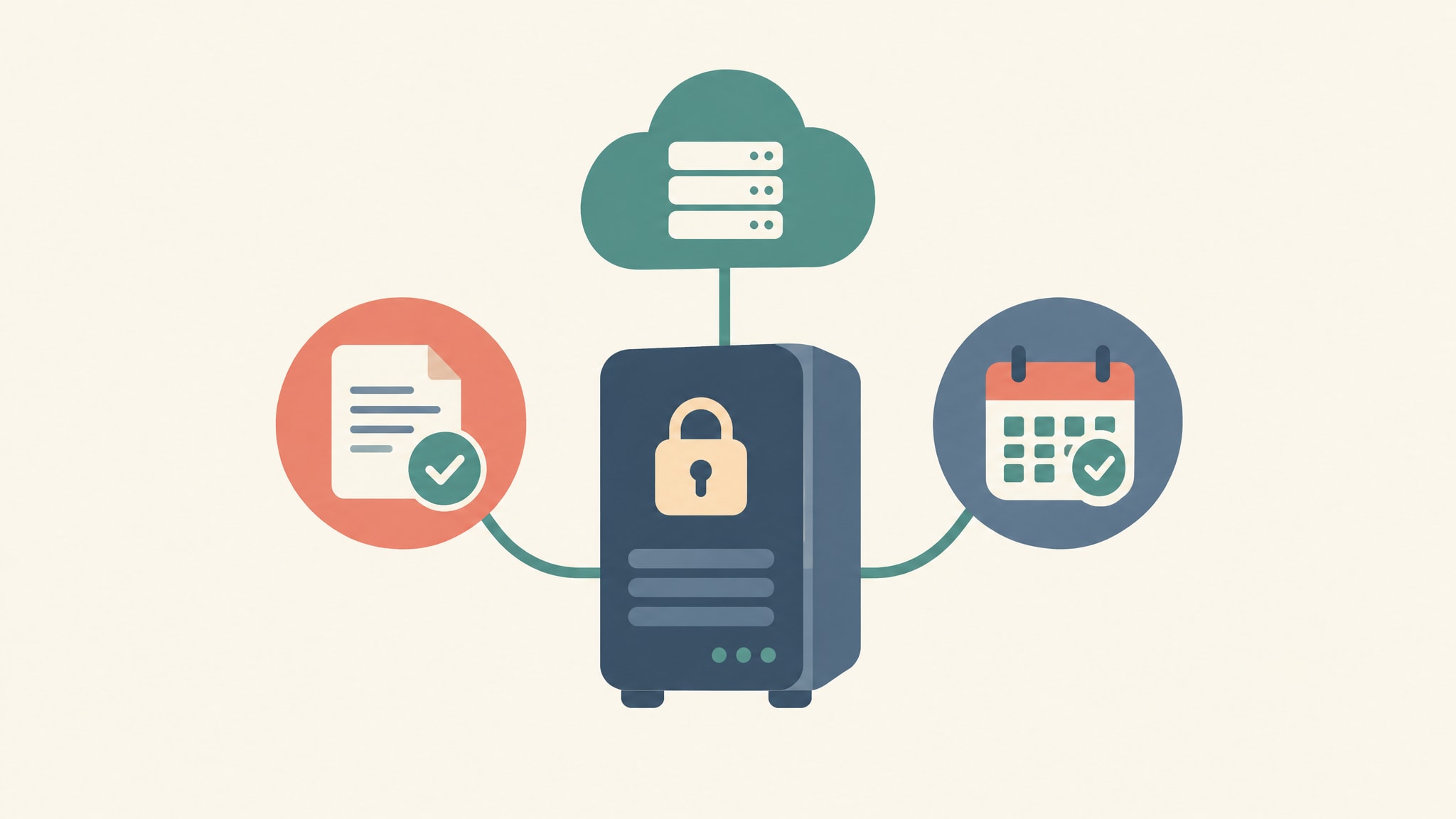
An IT provider should own, end to end, everything that those programs run on: workstations, network, security, backups, user accounts, phones, and the HIPAA safeguards around them. That’s the core of our managed IT services, and it includes VoIP, cloud, and cybersecurity under the same roof, so you aren’t mediating between three companies.
The software itself belongs to its vendor. We don’t write your practice management code, and we can’t repair the inside of a sensor. What we do is make sure the environment under them is sound, and when a vendor has to be involved, we make that call with the details in hand rather than leaving you on hold.
Imaging and Practice Software Support
Imaging and the practice system are where a dental office feels IT trouble first, because both sit directly in the path of a patient appointment. They also depend on each other, which is why they’re worth treating together.
Digital X-Ray and Imaging Software Support
An image travels a longer road than most offices realize. The sensor connects to a chairside computer, the imaging software captures and processes the image, and the file is saved to storage on a server or in the cloud. From there it has to show up in the patient’s chart in your practice software, on any workstation that needs it.
Every link in that chain can fail on its own. A driver update breaks the sensor connection, a full drive stops saves, a permissions change hides the image folder, or a network hiccup cuts the path to storage.
When an image won’t load, the office shouldn’t have to play referee. You call us first. We check the workstation, the network path, and the storage, and if the fault points to the imaging software or the sensor, we contact the imaging vendor ourselves with what we’ve already ruled out. You make one call, and we handle the rest.
Vendors pointing at each other is the oldest problem in dental IT, and it only happens when nobody owns the whole chain.
Practice Management Integrations That Hold Through Updates
Practice management software, scheduling, and imaging are linked by bridges and shared settings. Those links are sturdy until something changes underneath them. A Windows update lands overnight, a vendor pushes a new version, or a workstation gets replaced, and suddenly the imaging button in the chart does nothing or appointments stop syncing.
So we don’t let updates happen at random. We schedule them outside patient hours, try them on one machine first, and keep a way back if the link breaks. Whether you run Dentrix or another platform, we want to know the version, the integrations, and the vendor’s update schedule before the first change, not after the first complaint.
This approach prevents most surprises. It doesn’t prevent every one, because a vendor can still ship a bad release, and then the job is to spot it fast and roll back.
Chairside Uptime: Keeping Every Operatory Online
If you run a dental schedule, you already know what downtime costs: a chair that sits idle while a patient waits and the appointments behind it slip. The point of chairside IT is to keep that from happening, and most of it comes down to unglamorous hardware and network choices.
Why One Slow Workstation Stalls the Whole Schedule
Picture a typical Tuesday morning. A patient is in the chair in operatory three, and the dentist asks for the day’s X-rays. The workstation spins, then throws an error. The assistant tries again, the front desk calls the imaging vendor, and the vendor says it looks like a network problem. Someone calls the IT company, which says the imaging software is the vendor’s. Meanwhile the next patient has been in the waiting room for twenty minutes.
Nothing in that story is dramatic. One computer, one missing image, and no one in charge of the whole picture. The delay spreads because every appointment after it depends on the one before.
The fix is partly technical and partly organizational. Technically, a workstation that’s been slowly degrading should be caught before it fails in front of a patient. Organizationally, there should be one phone number that owns the problem from the first call, whatever turns out to be at fault.
Dental Office Network Setup for Busy Operatories
A good dental office network setup is boring on purpose. Here is what we put in place:
- Wired chairside connections. Operatory computers and imaging devices sit on cabling, not Wi-Fi, because large image files and a crowded wireless channel don’t mix.
- Patient Wi-Fi kept apart. Guest wireless runs on its own network, separated from the clinical devices, so a patient’s phone never shares a path with your charts.
- Battery backup. The server and key workstations sit on battery backup, so a flicker in power gives you time to save and shut down properly rather than corrupt a database mid-appointment.
- Monitoring. We watch the machines and the network continuously, so a failing drive or a dropping switch port gets flagged before your hygienist notices.
If you’re building or moving into a new space, tell us before the walls close up. Cabling is cheap to run during construction and expensive to retrofit.
Monitoring tells us a device is struggling. It can’t make a worn-out workstation healthy, so sometimes the honest recommendation is to replace it.
Dental HIPAA IT Support: The Safeguards Your Practice Needs
HHS does not certify anyone as HIPAA compliant. No agency hands out a seal for your practice, your IT provider, or a piece of software, so any vendor promising to “make you HIPAA certified” is selling something that doesn’t exist. What a practice can do is meet the requirements, document that it did, and keep doing it. For the broader picture, here is what HIPAA-compliant IT support really involves.
What the HIPAA Security Rule Asks of a Dental Practice
The HIPAA Security Rule covers electronic patient information, and HHS guidance treats a documented risk analysis as the first step. That means writing down where patient data lives in your practice, what could threaten it, and what you’re doing about each threat. The rule is designed to scale, so a three-chair office isn’t expected to look like a hospital system.
From that analysis, the rest follows in plain terms:
- Written policies that say how your team handles patient data.
- Access controls, so each person sees only what the job requires.
- Audit logs, so you can tell who opened what and when.
- A backup plan that’s actually been tested.
Your IT provider handles much of the technical side of that list. It can’t write your office’s policies for you without your input, and it can’t train your staff to stop reading charts over a colleague’s shoulder. Compliance is shared work, and a provider that claims otherwise is overselling. If you’re weighing the budget, we’ve put together what HIPAA compliance costs a small practice. This page is not legal advice.
Backups, Access Control, and Vendor Agreements
A backup you’ve never restored is a hope, not a backup. We test restores on a schedule: pull a file back, rebuild a workstation image, and confirm the practice database comes up. That’s the only way to know the plan works before the day you need it. Our buyer notes on HIPAA-compliant cloud backup go into the buying detail.
Access control matters most at the moment someone leaves. When an assistant or associate departs, their logins to the practice software, email, imaging, and remote access should be shut off the same day. Not at the end of the week, and not whenever someone remembers. A short call from the office manager to us is enough to start it.
Then there are vendors. Any company that touches your patient data, including your IT provider, your cloud backup service, and sometimes your phone system, needs a business associate agreement with you in place before it does. If a provider hesitates to sign one, you have your answer.
Multi-Location Dental Practices: One Standard Across Every Site
If you run or are growing toward more than one office, the main risk is drift. Each site ends up with its own routers, its own mix of workstations, and its own way of doing things, and then every problem is a puzzle.
What Changes When You Add a Second Location
Every site should run the same device and network standard, so a technician who knows one office knows them all. Accounts are managed centrally, which means offboarding someone happens everywhere in one pass instead of site by site. And if the offices share imaging or patient records, the connection between them needs to be secure and monitored, not a workaround someone set up one afternoon.
None of this changes the single-office basics above. It just means those basics have to repeat identically, and that your second location opens with the same chairside setup as your first.
Same-Day Response From Technicians Who Answer the Phone
When your imaging goes down at 8:15 on a Monday, “we’ll get back to you” is not support. Here, a real technician answers the phone directly. There’s no ticket queue to wait in and no overseas desk reading from a script, and the people who learn your setup stay on your account for years instead of rotating off.
That continuity is what makes same-day response possible. A technician who already knows your server, your imaging chain, and your practice software doesn’t spend the first hour of your emergency asking basic questions. They know where to look. We wrote more on this in why we still answer the phone ourselves.
In practice, same-day response means a person who knows your office is working on your problem the day you call, whether that’s fixing it remotely or heading out to practices in Buckhead, Decatur, Woodstock, and the areas around them.
You can tell a real commitment from a marketing line by asking three things. Who picks up when you call? Is the response time written into the agreement, or only on the website? And how does the provider measure it? A real commitment has an answer to each. If you’ve been burned before, if your current IT company never calls back, that’s worth testing before you sign anything: call the main number and see who answers.
What to Ask Before You Book a Dental IT Provider
Start with patient data, because that’s where a mistake costs the most. Ask how the provider handles it, who on their team can see it, and whether they’ll sign a business associate agreement without a fight. A straight answer comes quickly. A vague one tells you what you need to know.
Next, ask whether the plan fits one office. A dental practice with a handful of operatories doesn’t need an enterprise bundle with tiers of services it will never use, and you shouldn’t be sold one. A good provider will tell you which parts of the plan you actually need and leave the rest off the quote.
Then ask the question most owners forget: what happens when a technician leaves? Setup knowledge that lives in one person’s head walks out the door with them. Ask who else knows your network, where it’s documented, and how long the team has stayed on accounts like yours. 30+ years of IT experience of the same technicians sticking around is our answer, and you should expect a specific one from anyone else.
If that sounds like the kind of conversation you’ve been wanting, the next step is simple. Request a quote through our contact page, and bring a short list to start from: your imaging system and sensors, your practice management software, and your phone system. That’s enough for a first call, and we’ll take it from there.
Frequently asked questions
What are the most common dental software programs?
Most offices run practice management software for charts, billing, and scheduling, such as Dentrix, Eaglesoft, or Open Dental. Alongside it sit imaging software for X-rays, patient communication tools for reminders and forms, and accounting software. Which ones you use matters less than having someone who keeps the computers, network, and backups under them reliable.
What is CRM in dentistry?
A CRM in a dental office is the tool that manages patient communication: appointment reminders, recall messages, reactivation outreach, and follow-ups. Some practice management systems include these features, and others connect to a separate service. Because it handles patient contact details, it falls under HIPAA, so any vendor behind it should sign a business associate agreement.
Do dental offices use QuickBooks?
Many do, usually for bookkeeping, payroll, and paying suppliers, while the practice management software handles patient billing. It’s a back-office program, so it needs reliable backups and restricted access, particularly if it ever holds anything tied to patients. We support the computers and network it runs on.
What is the best accounting software for a dental office?
There’s no single best choice. QuickBooks is common and works well for many small practices, but the right answer is usually whatever your accountant already knows and can work in. Pick for that, then make sure the software is backed up and only the right people can open it.
Does a dental office with one location need a full managed IT plan?
A single office needs the essentials: monitoring, backups that are tested, security, user account management, and a technician who answers the phone. It doesn’t need an enterprise bundle. Ask any provider to show you which parts of the plan your practice would actually use.