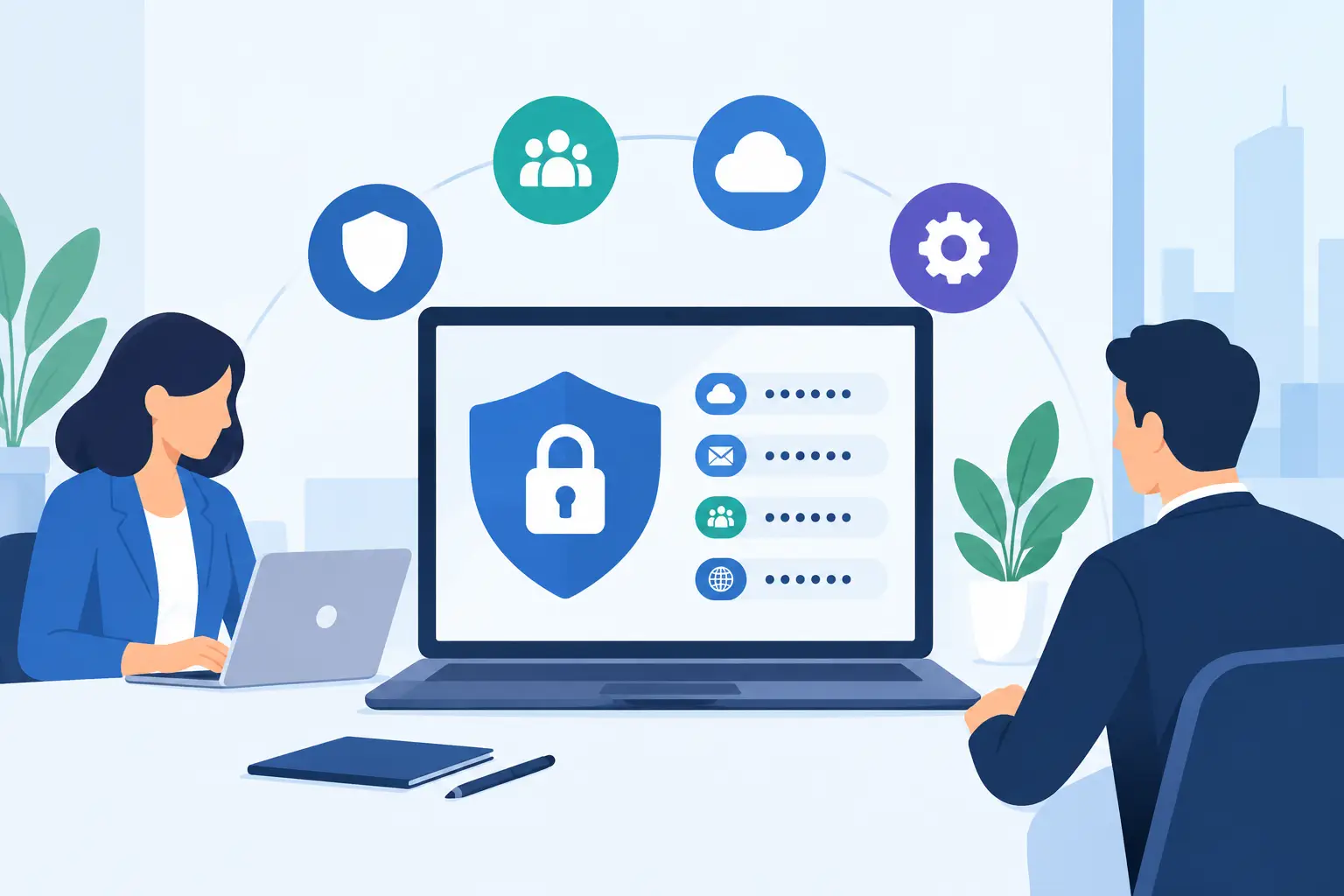
A cyber insurance application can look deceptively simple: revenue, employee count, backups, security controls. Then it asks whether multifactor authentication is enforced, and the answer can affect the quote, deductible, exclusions, and whether an insurer will offer coverage at all. So, does cyber insurance require MFA? For many small and midsize businesses, the practical answer is yes - especially for email, remote access, administrator accounts, and cloud systems.
That does not mean every policy uses identical language or that MFA alone makes an organization insurable. Underwriters look at the whole picture. But MFA has become one of the clearest dividing lines between a business that has addressed a common attack path and one that is still relying on passwords to carry too much weight.
Does Cyber Insurance Require MFA? Usually, in the Places That Matter
Cyber insurers do not write one universal rule that applies to every applicant. Requirements vary by carrier, industry, annual revenue, claims history, and the data a business holds. A small nonprofit with basic operations may face a different questionnaire than a law firm with client files, trust-account access, and remote staff.
Still, MFA is now a standard underwriting expectation. Many carriers require it before binding coverage. Others may offer a policy with a higher premium, a larger retention, limited coverage, or a deadline to implement it. The most serious issue arises when an application says MFA is in place but it is only enabled for a few users or a few systems. If a breach begins through an unprotected account, that inaccurate answer can become a claims problem.
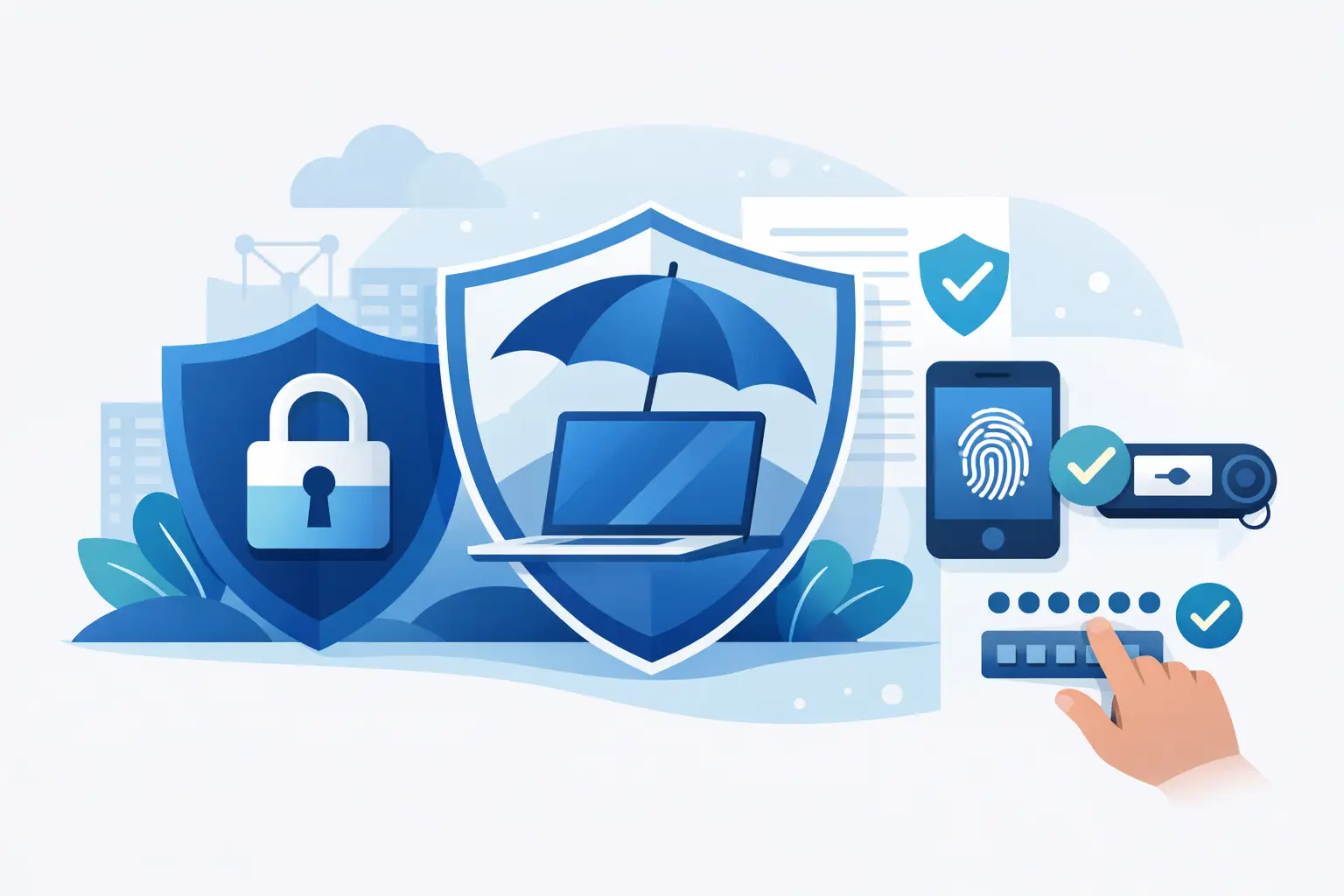
Think of MFA as a second check after a password: an authenticator-app code, a hardware security key, a push approval, or another factor that confirms the person signing in is actually the authorized user. It is not a cure-all. It is a practical control against stolen passwords, phishing pages, password reuse, and credential stuffing - all of which remain common starting points for business email compromise and ransomware.
Where Insurers Expect MFA to Be Enforced
The word that matters in insurance applications is often “enforced,” not merely “available.” Microsoft 365, Google Workspace, VPN platforms, accounting systems, and many line-of-business applications can support MFA. That does not mean every user has enrolled, every access route is covered, or someone cannot bypass it with a legacy protocol.
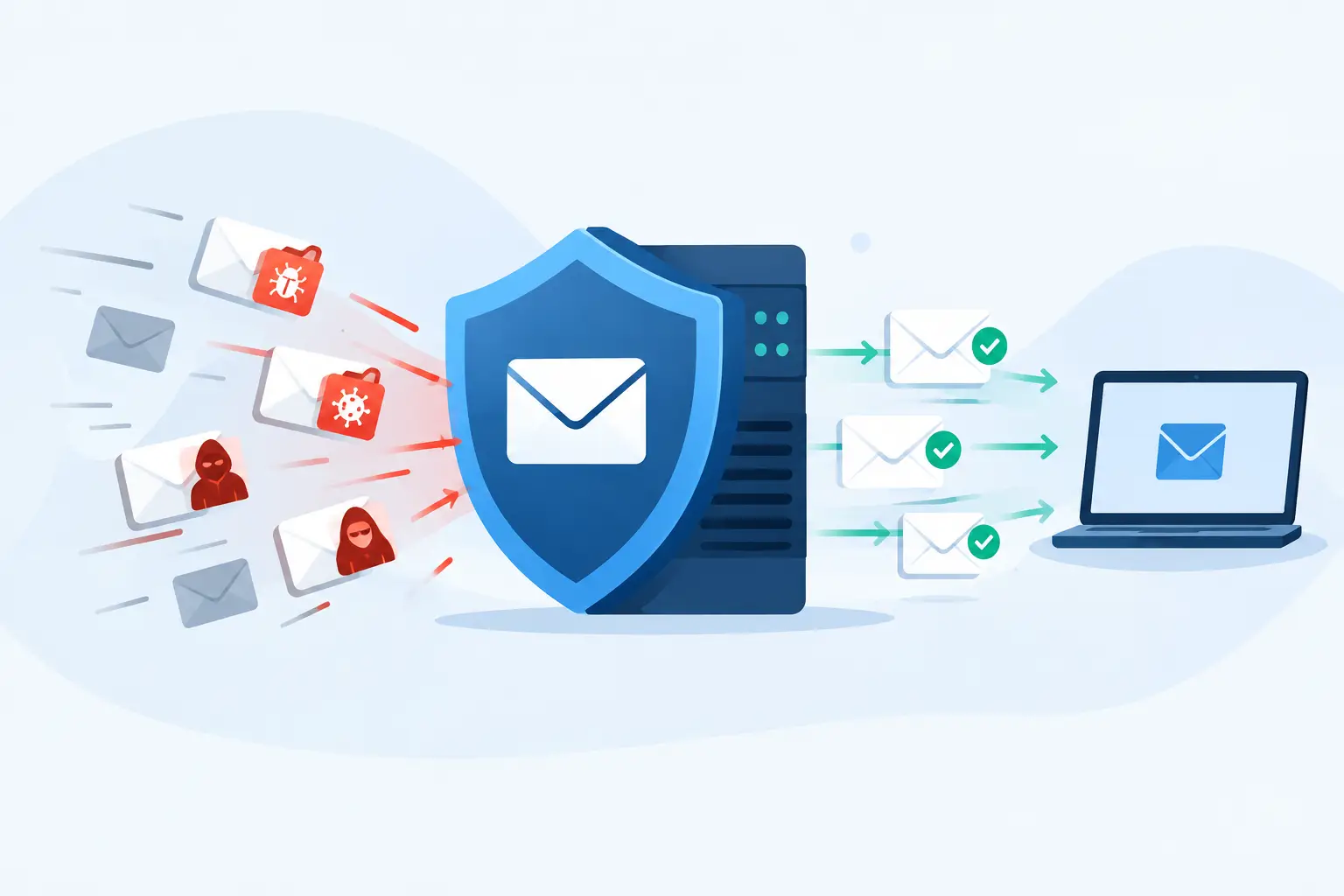
Most applications focus first on email, because a compromised mailbox can be used to reset passwords, impersonate executives, redirect payments, and collect sensitive information. They also commonly ask about remote access, including VPNs, remote desktop tools, and remote management portals. If staff can reach the network from outside the office, insurers want proof that a password alone cannot open that door.
Privileged accounts deserve separate attention. Domain administrators, Microsoft 365 global administrators, backup administrators, firewall administrators, and accounts used by outside IT providers have the keys to the kingdom. A criminal who takes over one of these accounts can disable defenses, create new users, access stored data, and make recovery much harder.
Cloud applications increasingly belong in the conversation as well. A practice-management platform, payroll service, financial portal, document management system, or donor database may hold information that creates a real business interruption if accessed or locked. An insurer may not require MFA on every low-risk tool, but a risk-based review should identify systems holding money, confidential data, or administrative power.
The SMS question
Some insurers accept text-message MFA. Others prefer or require stronger methods, such as authenticator apps, number matching, or hardware security keys for administrators. SMS is better than a password alone, but it can be vulnerable to phone-number takeover and social engineering.
The right answer is not to get stuck debating whether one method is perfect. Start with what the carrier requires, then improve the controls around accounts that could cause the greatest damage. For a law firm, healthcare-adjacent practice, or organization handling financial approvals, phishing-resistant MFA for high-privilege users is a sensible next step.
MFA Is Not the Same as Checking a Box
A business can honestly believe it has MFA and still have gaps that matter. Perhaps office staff use MFA for email, but a former employee’s account remains active. Perhaps the VPN requires MFA, but remote desktop is exposed another way. Perhaps administrators use MFA daily, but the emergency “break glass” account has a weak, unchanged password and no monitoring.
Insurers are asking harder follow-up questions because attackers have adapted. They may ask whether MFA applies to all users, whether it protects remote access and privileged access, whether it can be bypassed through legacy authentication, and whether executives are included. A vague yes can create trouble later. A documented, specific answer is safer.
This is where a small organization benefits from an actual review rather than a rushed renewal form. Someone needs to look at identity settings, user enrollment, remote access tools, administrator accounts, terminated-user procedures, and exceptions. That work is not glamorous, but it is how you find the open side door before an underwriter - or an attacker - does.
What Happens If You Do Not Have MFA?
No MFA does not automatically mean no cyber policy. Some carriers may still quote coverage, particularly if the business is working toward implementation. But the options are usually worse. You may see higher pricing, more restrictive terms, a lower sublimit for social engineering losses, or a requirement to complete remediation shortly after the policy begins.
For organizations that cannot deploy MFA everywhere overnight, honesty matters. Tell the broker or carrier where MFA is active, what remains uncovered, and when the rollout will finish. A staged deployment with a documented plan is far more defensible than a blanket statement that does not match reality.
There are trade-offs. MFA adds a small amount of friction, and poorly planned rollout can frustrate staff who share devices, work in the field, or use older applications. That is a deployment problem, not a reason to leave critical access unprotected. Good planning includes user communication, recovery methods, tested exceptions, and a support path when someone loses a phone at 7:30 on a Monday morning.
How to Prepare Before Your Cyber Insurance Renewal
Start well before the renewal questionnaire lands in your inbox. Insurers and brokers may need clarification, and MFA projects take time when they involve multiple systems, remote users, or legacy software.
First, make an inventory of the accounts and systems that can affect your business. Include email, cloud productivity platforms, VPN and remote tools, administrative accounts, backup consoles, financial portals, and systems that store regulated or confidential information. If nobody can clearly say who has administrative access, that is the first issue to fix.
Next, verify enforcement. Review sign-in policies and enrollment reports rather than relying on assumptions. Confirm that every active user is covered where required, that former employees are removed promptly, and that old authentication methods cannot sidestep the policy. Test it from the user side too. A setting that looks correct on a dashboard may fail in a real-world access scenario.
Then document the result. Keep a short record of the systems covered, the MFA method used, exceptions, and who approves those exceptions. This helps with the insurance application, but it also gives leadership a usable view of risk. If a carrier asks, “Is MFA required for all remote access?” you should not have to hunt through emails to find the answer.
Finally, pair MFA with the controls carriers commonly examine alongside it: managed endpoint protection, timely patching, secured and tested backups, employee phishing awareness, incident response contacts, and a process for verifying payment-change requests. MFA is a strong layer. It works best when it is not doing all the work alone.
A Claim Can Turn on the Details
Cyber insurance is there to help when a bad day becomes an expensive one. Depending on the policy, it may support breach counsel, forensic investigation, notification, recovery, business interruption, extortion response, and certain liability costs. Coverage is valuable, but the application is still a representation of your environment.
If a policy application states that MFA protects all email accounts and a compromised unprotected mailbox causes a wire-fraud loss, expect the carrier to examine the facts closely. That does not guarantee a denial, and policy outcomes depend on the wording and circumstances. It does mean inaccurate answers can add a second crisis to the first.
A better standard is simple: answer narrowly, accurately, and with evidence. If MFA is complete for email and remote access but not yet for a particular cloud application, say so. Your broker can then work with the carrier on terms that reflect the actual risk.
The Practical Standard for Atlanta Businesses
If your organization relies on Microsoft 365 or Google Workspace, has remote staff, uses a cloud accounting platform, or grants administrative access to an outside provider, MFA should no longer be treated as optional housekeeping. It is a baseline business control and a major insurance question.
For organizations that need help sorting policy language from technical reality, 404 Network Ninjas can assess the environment, identify where MFA is missing or bypassable, document risk-based fixes, and help your team avoid guessing on renewal forms. No enterprise-style runaround, and no pretending every system has the same risk.
The useful next move is not to wait for an insurer to expose the gap. Pull the last application, compare its answers to what is actually enforced, and fix the difference while you still control the timetable.