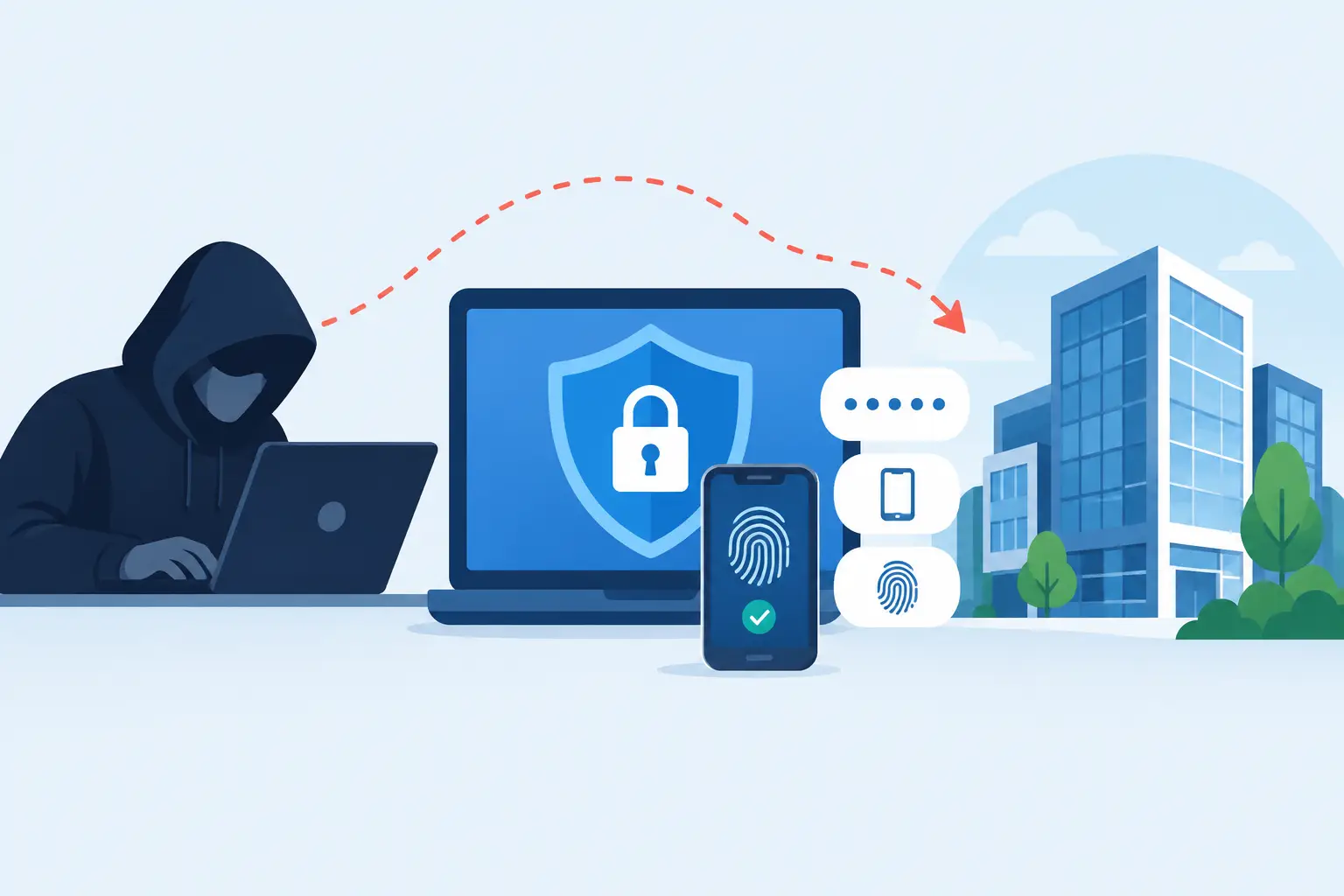
A finance employee approves a sign-in prompt on her phone because it looks like another routine Microsoft request. Ten minutes later, someone is reading the company mailbox, resetting vendor portal passwords, and sending payment-change emails from a legitimate account. Can hackers bypass MFA? Yes - and they often do it without “breaking” MFA at all.
Multi-factor authentication remains one of the best protections a small or midsize business can deploy. It stops a large share of attacks based on stolen or reused passwords. But treating MFA as a finish line creates a dangerous blind spot. Attackers have adapted, and the weak points are usually people, devices, recovery processes, and poorly configured identity systems.
Can Hackers Bypass MFA? Usually by Going Around It
MFA requires more than one proof of identity: something a user knows, has, or is. A password plus an authenticator app is a common example. The system works well when the person, phone, device, and sign-in process are all trustworthy.
The problem is that criminals do not need to defeat the mathematics behind a one-time code. They need a way to persuade a user to approve a prompt, steal an active browser session, take over a phone number, or exploit a recovery path with weaker controls. In other words, they look for the side door.
For a law firm, medical practice, nonprofit, or growing Atlanta business, the consequence is usually larger than one compromised inbox. Email access can expose confidential documents, client communications, payroll data, banking information, and password-reset messages for other systems. It can also give an attacker a believable platform for internal fraud.
The MFA Bypass Tactics Businesses Actually See
Phishing sites that capture more than passwords
A traditional phishing email sends a victim to a fake sign-in page and collects a password. More advanced campaigns place a convincing fake page between the employee and the real cloud service. The employee signs in, completes their MFA prompt, and the criminal captures the authenticated session.
To the employee, the login may appear normal. That is why “we use MFA” does not mean phishing is no longer a concern. Staff still need to recognize suspicious links, unexpected document shares, fake voicemail notices, and urgent requests that push them to sign in outside their usual workflow.
MFA fatigue and push bombing
Push-based MFA can become a liability when employees receive repeated prompts. An attacker who has a password may trigger approval requests again and again, hoping the target taps Approve just to make the phone stop buzzing.
Sometimes the attack includes a phone call or text from someone pretending to be IT support. The caller says the prompts are part of an update or asks the employee to approve one request to “secure” the account. A real IT provider should have clear, documented ways to verify support requests. Nobody should be approving an unexpected MFA prompt because a stranger made it sound urgent.
Stolen session cookies and compromised devices
Once a user signs in, a browser keeps a session token so they do not have to enter MFA every few minutes. Malware, malicious browser extensions, or an already compromised computer can steal that session information. The attacker may then access the account as if they were the user, without needing the password or a new MFA approval.
This is one reason endpoint protection, prompt patching, browser controls, and removing local administrator rights matter. Identity security is not separate from device security. A poorly maintained laptop can undermine a well-configured cloud account.
SIM swaps and weak phone-based verification
Text message codes are better than password-only access, but they are not the strongest MFA option. Criminals can sometimes persuade a mobile carrier to move a victim’s phone number to a device they control. They may also gain access to text messages through a compromised phone or carrier account.
SMS can be an appropriate temporary option when the alternative is no MFA at all. For accounts holding sensitive business data, though, authenticator apps and phishing-resistant security keys provide better protection.
Account recovery and support impersonation
Every security control needs a way to recover access when an employee loses a phone, changes roles, or cannot sign in. Attackers know this. They may research the organization, impersonate an employee, and target a help desk, mobile carrier, or software vendor’s recovery process.
This risk grows when organizations lack documented onboarding and offboarding, current user records, and a verification process for password resets or MFA changes. A rushed exception for a convincing caller can undo months of good security work.
MFA Is Still Worth It - But Method Matters
The answer is not to abandon MFA. The answer is to use it as one part of a security program that assumes passwords will eventually be exposed.
For most organizations, authenticator apps are a meaningful improvement over text messages. Number matching can reduce accidental approvals because the employee must enter a displayed number rather than tap a single button. Where supported, FIDO2 security keys and passkeys offer stronger resistance to phishing because they are tied to the legitimate website rather than a lookalike page.
There are trade-offs. Security keys require purchase, distribution, spares, and a recovery plan. Passkeys may require thoughtful device management, especially for shared workstations or employees who use personal phones. Smaller organizations do not need enterprise bureaucracy, but they do need a deliberate decision based on who accesses what data and from where.
What to Fix First
Start with the accounts that can cause the most damage: Microsoft 365 or Google Workspace administrators, email users, finance staff, executives, remote-access tools, password managers, cloud backups, and line-of-business applications. If an attacker controls email, they can often reset access to everything else.
Then make the following controls operational, not aspirational:
- Require MFA for every user, especially administrators, and block older sign-in methods that bypass modern authentication.
- Use authenticator apps with number matching where possible. Move high-risk users and administrator accounts toward security keys or passkeys.
- Apply conditional access rules that challenge or block suspicious sign-ins, such as impossible travel, unfamiliar locations, or unmanaged devices.
- Maintain endpoint protection, operating system and browser patching, encrypted devices, and limits on local administrator privileges.
- Establish a written process for lost phones, MFA resets, password resets, and requests from anyone claiming to be IT support.
- Review sign-in logs, forwarding rules, newly registered MFA methods, privileged accounts, and dormant accounts on a regular schedule.
The list is not glamorous, but it closes the gaps attackers use. A security policy nobody checks is just a document waiting for an audit.
Train for the Moment of Pressure
Most employees do not need a lecture on encryption or identity protocols. They need a simple rule they can follow while busy: never approve a sign-in request you did not initiate, and call a known number if someone claims to need access to your account.
Training should include real scenarios that fit the organization. A legal assistant may receive a fake document-sharing notice. A church administrator may get an urgent message that appears to come from a pastor. A finance team member may receive a vendor banking-change request from a compromised mailbox. The common thread is pressure: urgency, authority, or fear of disrupting work.
Make reporting easy. If someone receives strange MFA prompts, reports a suspicious email, or loses a phone, they should know exactly whom to call and feel safe doing it quickly. Early reporting often turns an attempted intrusion into a non-event.
Treat an MFA Alert as an Incident Signal
Unexpected prompts are not an annoyance to ignore. They can indicate that a password has already been stolen. The right response is to verify the user, reset the password if warranted, revoke active sessions, inspect sign-in history, review mailbox rules, and confirm that no new MFA method or recovery address was added.
This is where a local, accountable IT partner earns its keep. The work is not just turning on a setting. It is knowing which accounts are critical, who is authorized to approve changes, what normal activity looks like, and who picks up the phone when something feels wrong. 404 Network Ninjas helps Metro Atlanta organizations build that kind of practical readiness without routing a worried employee through a distant ticket queue.
MFA is still a major advantage over password-only security. Just do not mistake it for a force field. Give your people safer sign-in methods, protect the devices they use, tighten recovery procedures, and treat every unexplained prompt as a reason to check before a small warning becomes a business disruption.