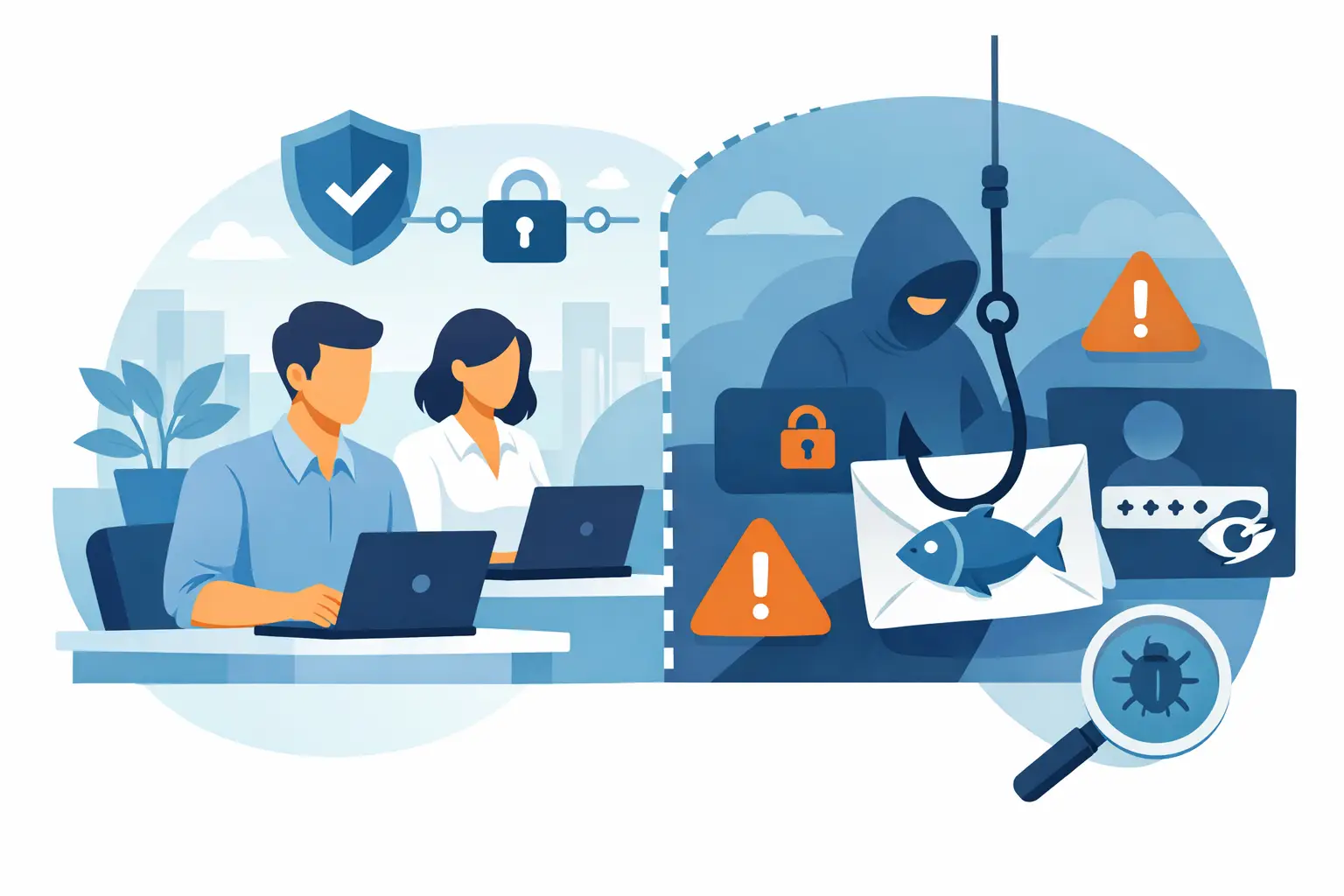
A phishing email does not need to fool everyone. It needs to fool one busy person at the wrong moment: the office manager approving an invoice, a paralegal opening a shared document, or a staff member resetting a password before a meeting. To reduce phishing attack risk, small and midsize organizations need more than an annual slideshow telling employees not to click suspicious links. They need layers that make bad messages harder to deliver, harder to act on, and easier to report.
For Metro Atlanta organizations, the stakes can be immediate. A compromised Microsoft 365 account can expose client communications, redirect payroll deposits, send fraudulent invoices, or give an attacker a foothold in the network. For law firms, healthcare-adjacent practices, nonprofits, and congregations, the damage is not limited to downtime. It can affect confidentiality, insurance coverage, compliance obligations, and the trust people place in your organization.
Why phishing still gets through
Most phishing attacks are no longer full of obvious spelling mistakes and strange formatting. Attackers copy vendor logos, imitate executives, hijack legitimate email threads, and use domains that differ by one character from a familiar address. Some messages arrive from a real vendor whose account was already compromised, which makes the usual advice to “check the sender” less reliable.
The attacker also understands business routines. A fake payment request sent late on a Friday can look urgent. A fake document-sharing notice can arrive while a team is collaborating on a case or grant application. A message claiming that an email password expires today creates enough pressure to bypass good judgment.
That is why the goal is not to turn every employee into a security analyst. The goal is to build a process that catches ordinary human mistakes before they become an incident.
Reduce phishing attack risk with layered controls
No single security product stops every phishing attempt. Strong protection comes from combining email controls, account safeguards, clear internal procedures, and people who know what to do when something looks wrong.
Start with the email system
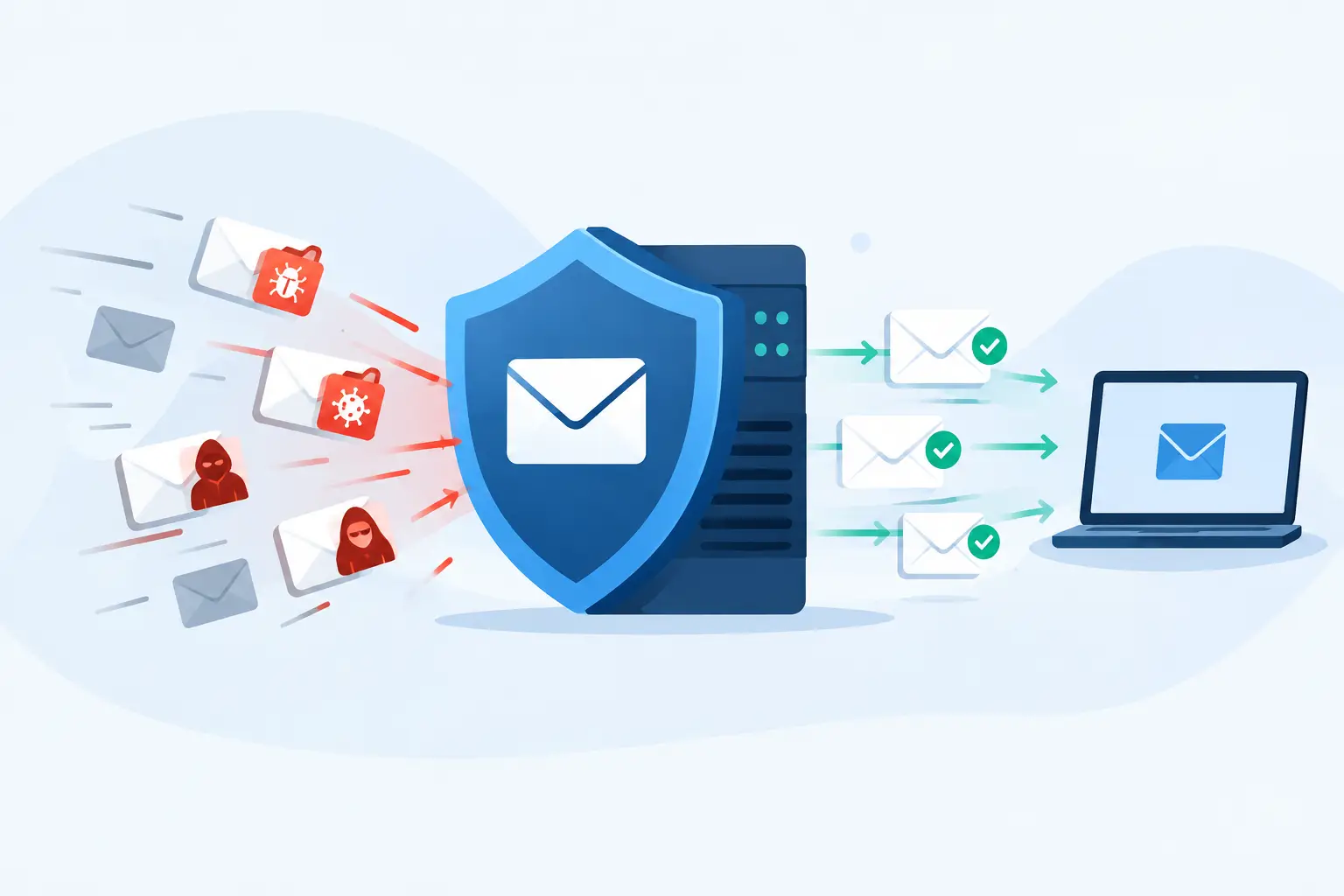
Email filtering should block known malicious links, dangerous attachments, spoofed senders, and high-risk messages before they reach the inbox. It should also scan links at the time a user clicks them, because a harmless-looking website can be changed after an email is delivered.
Domain protections matter as well. SPF, DKIM, and DMARC help receiving mail systems verify whether a message claiming to come from your domain is actually authorized. These records will not stop a criminal from impersonating a vendor or a staff member using a lookalike address. They do make it much harder for criminals to use your own domain to fool clients, donors, patients, and employees.
Email filtering has a trade-off: aggressive settings can occasionally quarantine legitimate messages. That is manageable when someone reviews the quarantine, tunes the policies, and has a clear way to release valid mail. It becomes frustrating only when protection is installed and then ignored.
Make stolen passwords less useful
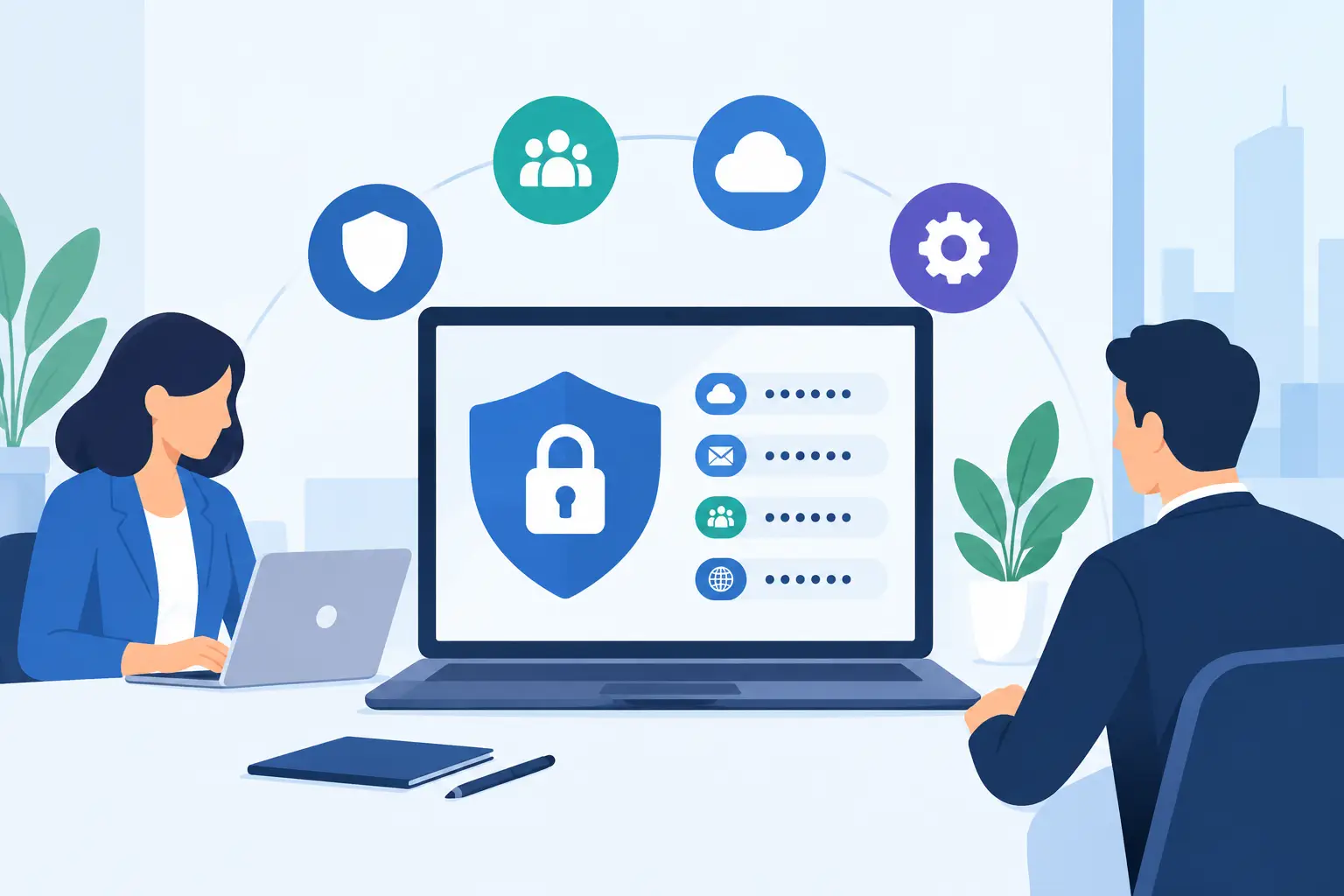
Multi-factor authentication is one of the most practical ways to limit account takeover. If an employee enters a password on a fake login page, the attacker should still face another barrier before gaining access to email, cloud files, or financial systems.
Not all multi-factor methods provide the same protection. App-based prompts and authenticator codes are far better than passwords alone, but users can still be pressured into approving repeated prompts. For organizations handling sensitive client data or payment activity, phishing-resistant options such as security keys or passkeys offer stronger protection. The right choice depends on your risk, budget, staff workflow, and the systems you use.
Also review who has administrative access. A compromised standard mailbox is serious. A compromised global administrator account can become a company-wide emergency. Use separate administrator accounts, require stronger authentication for privileged users, and remove access that is no longer needed when roles change.
Put payment and data requests behind a second check
The costliest phishing attacks often involve wire transfers, payroll changes, gift card purchases, or requests for sensitive records. Technology can flag some of these messages, but a written verification rule is what prevents a rushed employee from acting alone.
For example, require a phone call to a known number before changing vendor banking details or approving an unusual payment request. Do not reply to the email or use a phone number included in it. Use the number already stored in your accounting system, contract file, or vendor directory.
The same principle applies to requests for employee records, client information, passwords, or MFA codes. No executive should be able to bypass the process by sounding urgent. A real leader can tolerate a two-minute verification call. A criminal will usually push back.
Train for the moments that actually happen
Security awareness training works best when it is short, recurring, and tied to real decisions employees face. Once-a-year training may satisfy a checklist, but people forget what they do not practice.
Use examples relevant to your organization: a fake court filing notice for a law firm, a spoofed donor request for a nonprofit, a fraudulent patient document for a healthcare practice, or an invoice that appears to come from a regular supplier. Teach employees to slow down when a message creates urgency, secrecy, fear, or an unexpected financial request.
Just as important, give people a simple reporting method. A “Report Phishing” button in the email client is ideal, but a clear internal address or help desk process can work too. Employees should know that reporting a suspicious message is a good outcome, even if the message turns out to be legitimate.
Avoid training that treats staff as the weak link. People who fear being blamed tend to hide mistakes. People who know they can call for help quickly are more likely to report a click, a downloaded attachment, or an unexpected password prompt while there is still time to contain the issue.
Practice the response, not just the recognition
A simulated phishing test can reveal where coaching is needed, but it should not become a gotcha exercise. If employees receive realistic tests, follow up with a brief explanation of the signs they missed and the correct next step. Measure reporting rates alongside click rates. A person who reports a suspicious message has helped protect everyone else.
Leadership should participate too. Executives and finance staff are common targets because their identities are used to authorize payments and their accounts often contain sensitive information. Security rules that apply only to everyone else are not security rules.
Know what happens after someone clicks
Even well-trained employees will occasionally click. What matters next is how quickly your organization can determine what happened and limit the damage.
Every organization should have a simple, documented path for a suspected phishing event. Staff should disconnect from the task, report the message immediately, and avoid deleting evidence. The IT team or managed service provider should be able to review the email, check for mailbox rules, reset credentials when needed, revoke active sessions, investigate affected devices, and search for similar messages across the organization.
Mailbox rules deserve special attention. Attackers often create hidden forwarding rules after taking over an account so they can monitor conversations and intercept payment discussions. A password reset alone may not remove the attacker from the workflow if those rules remain in place.
Good response also depends on preparation. Current asset records, monitored endpoints, tested backups, documented vendor contacts, and a list of critical systems save time during an incident. This is not paperwork for its own sake. It is the difference between guessing who has access and knowing where to look.
Give phishing protection an owner
Many organizations have decent tools but no one accountable for reviewing alerts, checking email security settings, removing former employees, and following up after training. That gap is where preventable incidents live.
For a small office, ownership may sit with an operations leader working alongside an outsourced IT partner. For an organization with internal IT, it may be a shared responsibility between technology, finance, HR, and leadership. The exact model matters less than having named people, documented procedures, and regular reviews.
404 Network Ninjas approaches this work the same way it approaches the rest of managed IT: assess the actual environment, fix the highest-risk gaps first, and keep watching after the first round of changes. That can include reviewing Microsoft 365 security settings, improving email protection, rolling out multi-factor authentication, testing staff awareness, and being available when a questionable message lands in someone’s inbox.
The next suspicious email will not wait for a budget meeting or a policy rewrite. Give your people a number to call, a process they can follow, and security controls that still work when someone is having a very busy day.