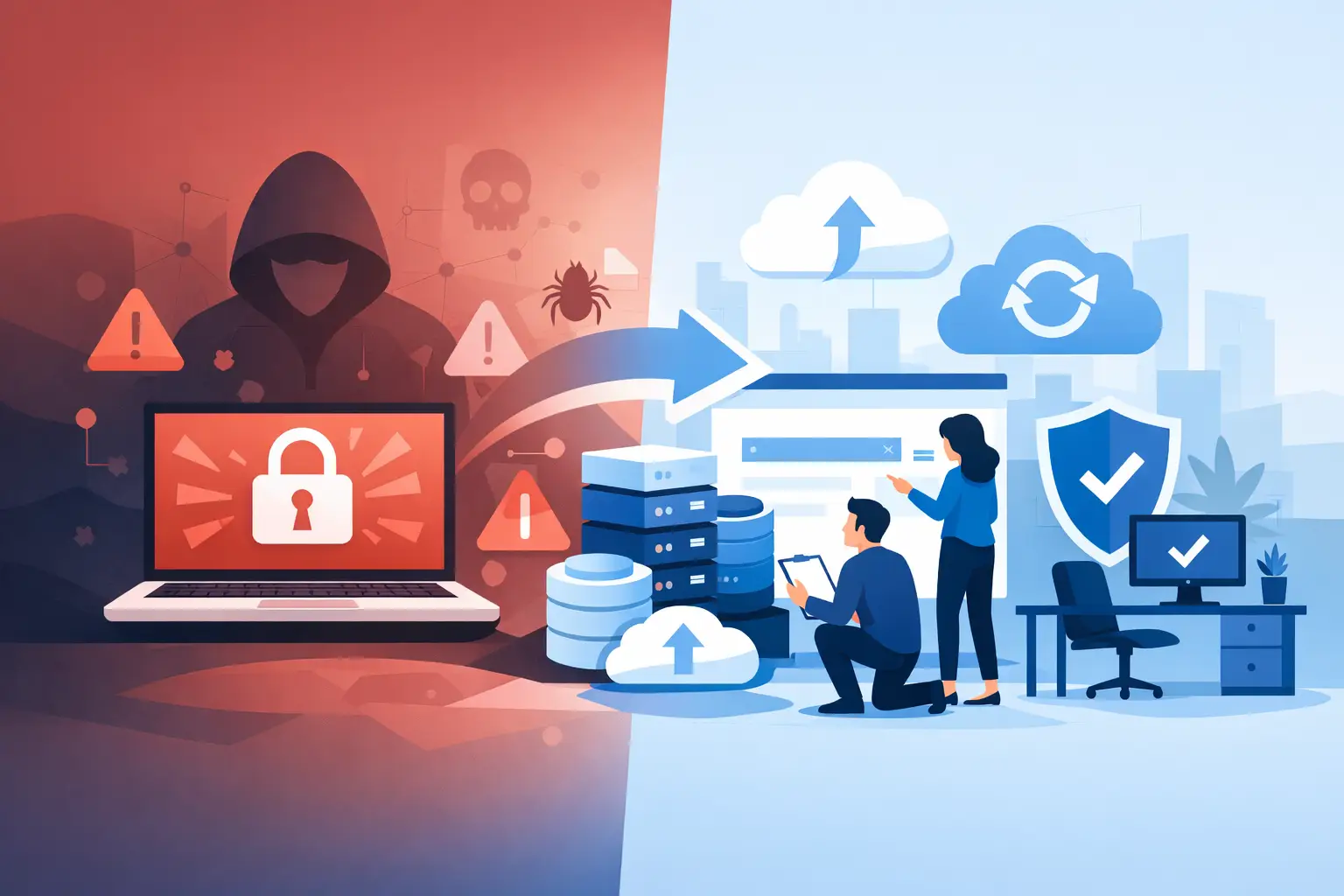
At 7:18 on a Monday morning, a 35-person Metro Atlanta law firm cannot open its document management system. Staff see renamed files, a ransom note, and a shared drive that appears to be filling with encrypted copies of client matters. This ransomware recovery example is fictional, but the sequence is based on the decisions small organizations have to make when a normal workday suddenly becomes an incident.
The firm has cyber insurance, Microsoft 365, a line-of-business server, and backups. That sounds reassuring until the managing partner asks the question that matters: can we safely work today without making this worse?
The answer depends less on whether a backup exists and more on whether the organization can contain the attack, identify what was affected, and restore clean systems in the right order. A recovery plan is not a folder labeled “Backups.” It is a set of practiced business decisions backed by working technology and people who know the environment.
The ransomware recovery example: Monday morning
At 7:23, the office manager calls the IT support number instead of having staff restart computers, delete ransom notes, or begin copying files to USB drives. That restraint matters. Well-intentioned activity can destroy evidence, spread malware, or overwrite files that may be recoverable.
The technician who answers asks for a few fast facts: Which users are affected? Are files changing on shared drives? Has anyone seen unusual sign-in prompts, password resets, or email forwarding rules? Is the case management server reachable? While the office manager answers, the IT team starts remote monitoring and alerts the firm’s internal point person.
By 7:35, they see that the encryption is active on a file server and several workstations. The attacker appears to have used a compromised user account over the weekend, then moved into the network. The response team disconnects affected devices from the network, disables the suspected account, blocks its active sessions, and pauses access to the affected file shares.
This is the first trade-off. Isolating systems interrupts work, but leaving them connected risks turning a painful server recovery into a company-wide outage. For a law firm, confidentiality and the integrity of client files are more valuable than a few additional hours of normal operations.
Containment is not the same as recovery
By 8:15, the firm knows it has stopped obvious encryption activity. It does not yet know whether the attacker copied sensitive files, created additional accounts, or left remote access behind. Those are separate questions.
The team preserves logs, identifies affected endpoints, reviews administrator activity, and checks email for the original entry point. Depending on the organization, this may involve an incident response firm, cyber insurance carrier, legal counsel, and potentially law enforcement. The right sequence varies based on the policy, contractual obligations, and the type of data involved. A healthcare-adjacent practice, for example, may have specific privacy and notification requirements that must be evaluated before anyone makes broad statements about a breach.
The goal at this stage is simple: stop the attacker, preserve the facts, and avoid treating an infected environment as trustworthy just because it appears quiet.
How the recovery decision gets made
At 9:00, the managing partner wants to know whether the firm should pay the ransom. The technical answer is not the only answer, and no responsible provider should promise that payment solves the problem. A decryption key may not work completely. The attacker may have copied data already. Payment can also invite further extortion or create insurance and legal complications.
Instead, the team assesses three practical recovery paths: restore the server from a known-good backup, rebuild it from scratch and restore the data, or use temporary cloud access and workarounds while the primary environment is rebuilt.
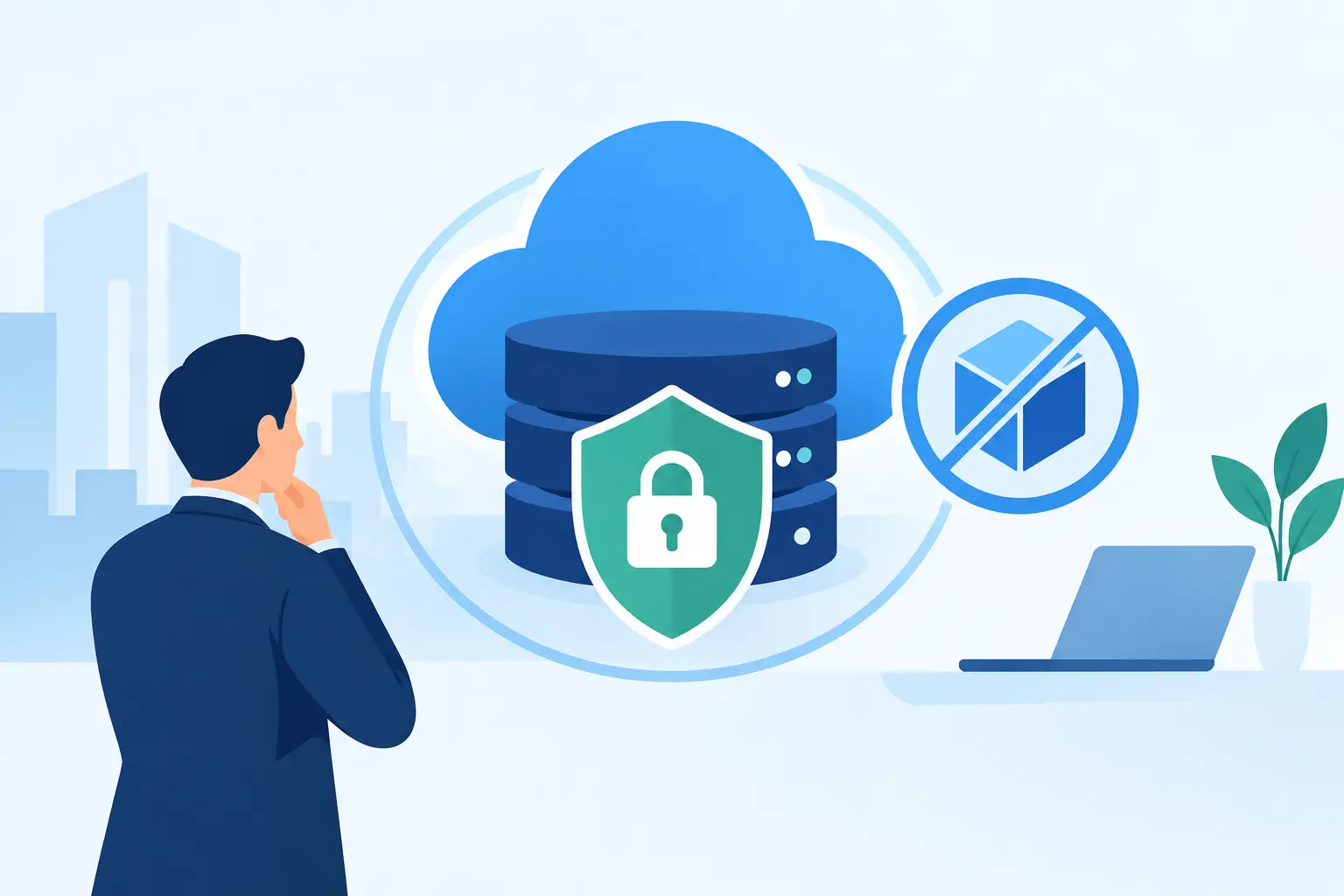
The firm’s backup system has a protected, immutable copy from Friday night and a separate daily backup stored outside the office. The backup console shows that the Friday job completed successfully. That is encouraging, not proof. Before it becomes the recovery plan, the team verifies that the backup data is readable and checks whether the attack started before Friday night.
The investigation indicates the attacker entered Sunday evening. The Friday backup is likely clean. The team chooses to rebuild the file server rather than simply restore over the compromised operating system. It takes longer, but it reduces the chance that malware, stolen credentials, or unauthorized tools survive the restore.
That decision is a good example of why recovery objectives should be agreed on before an incident. A nonprofit may accept two days of disruption to protect donor records. A medical practice may need a faster workaround for scheduling and patient communications. A firm handling litigation deadlines may need immediate access to only a narrow set of active matters first.
Restore business functions, not just servers
At 10:30, staff need direction. Silence creates rumors and causes people to improvise. The firm’s leadership sends a plain-language internal update: some systems are unavailable due to a security incident; do not reconnect disconnected devices or reset passwords unless instructed; urgent client needs should be routed through a designated phone number.
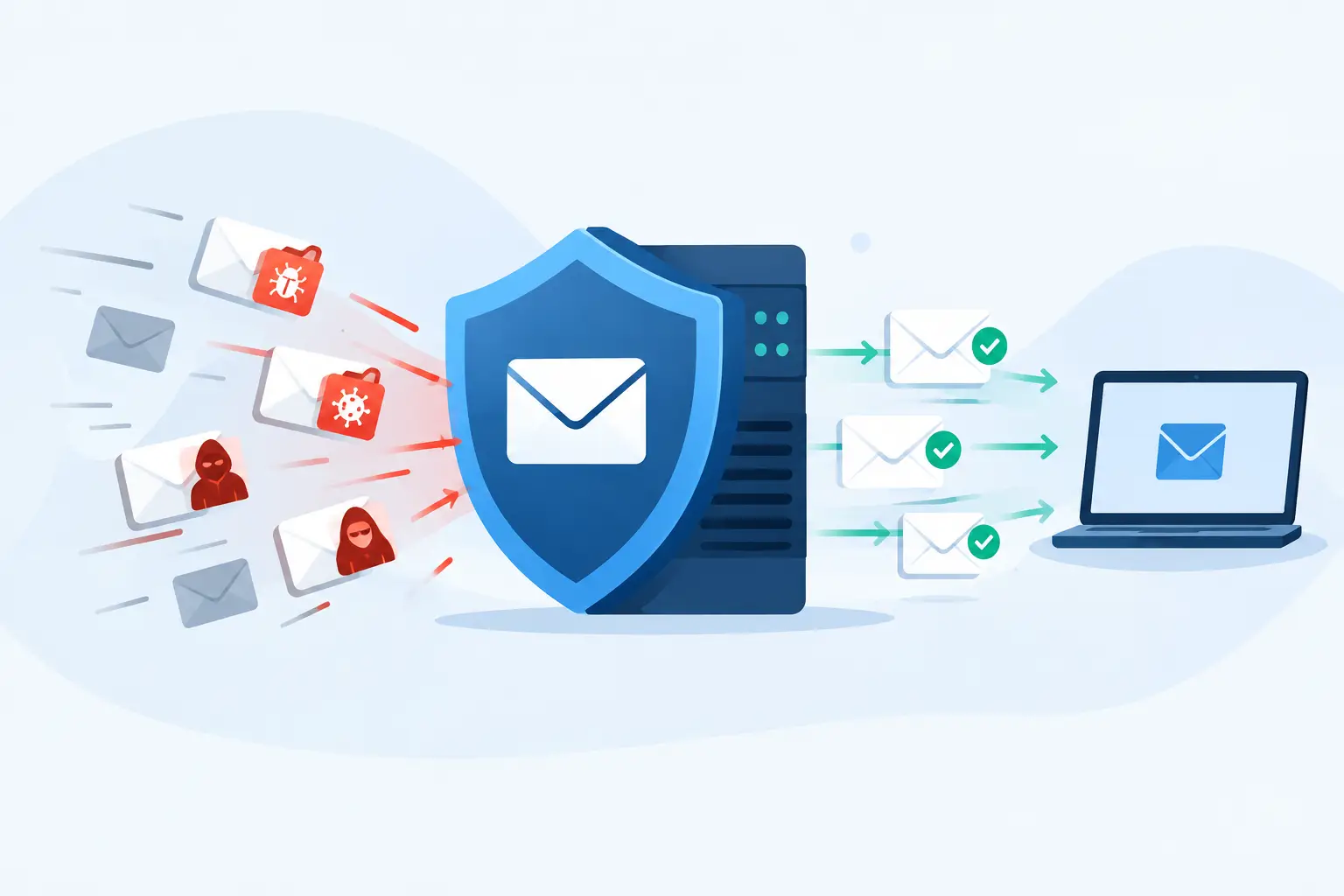
The recovery team then prioritizes the business functions that keep the firm operating. In this case, the order is email security and identity access, phones, the case-management database, active client files, accounting, and lower-priority archived material.
The team resets privileged credentials, enforces multifactor authentication across remote access and email, removes old accounts, and reviews forwarding rules. Clean workstations are prepared for staff who need to handle urgent work. The rebuilt file server is patched, hardened, and placed back on the network only after validation.
At 2:00 that afternoon, the firm regains access to a clean copy of Friday’s files and begins restoring the most urgent matter folders from protected backups. By Tuesday morning, the case management application and core shared files are working. Some nonessential archives remain offline while they are scanned and restored.
This is not a perfect outcome. The firm loses some work created after Friday night, staff spend time reconstructing notes, and leadership deals with anxious clients. But it avoids paying a criminal, prevents the encryption from reaching every system, and provides a defensible record of what happened and how the firm responded.
What made this ransomware recovery example work
The firm did not get lucky because it owned backup software. It had several layers that gave recovery a fighting chance:
- Separate, tested backups with at least one copy protected from deletion or encryption.
- Monitoring that flagged unusual activity and a support team that could begin containment quickly.
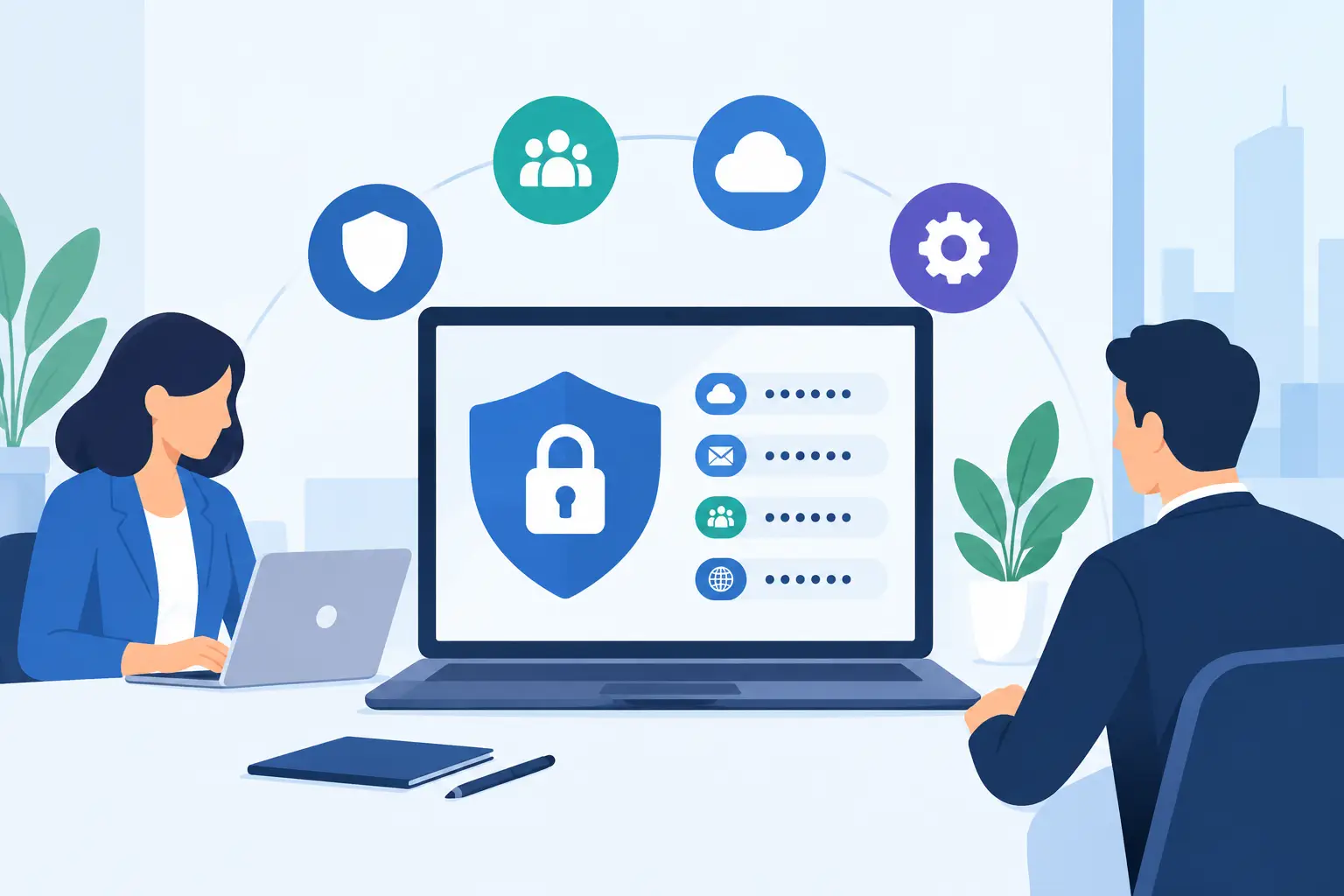
- Multifactor authentication, account controls, and documented administrator access.
- A current inventory of devices, servers, applications, vendors, and recovery priorities.
- Leaders who knew who could authorize downtime, insurance notifications, outside incident response, and client communications.
None of these controls makes ransomware impossible. They reduce the odds of a successful attack and, just as importantly, reduce the number of bad choices available during the first few hours.
The uncomfortable gaps found after recovery
A real post-incident review should be candid. In this scenario, the firm learns that one former employee account was not fully removed, several users had local administrator rights they did not need, and its backup restoration had not been tested at the scale required for a full server recovery.
Those findings are not a reason to blame the office manager or the person who clicked a malicious link. They are a work list. The firm documents fixes with owners and deadlines: improve offboarding, limit administrative rights, tune email filtering, test restores quarterly, create an incident call tree, and run a tabletop exercise with leadership.
For many small organizations, this is where an experienced local managed services partner earns its keep. The work is not glamorous. It means knowing which server runs the accounting application, which vendor supports the phones, who can approve an emergency expense, and which data cannot wait until tomorrow. 404 Network Ninjas approaches that work as operational discipline, not a slide deck full of zero synergy.
A recovery plan you can actually use
If your organization has backups but has never restored a critical system under pressure, you have a backup strategy, not a proven recovery capability. Start with a short assessment: identify your most critical business functions, decide how long each can be unavailable, confirm where its data lives, and test whether a clean copy can be restored.
Then document the first-hour actions in language a nontechnical leader can follow. Who calls IT? Who contacts the insurer? Who can take systems offline? How will staff communicate if email is affected? Keep that plan accessible outside the network it is meant to protect.
The most useful ransomware recovery example is not the one that makes for a dramatic story after an attack. It is the one that prompts a calm, practical conversation before anyone sees a ransom note.