A wire-transfer request that once took a criminal an hour to write can now be tailored to your company in minutes. AI can imitate an executive’s tone, clean up bad grammar, reference public details about a client or event, and produce a believable message at scale. For a law firm, practice, nonprofit, or growing business, AI phishing defense is no longer a nice security upgrade. It is part of protecting money, confidential information, and the ability to keep working.
The uncomfortable truth is that neither a spam filter nor an annual training video will solve this on its own. Good defense combines technology that sees suspicious patterns, clear business processes that prevent rushed decisions, and real people who know what to do when something looks wrong.
Why AI Has Changed the Phishing Problem
Traditional phishing was often easy to spot. The language was awkward, the sender address was strange, and the request was vague. That version still exists, but it is not the one causing the most concern.
AI makes social engineering cheaper and more convincing. An attacker can use information from a website, social media profile, public court filing, donation page, or breached contact list to make an email seem familiar. They can create a fake invoice that matches a vendor’s language, impersonate a managing partner asking for records, or send a message that appears to come from an executive director during a busy fundraising week.
The target does not have to click a malicious attachment for the attack to work. Many of the most damaging attempts are business email compromise: a criminal persuades someone to change banking details, buy gift cards, release payroll information, or share sensitive documents. AI is making those messages more polished, more personal, and harder to dismiss at a glance.
Voice cloning adds another wrinkle. If a staff member receives an urgent call that sounds like their supervisor, followed by an email with matching instructions, the pressure can feel very real. Small and midsize organizations are attractive targets because approvals are often informal, staff wear multiple hats, and a single successful payment diversion can create a serious cash-flow problem.
What AI Phishing Defense Can Actually Do
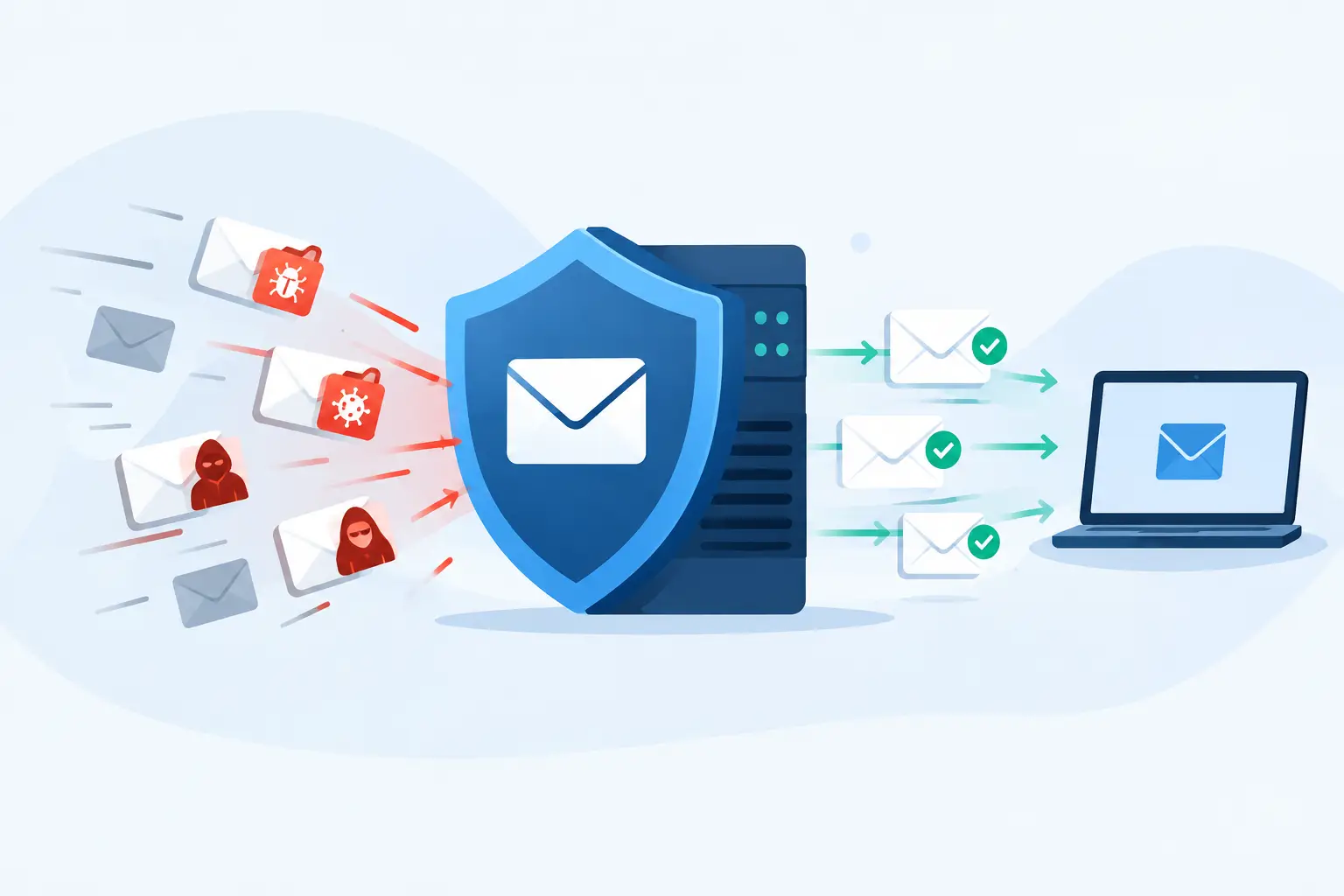
AI phishing defense uses machine learning and behavior analysis to identify signals that basic email filtering may miss. It can examine whether a sender normally communicates with your organization, whether a message is unusual for that person, whether a link leads somewhere risky, and whether the language resembles impersonation or fraud.
For example, a message may technically come from a legitimate account but request a sudden bank-account change. A capable security tool may flag that the request is unusual, that the sender has not previously discussed payment details, or that the message was sent from an unfamiliar location. Some platforms can also detect suspicious login behavior before a compromised mailbox is used to attack others.
That is useful, but it is not magic. AI tools produce false positives. A legitimate new vendor may look suspicious. An urgent message from an executive traveling overseas may trigger an alert. If every legitimate email becomes a quarantine problem, employees will look for workarounds and security will lose credibility.
The goal is not to buy the loudest AI label on the market. The goal is to tune protections to your environment, review what they catch, and make sure urgent business work can continue without turning every employee into a full-time email investigator.
The attacker uses AI too
There is no permanent advantage in simply adding AI to an email gateway. Attackers adapt. They test messages, use compromised accounts, and avoid the obvious language patterns that filters recognize. That is why an AI-enabled email security tool should be one layer in a larger plan, not the entire plan.
A good setup also includes multifactor authentication, monitored identities, endpoint protection, DNS and web filtering, patching, secure backups, and a documented response process. None of these controls is glamorous. Together, they make a successful phishing attempt harder to turn into a business outage.
Put Friction Around the Decisions That Cost Money
The most effective protection is often operational, not technical. If a staff member can change a vendor’s banking information based on one email, the process is the vulnerability.
Create a verification rule for payment changes, payroll updates, gift-card requests, confidential-file requests, and password resets. The verification must use a known contact method, such as calling a number already in your records. Do not reply to the email, click a number in the message, or trust a follow-up call that arrives right after it.
For sensitive actions, use a second approver. That may feel slower, especially in a small office, but a two-minute callback is far less disruptive than recovering a misdirected wire transfer. The right amount of friction depends on the transaction and the organization. A nonprofit processing a modest recurring vendor payment has different exposure than a firm handling client trust funds or a practice managing protected health information.
Write the procedure down. People make more mistakes when they are covering a front desk, handling a client emergency, or filling in for someone on vacation. A short, clear process gives them permission to pause when a request feels urgent.
Train for Judgment, Not Gotchas
Phishing training should not be a once-a-year quiz designed to embarrass employees. People need to understand the specific fraud that could affect their role.
Accounting staff should see examples of invoice and banking-change scams. Attorneys and legal support teams should understand fake client-document requests and mailbox compromise. Healthcare-adjacent teams should recognize attempts to obtain patient data or redirect insurance payments. Executive assistants and office managers need practice questioning urgent requests that appear to come from leadership.
Keep the message simple: urgency is not proof, authority is not proof, and a familiar name is not proof. Reporting a suspicious email should be easy and encouraged. An employee who reports something that turns out to be legitimate has still done the right thing.
Short, recurring training works better than one annual information dump. Use real examples from your industry, explain what employees should do, and show them who will respond. When staff know a real technician or internal owner will help quickly, they are less likely to take a risky shortcut just to clear their inbox.
Build a Response Plan Before Someone Clicks
Even strong controls will miss something. The question is whether your organization can contain the problem before it becomes an account takeover, data exposure, or fraudulent payment.
Your team should know how to report a suspicious email or accidental click immediately. IT should be able to isolate an affected device, reset credentials, revoke active sessions, review mailbox rules, check for unauthorized forwarding, and investigate whether the same message reached other users. Finance leadership should know whom to call if a payment has been initiated. Speed matters, especially when money is moving.
Document who has authority to make those calls. If the executive director is unavailable, who can approve an emergency account lockdown? If the office manager sees a payment-diversion attempt, who contacts the bank? A response plan that exists only in one person’s head is not a plan.
This is where a managed IT partner earns its keep. 404 Network Ninjas approaches security as an operational service: understand the environment, identify risk-based fixes, monitor the basics consistently, and answer when a client needs help. That is a better model than buying another dashboard and hoping somebody has time to watch it.
Questions to Ask Before Buying Another Security Tool
Before committing to an AI-enabled email security product, ask whether it integrates with your email platform, identity provider, endpoint tools, and incident-response process. Ask who reviews alerts, how quarantined messages are released, and how the tool handles executive impersonation, compromised accounts, and suspicious vendor requests.
Also ask what happens after detection. A tool that identifies a malicious email is valuable. A team that can determine who received it, remove it from mailboxes, investigate related activity, and help staff respond is more valuable.
Price matters, particularly for organizations working within a realistic budget. But the lowest-cost option can become expensive if it creates constant noise or leaves your team responsible for interpreting every alert. The best fit is usually the one that reduces measurable risk without creating a new pile of work your staff cannot sustain.
AI will keep making phishing messages more credible. Your answer does not need to be complicated or corporate. Put smart detection in place, require verification for high-risk requests, train people for the fraud they are likely to see, and make sure a knowledgeable human can respond when the warning signs appear.