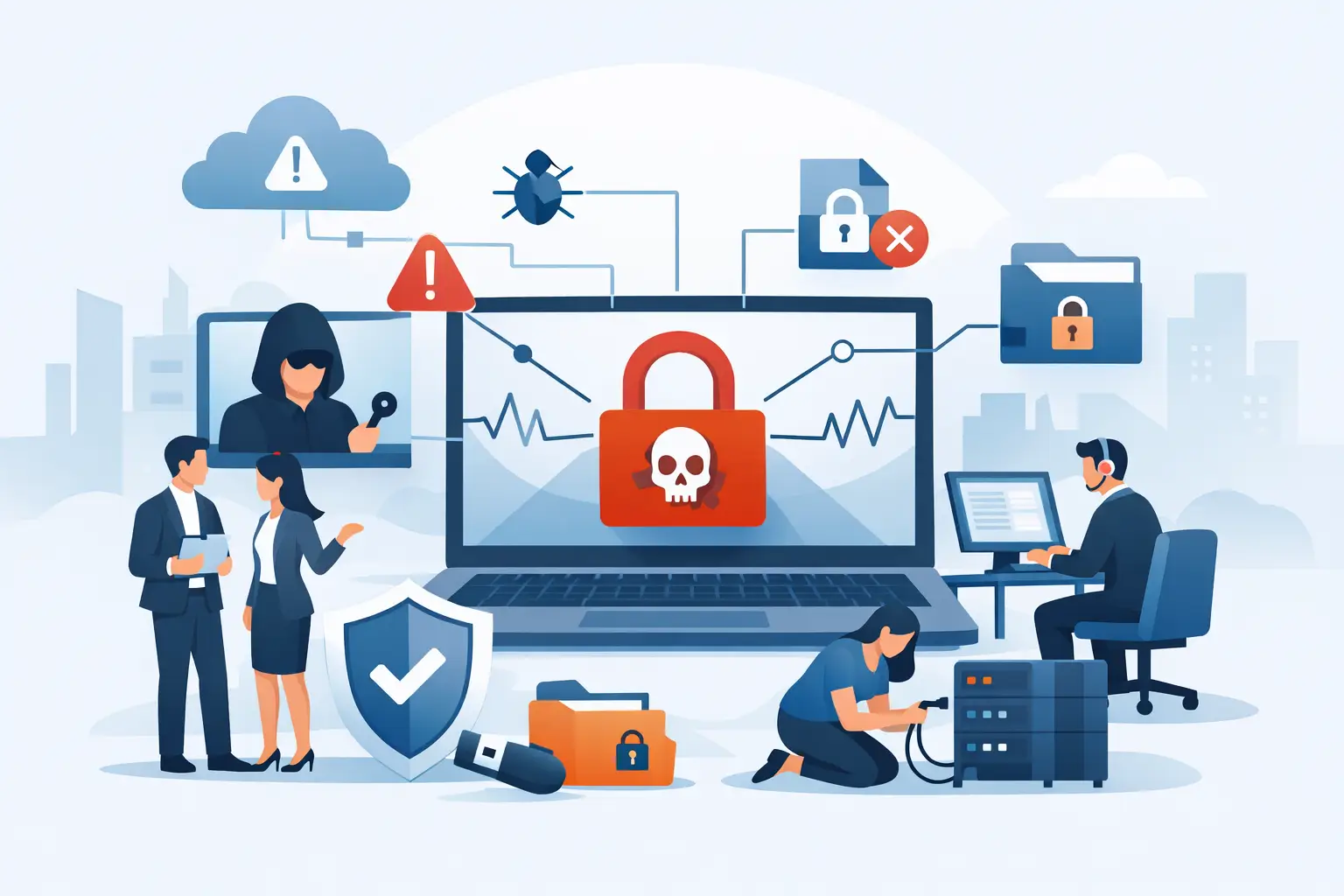
A ransomware incident is not the time to figure out who has administrator access, where backups live, or whether anyone will answer the phone. This ransomware incident response guide gives Metro Atlanta business leaders a practical order of operations when files are locked, systems are down, and every minute feels expensive.
The hard part is not just removing malicious software. It is making disciplined decisions with incomplete information. A law firm may need to protect privileged client material. A healthcare-adjacent practice may face privacy and notification obligations. A nonprofit may have limited cash reserves and no spare servers. The response has to fit the organization, but the first principles do not change: contain the damage, preserve evidence, communicate clearly, and restore only what you can trust.
First 30 Minutes: Stop the Spread Without Destroying Evidence
If an employee sees ransom notes, unusual file extensions, inaccessible shared drives, or a sudden spike in antivirus alerts, treat it as a potential ransomware event. Do not wait for confirmation from every department.
Immediately isolate affected computers from the network. Unplug the network cable or disable Wi-Fi. Do not power systems off unless your incident response lead or security provider directs it. A running machine can contain valuable evidence about the attacker’s tools, connections, and activity. At the same time, do not let an infected endpoint remain connected simply because someone wants to investigate it first.
Disable compromised accounts and revoke active sessions, especially for administrators, remote access tools, VPN accounts, and Microsoft 365 or Google Workspace accounts. If you suspect a domain administrator or cloud administrator account was used, assume the attacker may have broader control than the first encrypted workstation suggests.
Create a simple incident log immediately. Record who found the problem, when it was found, which systems are affected, what messages appeared, and every action taken. Screenshots of ransom notes, alert emails, and unusual login records matter. So do the names of people who accessed affected systems. This documentation helps technical recovery, insurance reporting, legal review, and any required notification process.
Do not start deleting files, reinstalling computers, or running random cleanup utilities. Those actions can erase evidence and make the scope harder to determine. The goal in the first half hour is controlled containment, not a heroic-looking fix.
Build a Small Decision Team
Ransomware turns routine IT issues into business decisions quickly. The right team is usually small: an executive with authority to make operational calls, the person leading IT or your managed service provider, a legal contact, and an insurance contact if cyber coverage is in place. Add communications or HR leadership when employee, client, donor, or patient information may be involved.
One person should own the timeline and another should approve major decisions. That prevents the common problem of five well-meaning people calling vendors, changing passwords, and sending inconsistent updates.
Notify your cyber insurance carrier early and follow its breach-reporting instructions. Policies often require use of approved legal counsel, forensic firms, or negotiators. Calling the carrier is not an admission of failure. It is how you preserve coverage options before recovery costs begin stacking up.
Be careful with broad internal announcements. Employees need clear instructions, such as not connecting work laptops to the office network, not resetting passwords until directed, and not communicating externally about the event. They do not need rumors, guesses, or a technical play-by-play. Clients and partners deserve honest communication when their service or information may be affected, but timing should be coordinated with legal and incident-response guidance.
Scope the Attack Before You Restore
Encryption is the visible problem. The attacker’s access is often the larger one. Many ransomware groups spend days or weeks inside an environment before launching encryption. They may steal data, create new accounts, alter backups, install remote-control tools, or move between servers using legitimate credentials.
Your technical team should determine the initial entry point, affected identities, systems touched, data accessed or removed, and whether the attacker still has a path back in. Review identity-provider logs, firewall and VPN records, endpoint alerts, email activity, cloud audit logs, and unusual remote-management activity. This is where a managed IT partner that already knows your network, users, and backup design can save real time. There is a major difference between investigating an environment you documented last month and trying to decode it from a stale spreadsheet during an outage.
Do not assume a clean-looking server is clean. Likewise, do not assume every encrypted endpoint means every system is compromised. The evidence should guide the response. Over-isolating systems can lengthen downtime; under-isolating them can turn a contained incident into a full business shutdown.
Check Backups Like They Are Part of the Incident
Backups are only useful if they are intact, accessible, and clean. Verify when the most recent backup completed, whether it was protected from normal administrator credentials, and whether it predates the attacker’s activity. Test restoration in an isolated environment before rebuilding critical production systems.
A backup that exists on a network share reachable by an attacker may already be encrypted or deleted. A cloud backup can also be at risk if the attacker controls the same privileged account used to manage it. This is why backup design matters long before an incident: separate credentials, retention periods, immutable copies, and periodic restore tests are not paperwork. They are recovery options.
Ransomware Incident Response Guide: Recover in the Right Order
Recovery should follow business priority, not which server is easiest to rebuild. For a law office, that might mean secure email, document management, practice management, and phones. For a medical practice, it may mean scheduling, clinical applications, communication tools, and access to essential records. For a nonprofit or congregation, donor systems, payroll, and basic communications may come first.
Make a short recovery sequence that names each service, its owner, its dependencies, the acceptable downtime, and the sign-off required before it returns to use. Rebuild or restore systems into a clean, monitored environment. Patch operating systems and applications, rotate credentials, enforce multifactor authentication, and remove unauthorized tools and accounts before reconnecting restored systems to the production network.
Avoid restoring everything at once. Bring back one priority service, test it with the people who actually use it, watch for suspicious activity, then move to the next. Fast recovery that reintroduces the attacker is not recovery.
Whether to pay a ransom is a legal, financial, and operational decision, not an IT shortcut. Payment may not produce a working decryptor, may not prevent stolen data from being released, and may create legal or sanctions concerns. In some cases, leadership may determine that no other viable route exists. That decision should be made with counsel, the insurer, and qualified incident-response professionals - not by an employee replying to a ransom note at 2 a.m.
Keep the Business Running While IT Recovers
A practical continuity plan separates essential work from normal work. Can staff use personal devices? Usually not without clear security controls. Can teams process intake on paper, redirect phones, use an approved alternate email process, or work from a safe temporary location? Sometimes. The answer depends on the sensitivity of the data and the controls available.
Give employees specific temporary procedures. Vague instructions like “work offline” create workarounds that can introduce another security problem. Tell people which devices are safe, which communication channels are approved, how to handle client or patient requests, and where to report suspicious activity.
Leadership should also set an update rhythm. A brief status update at a predictable time is better than a stream of unverified messages. Say what is known, what teams are doing next, and when the next update will arrive. If you do not know whether data was accessed, say that the investigation is ongoing. Straight answers build more trust than premature certainty.
After the Fire Is Out, Fix the Entry Points
The incident is not over when users can open files again. Hold a review that identifies the likely entry point, the controls that failed, the controls that worked, and the business impact. Turn those findings into assigned fixes with dates and owners.
The usual improvements are not glamorous: patching unsupported systems, removing unused accounts, tightening remote access, requiring multifactor authentication, segmenting networks, improving endpoint monitoring, documenting vendors, and testing restores. Employee training may be part of the answer, but do not make it the entire answer. People will eventually click something questionable. Your systems should make one bad click harder to turn into a company-wide outage.
For organizations without a full internal IT department, an incident is also a fair reason to reassess who is responsible for security, backups, and after-hours decisions. 404 Network Ninjas helps Metro Atlanta organizations document those responsibilities before a crisis, then provides a local team that knows who to call and what systems matter most.
The most useful ransomware plan is not a binder nobody has opened since 2021. It is a tested set of contacts, decisions, backups, and recovery steps that still works on the worst day of the year.