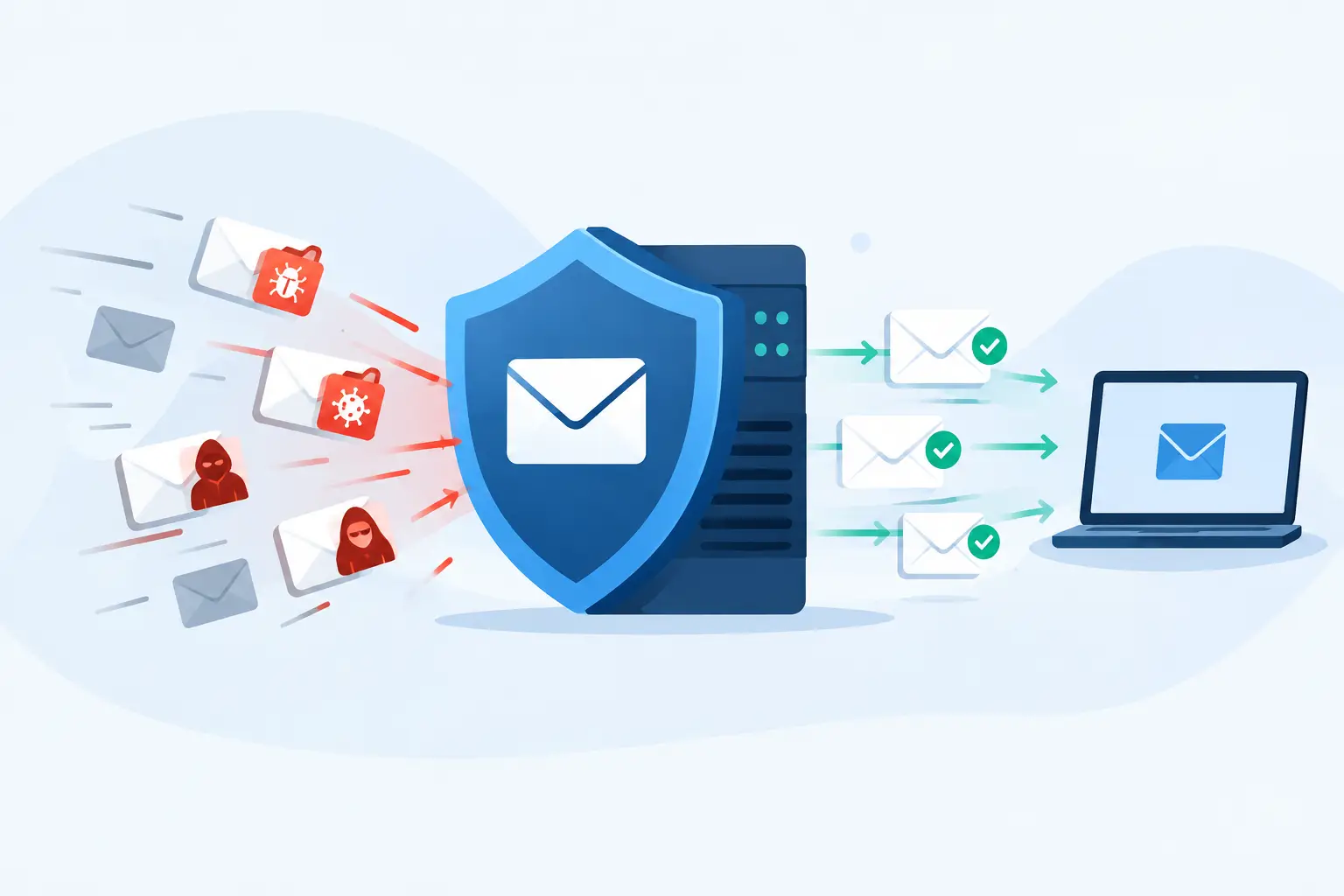
A former employee’s login should not still open your payroll system, client files, or law firm email six months after they leave. Yet that is exactly what happens when passwords live in browsers, sticky notes, shared spreadsheets, and one person’s memory.
Finding the best password managers business teams can actually run is less about choosing the app with the flashiest interface. It is about establishing who owns credentials, who can use them, what happens when roles change, and whether you can prove that access was removed. For a growing Atlanta organization, that is basic operational control, not a nice-to-have security upgrade.
What a Business Password Manager Is Supposed to Fix
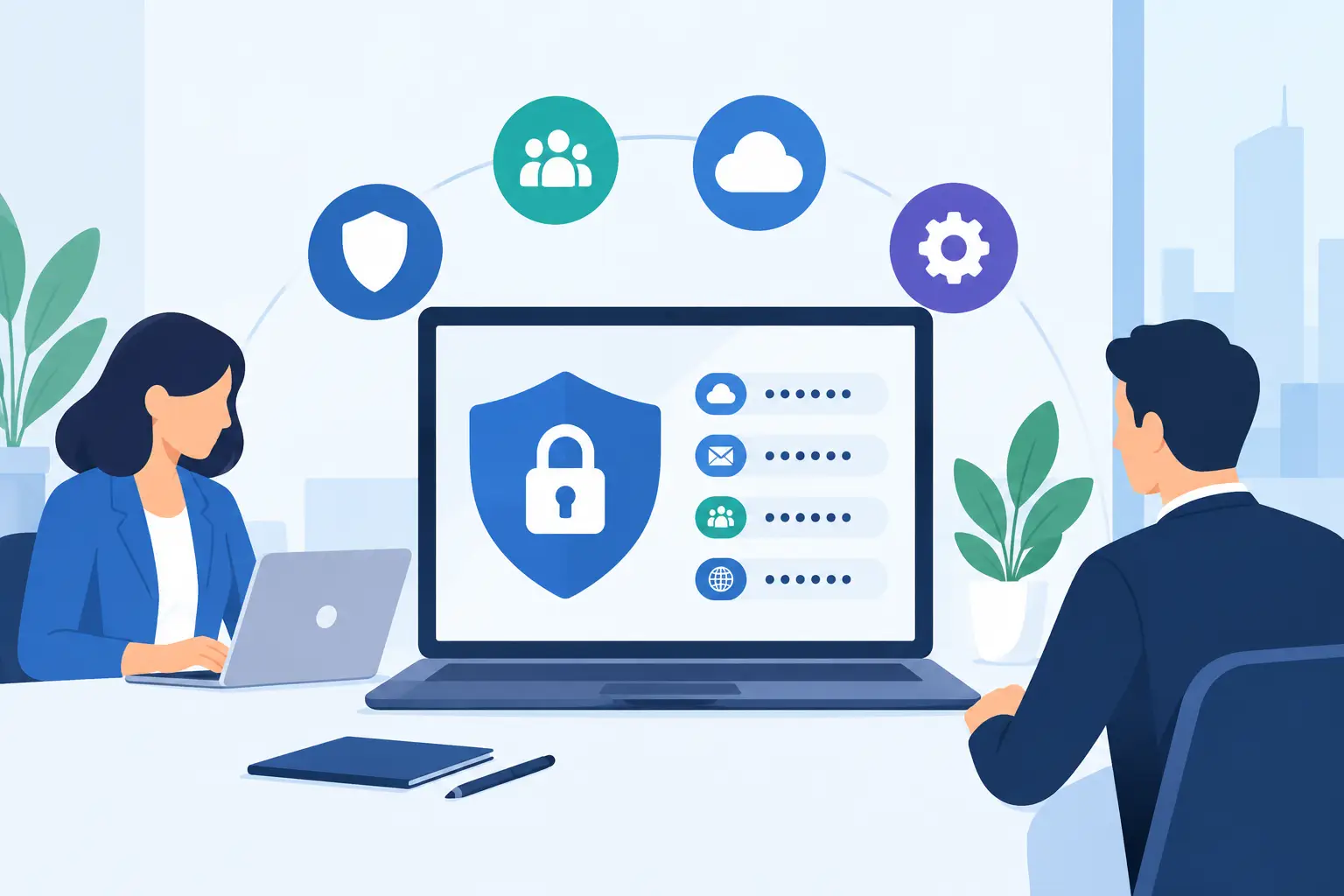
A business password manager stores credentials in encrypted vaults and lets authorized employees access them without passing passwords around in plain text. That sounds simple. The difference comes in the administration.
A personal password vault helps one person remember logins. A business platform should help the organization control access to shared systems: Microsoft 365, accounting software, cloud file storage, donor-management tools, electronic health record portals, social accounts, vendor portals, and network equipment. The company, not an individual employee, should retain control of every one of those accounts.
That matters when an office manager leaves unexpectedly, an employee receives a convincing phishing email, or an audit asks who has access to sensitive data. Without a managed system, the answer is often a long, uncomfortable cleanup project. With one, an administrator can remove access, rotate exposed credentials, and review activity without starting from scratch.
Password managers do not replace multifactor authentication, endpoint protection, or security awareness training. They make those controls more practical. A unique 20-character password is easy to use when the vault creates and fills it. It is much less likely when employees must type it from memory.
How to Evaluate the Best Password Managers for Business
Do not buy based on a consumer review that says a product is easy to use. Ease of use matters, but business requirements are different. Start with the workflows that create risk in your organization.
Shared access without shared knowledge
Your team may need access to a common inbox, insurance carrier portal, QuickBooks account, practice-management platform, or vendor dashboard. The right product lets a manager share that login with a defined group while keeping the actual password hidden or controlled.
Look for shared vaults, groups, and role-based permissions. You want to grant access to “Accounting” or “Client Intake,” not send the password to three people in an email. You also need a clean way to remove a departing employee from every relevant vault at once.
This is particularly relevant to law firms and healthcare-adjacent organizations. Client and patient-related systems cannot become inaccessible because the person who set them up is on vacation, resigned, or cannot be reached.
Administrative visibility and audit records
A business owner or IT lead should not have to guess whether privileged credentials are being used correctly. Look for administrative reporting that shows who has been invited, who has accepted access, which vaults are shared, and whether accounts are protected by multifactor authentication.
Audit logs are not merely for compliance paperwork. They provide a timeline after a suspicious event. If a vendor portal was accessed unexpectedly, you need facts: which account was used, when access changed, and whether a password was rotated.
The amount of reporting you need depends on your risk. A five-person nonprofit may need clear ownership and simple offboarding. A law firm handling confidential case files or a practice preparing for a HIPAA review may need stronger reporting, documented access policies, and an MSP or internal IT team involved in administration.
Offboarding, recovery, and continuity
The best tool is the one that still works during a bad week. Ask what happens if the primary administrator is unavailable, leaves the company, or loses their device. There should be at least two trusted administrators, documented emergency access procedures, and a recovery process that does not depend on one person’s personal email account.
Also confirm how the platform handles account recovery. Security and recovery pull in opposite directions: loose recovery creates an opening for attackers, while overly rigid recovery can lock out the business. Your choice should fit the organization, but it should be tested before an actual emergency.
Adoption by real employees
A password manager that employees avoid will not solve the problem. Browser extensions, mobile apps, autofill, and clear onboarding all affect adoption. So does a product’s ability to handle the mix of Windows computers, Macs, mobile devices, and shared workstations your organization actually uses.
Do not confuse convenience with permission to cut corners. Employees should have their own accounts, not a shared master login to the vault. Personal vaults and company vaults should be clearly separated. The business needs a way to retain company credentials while respecting personal accounts.
Four Strong Options and Where They Fit
Several platforms are credible choices. There is no universal winner because price, administration, technical requirements, and user behavior differ.
1Password Business is often a strong fit for organizations that value a polished user experience and want employees to adopt the system quickly. Its shared vault approach is straightforward, and it supports separate personal and business use. It can be a good choice for professional services firms, but administrators should still spend time designing vaults and groups rather than handing everyone broad access.
Bitwarden Business is a practical option for organizations that want solid core capabilities and flexible deployment considerations. It is widely respected by technical teams and can be attractive for budget-conscious nonprofits or businesses with internal IT expertise. The trade-off is that some teams may need more hands-on configuration and user training to get the most from it.
Keeper Business is worth considering for companies that want detailed administrative controls and may need to expand into privileged-access workflows. It can suit organizations with higher security expectations, although the available features and add-ons should be reviewed carefully against the budget. Paying for capability nobody will manage is not a security strategy.
Dashlane Business can work well for teams that prioritize a clean employee experience and central management. As with every vendor, verify that its current plan structure, reporting, integrations, and support model match your requirements before committing. Product packaging changes. Your access-control needs should drive the decision, not a comparison chart from two years ago.
For most small and midsize businesses, the better question is not whether one product has one more feature than another. It is whether the chosen platform will be deployed consistently, administered by accountable people, and reviewed as staff and systems change.
Deployment Is Where Password Programs Usually Fail
Buying licenses is the easy part. The risky part is migrating old credentials and changing habits without disrupting daily work.
Start with an inventory of high-value accounts. Prioritize email administration, financial systems, cloud storage, domain registration, firewall and network equipment, backup platforms, HR systems, and any portal containing client, donor, employee, patient, or legal information. These are the accounts that can cause the greatest damage or downtime if they are lost or compromised.
Next, identify ownership. Every critical account should have a business owner and an administrative owner. Avoid using a single employee’s personal email as the recovery address for corporate services. Where possible, move recovery contacts and billing records under controlled company accounts.
Then build vaults around job function and sensitivity. A small organization may need an executive vault, accounting vault, operations vault, and IT vault. A law firm may also separate administrative systems from practice-group tools or highly restricted client platforms. Keep access narrow enough to reduce exposure but simple enough that people can do their jobs.
Finally, pair the rollout with a password reset plan and multifactor authentication. Do not try to reset every low-risk account on day one. Start with the systems that matter most, make sure they are stored correctly, enable MFA using an appropriate method, and work down the list. Document the process so that future hires and departures do not create another cleanup project.
When You Need More Than a Password Manager
A password manager is a foundational control, but it cannot tell you whether a compromised laptop is still connected to your network or whether a former contractor has an active Microsoft 365 license. Those are separate management problems.
Businesses that handle regulated, financial, legal, or confidential information should connect password management to a broader access-control process. That includes onboarding and offboarding checklists, device management, endpoint security, backup protection, security awareness training, and periodic account reviews. For organizations without full-time IT staff, an experienced local IT partner can help configure the system, migrate critical credentials, document ownership, and verify that access comes off promptly when people leave.
The goal is not to make every employee a cybersecurity expert. It is to remove unnecessary chances for a rushed employee to make a dangerous choice.
Before selecting a platform, take one hour to list the ten accounts your business could not afford to lose access to. If nobody can confidently name their owner, recovery method, and current authorized users, start there. The right password manager will give that list a home. A disciplined process will keep it from becoming another forgotten spreadsheet.