A ransomware operator does not need to steal every file to put your organization in a bad position. If they can encrypt production systems and delete the backups your team planned to restore from, they can turn a technology incident into days or weeks of business disruption. That is why decision-makers ask, are backups immutable? The honest answer is: some are, some are marketed that way loosely, and immutability only helps when the full backup and recovery process is designed correctly.
For a law firm, medical practice, nonprofit, or growing Atlanta business, the goal is not to buy a feature with a reassuring name. The goal is to preserve a clean, usable copy of critical data when someone with malicious intent gets into the environment.
What Immutable Backups Actually Mean
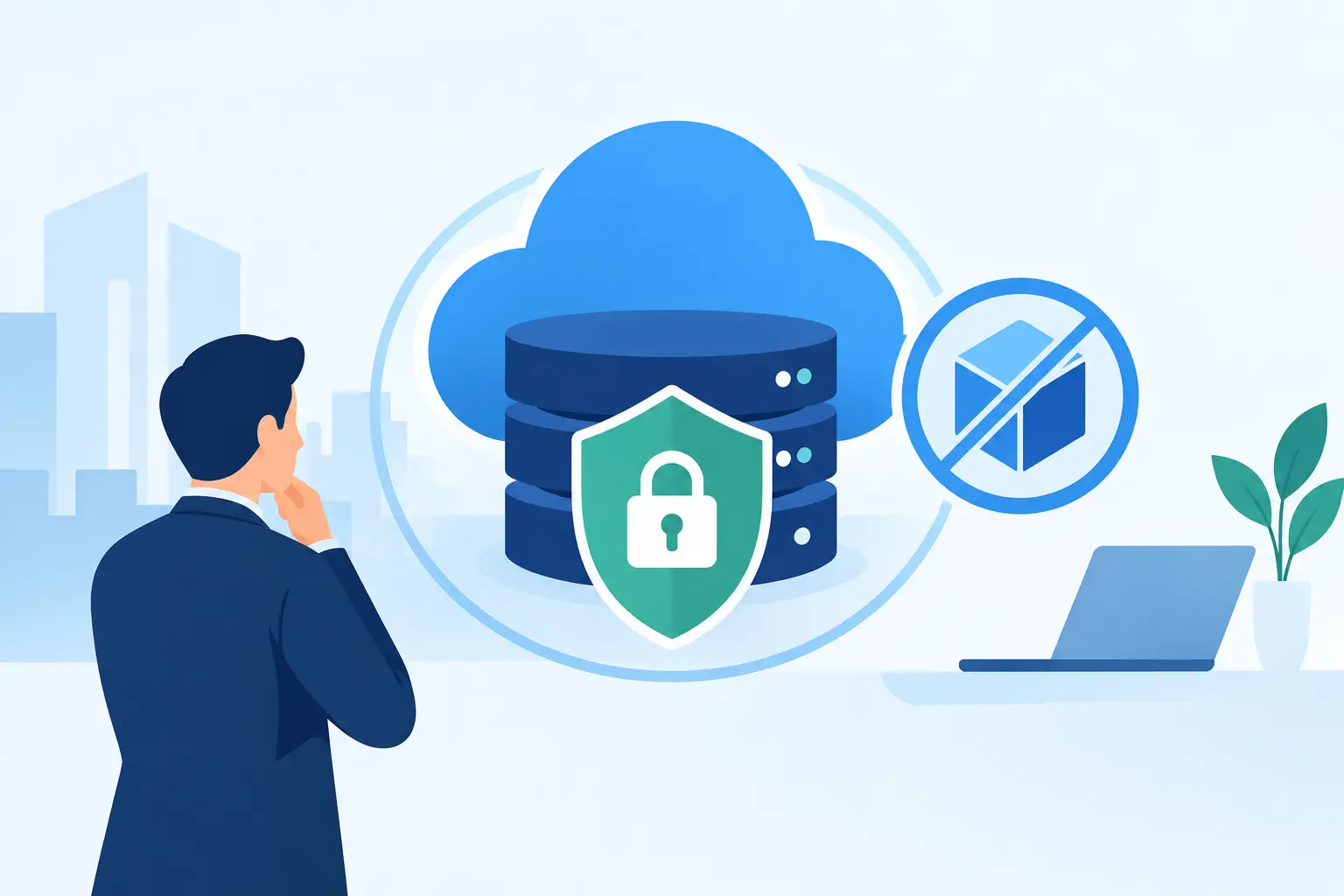
An immutable backup is a backup copy that cannot be changed, encrypted, or deleted for a defined retention period. Once the backup system writes that data and applies the retention lock, even an administrator should not be able to alter or remove it before the retention period expires.
That distinction matters. A standard backup may be protected by a password, stored in a separate location, or copied to the cloud. Those are useful controls, but they do not necessarily stop an attacker who has stolen an administrator’s credentials. If that attacker can sign in to the backup console, they may be able to delete restore points, change retention settings, or encrypt the backup repository before you discover the intrusion.
Proper immutability creates a technical barrier against those actions. The backup data is effectively placed in a write-once state for a set amount of time. You can create new backups and restore older ones, but you cannot rewrite or erase the protected copy early.
There is a catch: immutability is not a synonym for “safe.” It is one control in a business continuity plan, not a replacement for security, monitoring, documentation, or testing.
Are Backups Immutable by Default?
Usually, no.
Many organizations have cloud storage, a backup appliance, or backup software that offers an immutability option. That does not mean the option was enabled, configured with the right retention period, or applied to every workload that matters. It also does not mean the account that manages the backups is adequately protected.
A common problem is assuming that a backup stored off-site is automatically immutable. Off-site storage protects against a fire, flood, theft, or equipment failure at the office. It does not automatically protect against a compromised administrator account. If an attacker can access the cloud tenant or backup portal with broad enough permissions, location alone will not save the backups.
Another issue is confusing retention with immutability. Retention tells the system how long to keep data under normal operation. Immutability enforces that requirement so that an authorized or unauthorized user cannot simply override it. The difference becomes very real during a ransomware event.
Why Ransomware Targets Backup Systems
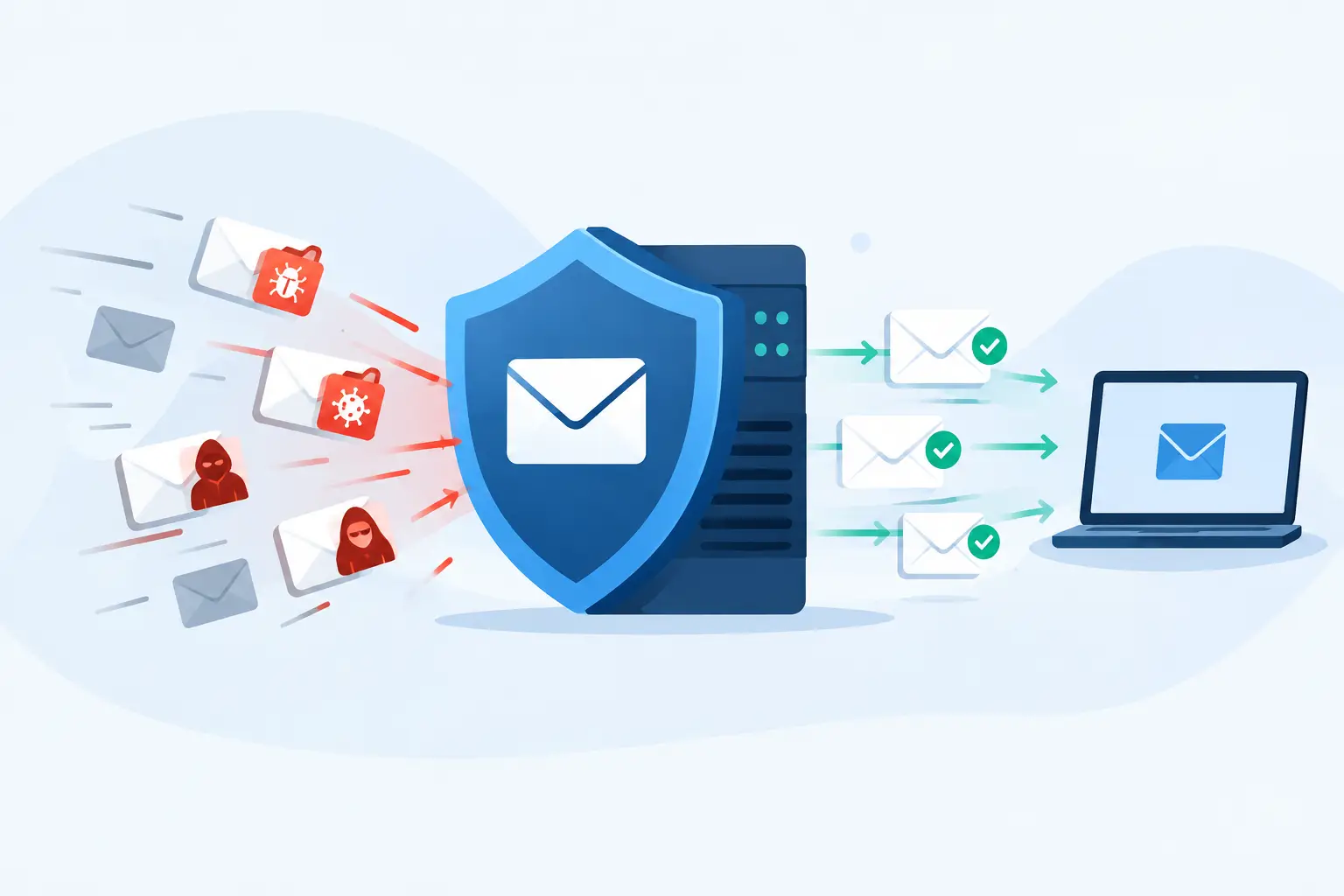
Criminal groups have learned how businesses recover. They no longer focus only on file servers and employee laptops. They look for backup software, virtual infrastructure consoles, cloud administration portals, domain administrator accounts, and documentation that tells them exactly where the important systems live.
If they find weak credentials or overly broad access, they may wait quietly while they map the environment. Then they disable security tools, delete backup copies, and encrypt systems in a short window. This is why a backup job showing “successful” every morning is not enough evidence that you can recover.
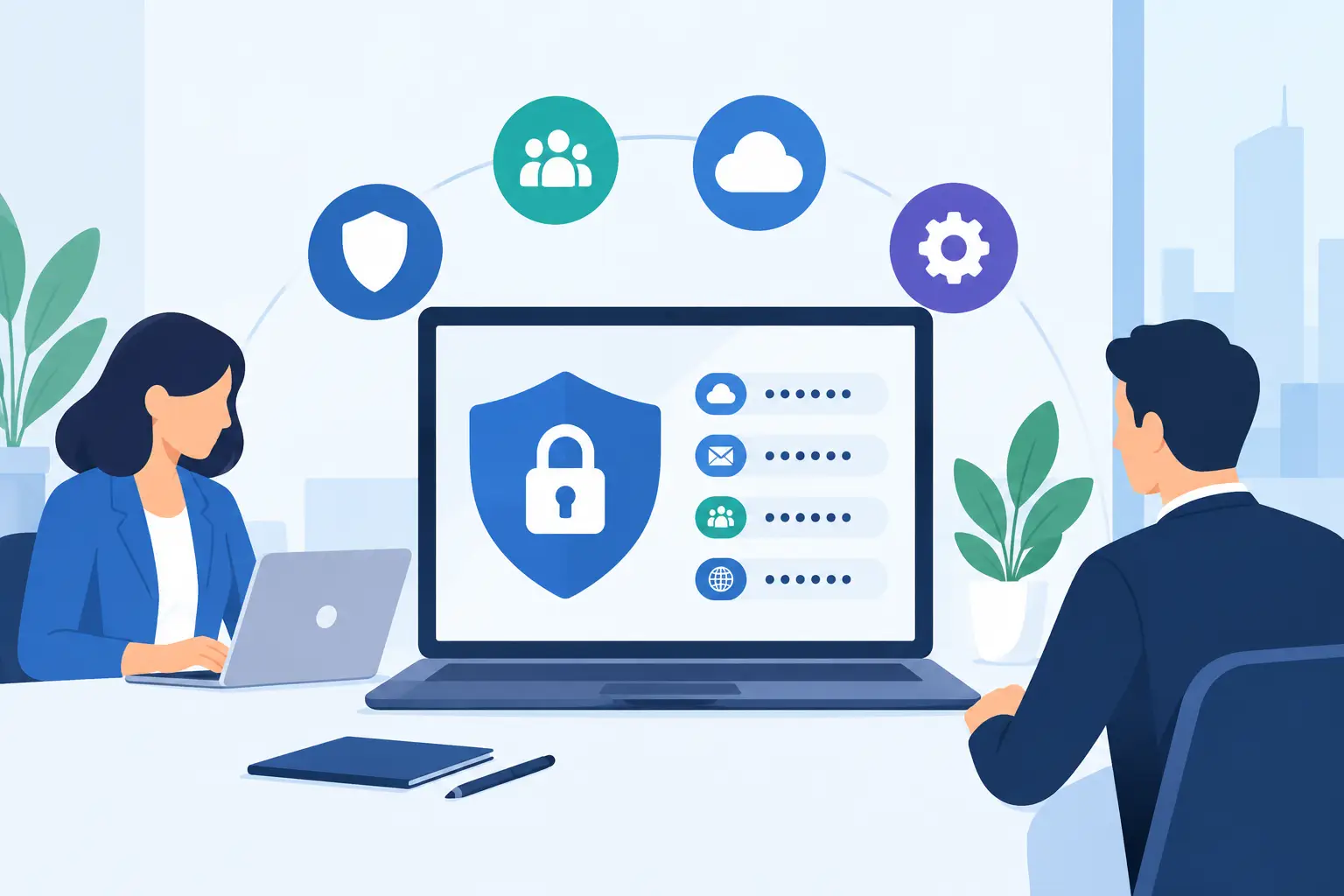
A useful backup strategy assumes the attacker may gain access to part of the environment. It separates backup administration from ordinary user accounts, limits privileges, protects credentials with multifactor authentication, and keeps at least one recovery copy beyond easy reach of a compromised production network.
For regulated organizations, this is also a governance issue. A HIPAA, legal, insurance, or client confidentiality obligation does not disappear because a backup product was installed years ago. Leadership needs to know what data is protected, how long it is retained, who can delete it, and how quickly operations can be restored.
Immutability Works Best With Layered Recovery
Immutable storage is valuable because it gives your organization a last line of defense. But the last line should not be the only line.
A practical design often follows the familiar 3-2-1 approach: keep at least three copies of important data, on two different types of storage, with one copy stored off-site. Many businesses now add a fourth consideration: make at least one copy immutable and, when appropriate, keep one copy logically or physically separated from the primary environment.
The right design depends on what would hurt most to lose. A law firm may prioritize document management, email, practice-management data, and file shares. A healthcare-adjacent practice may need line-of-business applications, patient-related records, imaging data, and configurations required to bring systems back safely. A nonprofit may be more concerned about donor records, accounting systems, and shared documents that keep programs running.
Not every dataset needs the same recovery target. Some files can wait a day. A core server, phone system configuration, or line-of-business application may need to be back within hours. Treating every system identically can create unnecessary cost, while treating everything as low priority creates an ugly surprise during an outage.
Retention Periods Need a Business Reason
An immutable backup is only protected for as long as its retention lock lasts. If ransomware sits unnoticed in the environment for several weeks and your immutable backups are retained for only a few days, you may have no clean restore point left.
Longer retention offers more recovery options, but it also increases storage costs and requires planning. The answer is not to set the longest possible period and walk away. It is to decide, based on risk and operational need, how far back you may need to go and what records must be retained for legal, compliance, or business reasons.
Clean Recovery Is Different From Fast Recovery
After an attack, pressure builds quickly. Staff cannot work, clients are calling, and someone wants every server restored immediately. Restoring too quickly without validating the backup can reintroduce malware, corrupted data, or the configuration weakness that allowed the incident.
A disciplined recovery process identifies a known-good restore point, restores systems in a controlled order, validates security controls, and confirms that applications and data work as expected. That can feel slower in the moment, but it is far better than restoring the same problem twice.
Questions to Ask About Your Backup Setup
You do not need to become a backup engineer to ask useful questions. Your IT provider should be able to answer these plainly and show the evidence.
- Which systems, cloud services, endpoints, and data repositories are backed up?
- Which backup copies are immutable, and how long is the lock enforced?
- Can a compromised administrator account delete or shorten the immutable retention period?
- Is multifactor authentication required for backup administration?
- Where is the backup data stored, and is any copy separated from the production environment?
- How often are restores tested, and what did the last test prove?
- How long would it take to restore the systems that keep the business operating?
If the answer to any of these is vague, that is not a reason to panic. It is a reason to assess the environment before an emergency forces the issue.
The Most Overlooked Part: Restore Testing
A backup is a promise. A restore test is proof.
Many organizations test only whether a backup completed, not whether a server can be restored, an application launches, users can access data, and the recovered environment is free of obvious compromise. Those are very different checks. Backup reports can look green for months while a missing dependency, corrupted archive, expired credential, or undocumented application requirement makes recovery much harder than expected.
Testing should match the risk. Restoring a random file verifies one thing. Recovering a critical virtual server into an isolated environment verifies much more. Running a tabletop exercise with leadership, operations, legal, and IT verifies whether people know who makes decisions when normal systems are unavailable.
At 404 Network Ninjas, this is the practical work behind business continuity: understanding the environment, documenting what matters, checking the controls, and addressing gaps before a bad day gets worse. No mystery dashboard, no distant ticket queue, and no pretending a backup checkbox is a recovery plan.
Immutability Is Worth It, but It Is Not a Get-Out-of-Ransomware Card
Immutable backups can dramatically improve your ability to recover from ransomware, accidental deletion, and certain insider threats. They make it harder for an attacker to destroy the evidence and recovery data you need. For many small and midsize organizations, that protection is well worth the added planning and storage expense.
Still, immutability cannot prevent an attacker from stealing data. It cannot secure poorly managed identities, patch unmaintained systems, or tell you which restore point is clean. It also cannot make recovery instantaneous. The best result comes from combining immutable copies with endpoint protection, identity security, network controls, documented recovery priorities, and regular testing.
The right next step is simple: ask for a plain-English review of your backup design and one demonstrated restore of a system your organization cannot afford to lose. You will learn more from that exercise than from another month of successful backup emails.