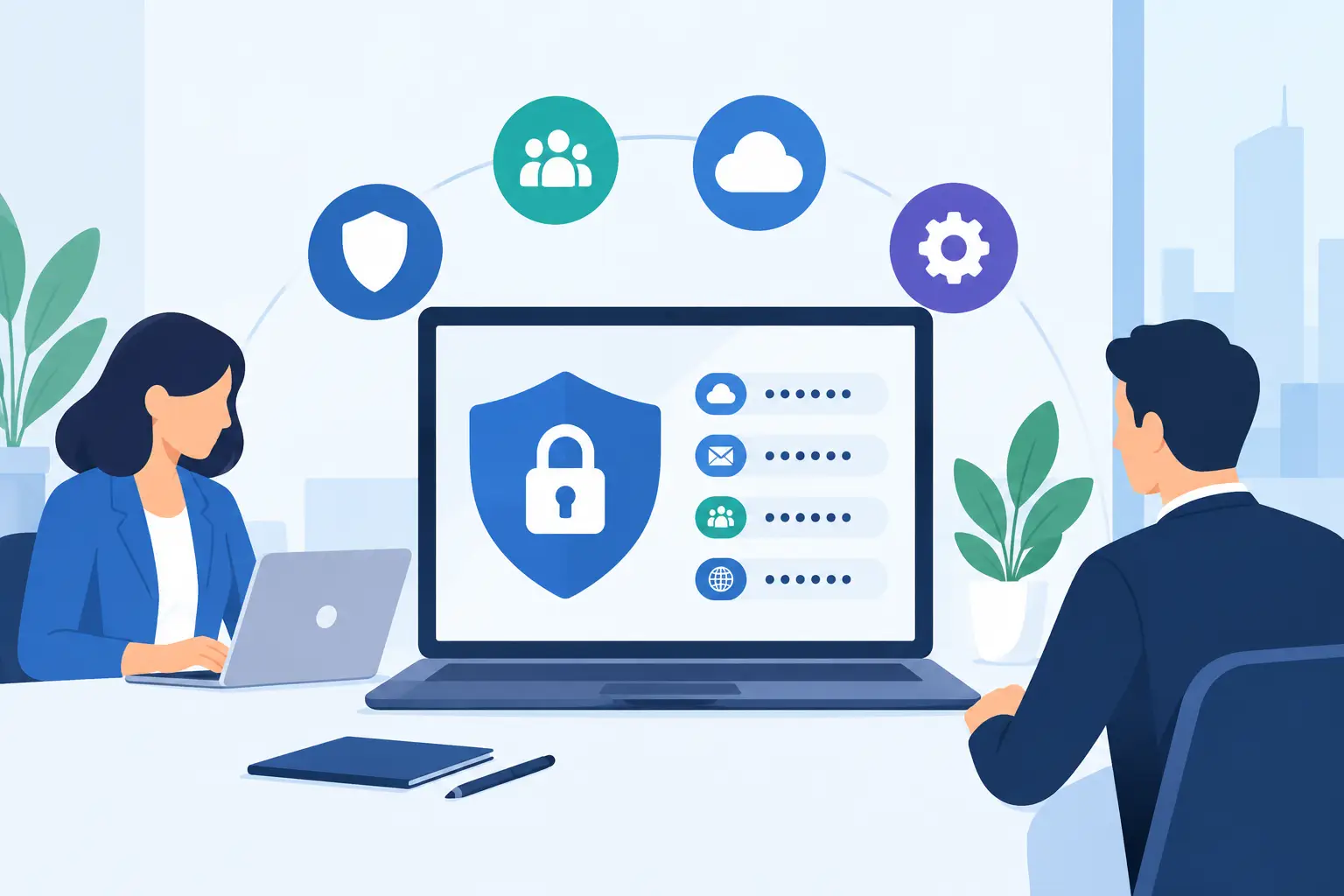
A fake invoice does not need to beat your firewall to cause damage. It only needs one busy employee to open an attachment, approve a payment change, or enter a Microsoft 365 password on a convincing lookalike page. An email security gateway is designed to stop that message before it becomes someone’s urgent problem at 4:45 on a Friday.
For Metro Atlanta businesses, email remains the front door for ransomware, business email compromise, credential theft, and sensitive-data mistakes. Law firms receive messages from unfamiliar parties and opposing counsel. Healthcare-adjacent offices receive records and referrals. Nonprofits and congregations often depend on volunteers who may not have formal security training. The risk is different by organization, but the common weakness is the same: email is trusted because people have to use it all day.
What an Email Security Gateway Does
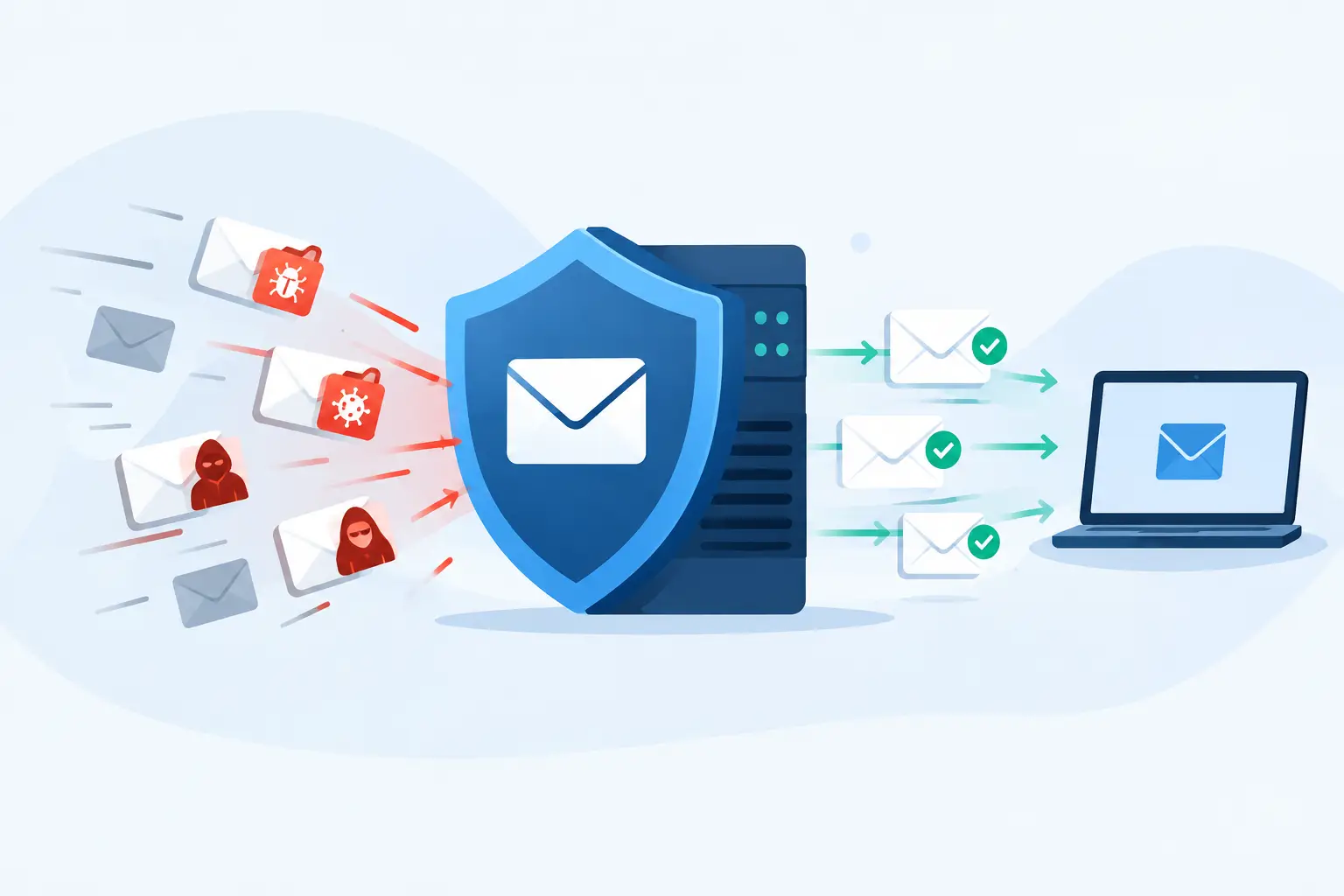
An email security gateway sits between the internet and your email platform, inspecting messages before they land in an employee’s inbox. Depending on the product and configuration, it can scan inbound and outbound email for malware, phishing indicators, spoofed senders, suspicious links, malicious attachments, and sensitive information leaving the organization.
Think of it as a screening desk, not a replacement for every other security control. It checks whether a sender is who they claim to be, whether an attachment behaves like malware, and whether a link leads somewhere dangerous. It can quarantine questionable messages for review, reject obvious junk, or add warning banners when a message came from outside the organization.
The best result is not simply fewer emails. It is fewer dangerous emails, with legitimate client, vendor, and patient-related messages still getting through. That distinction matters. An overly aggressive filter can create its own business problem when it delays a court filing, blocks a vendor invoice, or hides a time-sensitive referral.
The threats it should address
A properly configured gateway should help with more than generic spam. The practical protections usually include:
- Phishing messages that try to steal passwords or payment information
- Malware hidden in attachments, compressed files, or links
- Business email compromise attempts that impersonate executives or vendors
- Spoofed messages using your own domain name
- Bulk spam that wastes staff time and obscures legitimate mail
- Outbound messages that accidentally contain sensitive information
No gateway catches every threat. Criminals change tactics constantly, and some attacks rely on a real, compromised mailbox rather than an obviously fake sender. But filtering email before it reaches the user gives your organization another chance to prevent a bad click from becoming an incident.
Why Native Email Filtering Is Not Always Enough
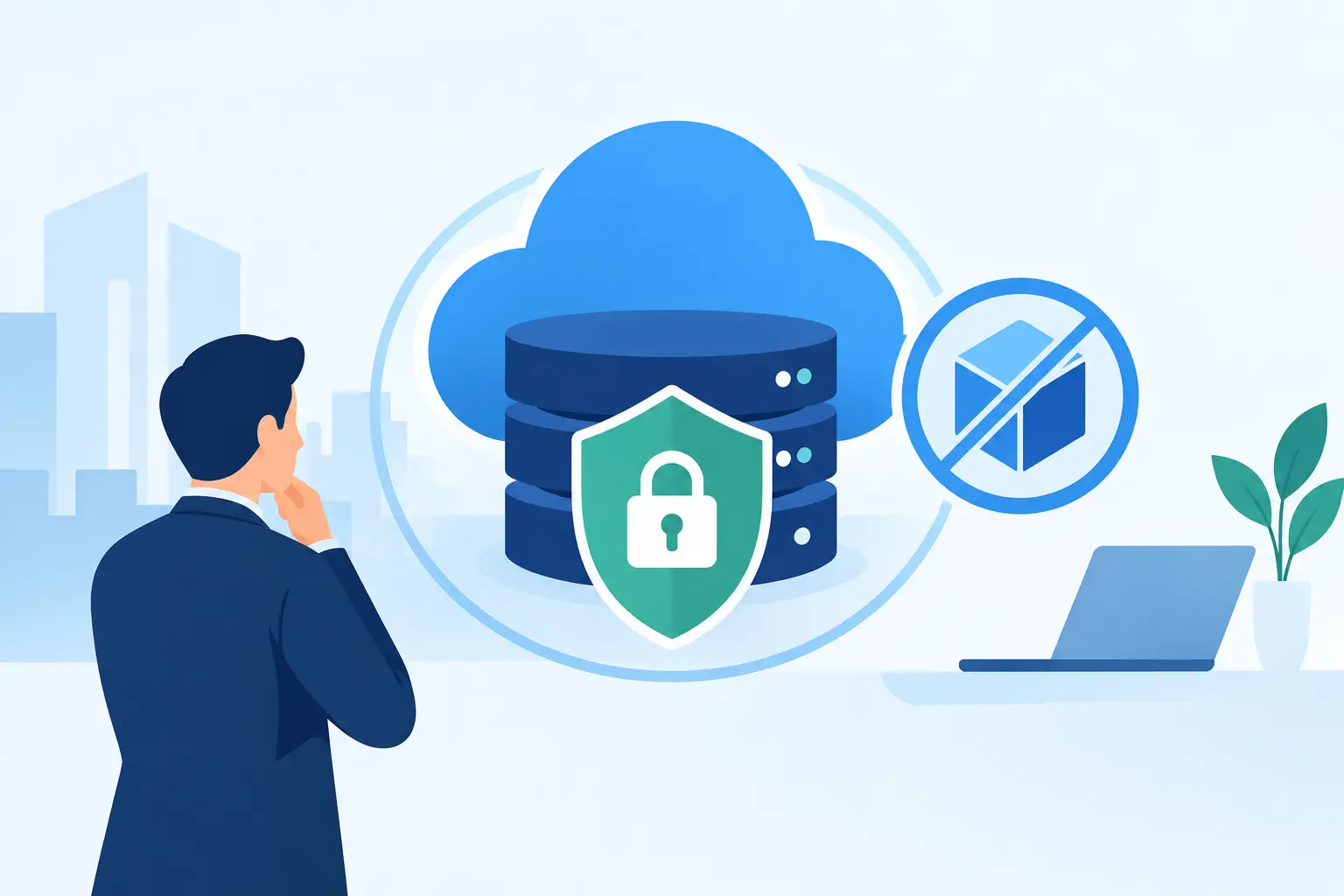
Microsoft 365 and Google Workspace both include built-in protections, and those protections should be enabled and managed. For some small organizations with straightforward needs, native filtering plus sound account security may be sufficient. Paying for another tool just because a salesperson says every business needs one is not a strategy.
The question is whether your current protection matches your actual exposure. A law firm handling confidential case materials, a medical practice sending protected information, or a growing company processing wire transfers has more to lose from a convincing email attack. These organizations may need deeper link analysis, attachment sandboxing, impersonation controls, outbound data-loss rules, better reporting, or a human team that investigates quarantined messages.
There is also an operational issue. Default settings are rarely tailored to your vendors, domains, workflows, and tolerance for false positives. A gateway is only useful when someone owns the configuration, monitors what is being blocked, and adjusts policies without creating a mail-flow mess.
Email Security Gateway Features That Matter
Product checklists can get ridiculous fast. Focus on controls that reduce real risk and can be operated without a full security department.
Sender authentication checks whether a message claiming to come from a domain is authorized to do so. This relies on controls such as SPF, DKIM, and DMARC. Those acronyms are not exciting, but they are critical for reducing spoofing of your own domain. A gateway can enforce these checks and provide visibility into failures.
URL and attachment protection matters because many attacks do not arrive as obvious executable files. A harmless-looking PDF, shared-document notice, or QR code can lead users to a credential-harvesting site. Better gateways inspect links at the time of delivery and, in some cases, again when the user clicks because the destination may change after the email arrives.
Impersonation detection looks beyond technical authentication. It can flag messages that use a display name similar to your CEO, office manager, or trusted vendor, even when the underlying domain is different. This is valuable for payment fraud, where attackers often send a simple request to “update banking details” or purchase gift cards.
Outbound controls are equally worth discussing. Employees can accidentally send Social Security numbers, medical information, financial records, or client files to the wrong recipient. Policies can identify those patterns, require encryption, warn the sender, or hold the message for review. The right setting depends on your compliance obligations and daily workflow. A rule that blocks every legitimate confidential email will quickly be bypassed or ignored.
Quarantine management and reporting separate a security tool from a black hole. Your team needs a clear process for releasing legitimate messages, reporting phishing attempts, and reviewing trends. If nobody knows why email disappeared, users will lose confidence and start forwarding work to personal accounts. That is the opposite of a security improvement.
Configuration Is Where the Real Work Happens
Buying an email security gateway is the easy part. Setting it up correctly requires a deliberate assessment of email flow, accepted domains, third-party senders, mailboxes, shared inboxes, and business-critical vendors.
Start by documenting how email currently moves in and out of the organization. Many businesses use marketing platforms, copier scan-to-email functions, accounting systems, client portals, and cloud applications that send mail on their behalf. If those systems are not accounted for, authentication enforcement can interrupt legitimate communication.
Then establish a baseline. How much spam reaches inboxes? Are users reporting phishing? Have vendor-payment requests increased? Are messages being sent outside the organization with sensitive information? The answers guide policy decisions better than a generic “high security” setting.
A sensible rollout often begins in monitoring mode. The gateway identifies suspicious traffic and reports on what it would have blocked. After the organization confirms that legitimate systems and trusted partners are behaving as expected, policies can be tightened. This phased approach is less dramatic than flipping every setting on at once, but it avoids preventable disruption.
For organizations subject to HIPAA, contractual confidentiality requirements, cyber insurance conditions, or client security questionnaires, documentation matters too. Keep records of the controls in place, policy exceptions, test results, and who reviews alerts. An audit is much easier when the answer is more than “we think Microsoft handles that.”
The Gateway Cannot Replace People or Process
Even a well-managed gateway will not stop every social-engineering attempt. If an attacker compromises a legitimate vendor’s mailbox, the email may pass technical checks. If an employee shares a password after a convincing phone call, the gateway cannot rewind the conversation.
That is why email protection needs company-wide support. Multifactor authentication limits the value of stolen credentials. Endpoint protection catches threats that get past the inbox. Backups and incident-response planning reduce the damage if an account or device is compromised. Staff training gives people a practical way to recognize and report suspicious requests without turning every employee into a security analyst.
One process deserves special attention: changes to payment instructions. A request received by email should never be the only basis for changing vendor bank information or sending a wire. Verify it through a known phone number or another established channel. That simple discipline has prevented more fraud than many expensive tools.
When to Bring in Help
If your organization has had a phishing scare, is preparing for an audit, has lost its internal IT lead, or is growing faster than its current setup can handle, email security is a good place to start. It is visible, measurable, and closely tied to everyday business risk.
At 404 Network Ninjas, the useful first step is not a canned sales pitch. It is understanding how your email is used, what protections already exist, and where the gaps are. That may lead to a dedicated gateway, better configuration of existing Microsoft 365 controls, stronger domain authentication, or a combination of measures.
The right email security gateway should make dangerous messages less likely to reach your people without making normal work harder. When a questionable invoice arrives, the goal is simple: your team should have time to question it instead of being forced to recover from it.