A payroll email arrives at 4:47 p.m. on a Friday. It looks like it came from the executive director, asks for a quick change to direct-deposit details, and lands with the one person who has the authority to make it happen. That is how many security incidents begin: not with a movie-style hacker scene, but with one believable message and a rushed employee. This small business cybersecurity guide focuses on the controls that keep a bad click, lost laptop, or stolen password from becoming a business-stopping event.
For Metro Atlanta organizations, the stakes are practical. A law firm can lose access to case files before a deadline. A medical practice can expose protected health information. A nonprofit can lose donor records and the trust that comes with them. Even a small ransomware incident can mean missed calls, delayed invoices, overtime, and an uncomfortable conversation with clients.
Start With What Could Stop Work
Cybersecurity is not a shopping list of software. Start by identifying the systems your organization cannot operate without for a day: email, file storage, accounting, line-of-business applications, phones, client records, and remote access. Then ask three direct questions: Who can access each system? How would we restore it? What happens if it is unavailable tomorrow morning?
That exercise usually exposes the real risks. Maybe a former employee still has a Microsoft 365 account. Maybe the office manager is the only person who knows where backups are stored. Maybe every laptop uses the same local administrator password. These are not exotic technical problems. They are everyday gaps that create outsized consequences.
A good risk assessment also separates inconvenience from true exposure. An outdated conference-room display can wait. An unsupported server holding client files cannot. Security spending should follow business impact, not whichever vendor makes the loudest pitch.
The Small Business Cybersecurity Guide: Protect Identity First
Most attacks now begin with identity. Criminals want a password, a browser session, an email inbox, or a way to convince someone that they are a trusted user. If they get that access, they can often move through cloud applications without setting off the alarms businesses expect.
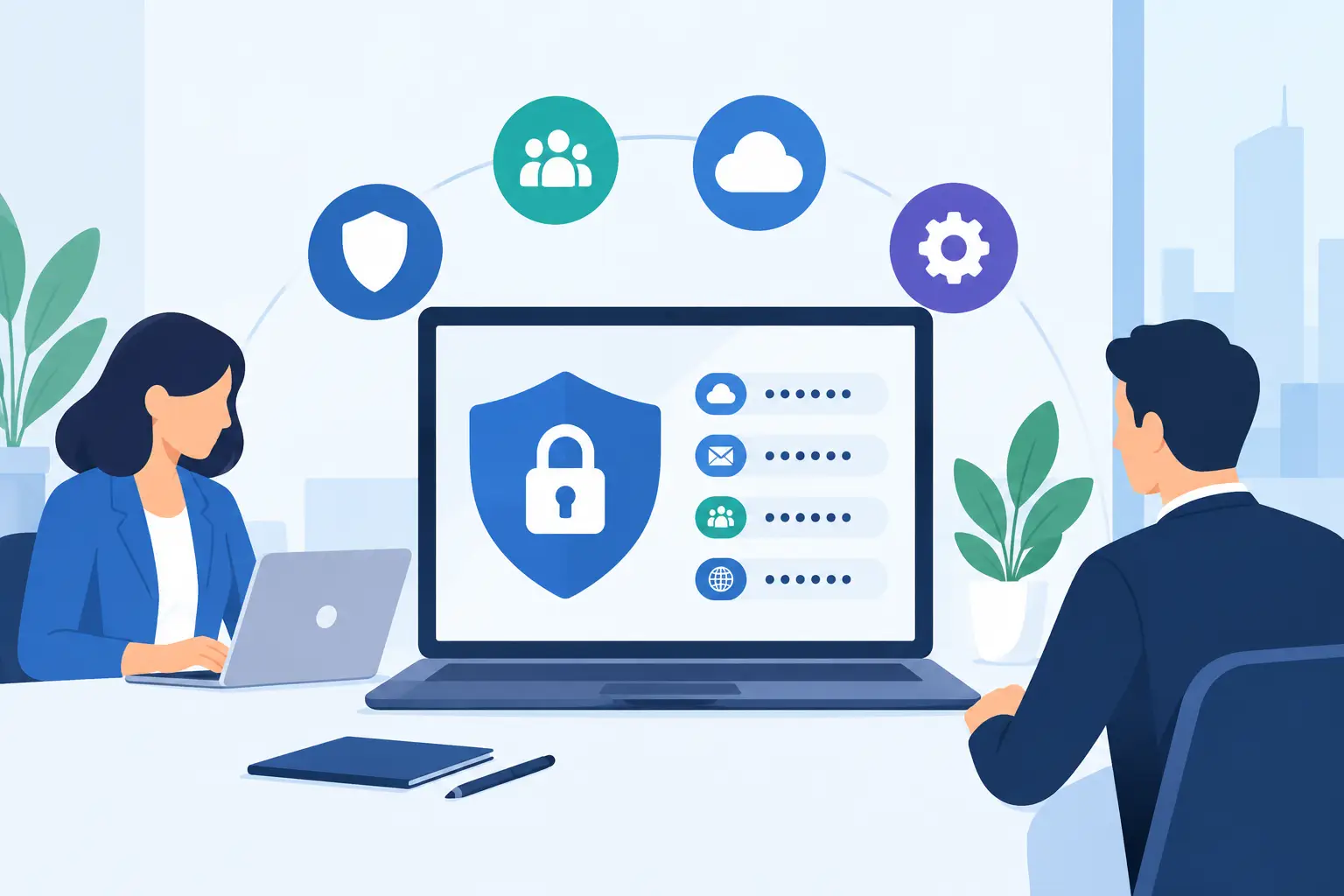
Multi-factor authentication is the first line of defense. It should protect email, remote access, accounting systems, password managers, and administrative accounts. A password alone is no longer enough, even if it is long and unique. App-based authentication or security keys generally offer better protection than text-message codes, although text messages are still better than no second factor at all.
Do not stop at turning multi-factor authentication on. Review how employees enroll devices, how password resets work, and who has administrator privileges. Attackers routinely target help desks and password-reset processes because those workflows can be easier to manipulate than the technology itself.
Every employee should have an individual account. Shared logins make accountability difficult and make offboarding dangerous. When someone leaves, access should be removed promptly from email, cloud storage, VPNs, phones, password vaults, and any specialized software. A clean offboarding checklist is one of the least glamorous and most effective security controls a small business can maintain.
Make Email Harder to Abuse
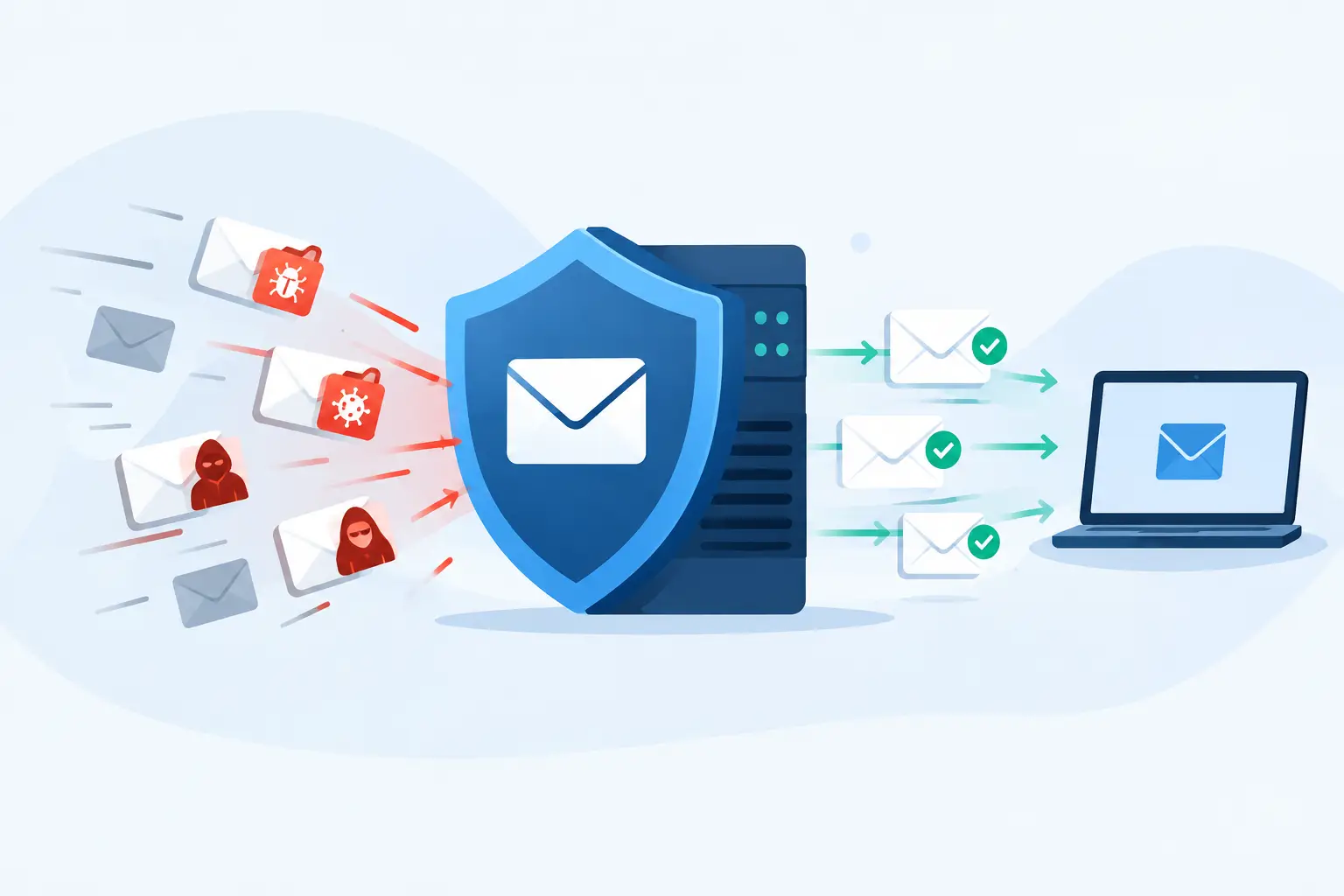
Email remains the front door for phishing, invoice fraud, fake document-sharing notices, and business email compromise. Good email filtering reduces the obvious junk, but it cannot make judgment calls for your team every time. A convincing email may come from a compromised supplier account or imitate a familiar executive’s writing style.
Build a simple verification rule for money movement and sensitive information. If someone requests a wire transfer, banking change, payroll update, gift card purchase, or release of confidential records, verify it through a known phone number or another separate channel. Do not reply to the suspicious email and ask if it is real. That puts the question right back in the attacker’s inbox.
Training should be brief, recurring, and connected to real situations employees see. Annual slide decks are easy to check off and easy to forget. Short reminders about suspicious links, unexpected sign-in prompts, and payment-change requests are more useful when paired with an easy way to report concerns without embarrassment.
Keep Devices Patched, Managed, and Recoverable
Every laptop, desktop, server, and mobile device connected to business data needs basic discipline. That means operating-system and application patches, endpoint protection, disk encryption, screen locks, and a documented inventory. If nobody knows a device exists, nobody is protecting it.
Patching is not always as simple as installing every update immediately. A law practice may rely on a specialized case-management application that needs testing before a major update. A healthcare-adjacent office may have equipment with strict vendor requirements. The answer is not to skip updates indefinitely. It is to set a patching process that prioritizes known security threats, schedules maintenance windows, and documents exceptions.
Endpoint protection should be centrally monitored. A tool installed on computers but never reviewed is not much of a plan. Someone needs to see failed updates, disabled protection, suspicious activity, and devices that have not checked in for days. This is where proactive IT support earns its keep: catching a neglected laptop before it becomes the weak link.
Backups Are a Recovery Plan, Not a Checkbox
A backup that has never been tested is a hopeful theory. Ransomware operators know this, which is why they often try to delete or encrypt backups before they demand payment.
Use backups that are separated from daily user access and protected with strong credentials. Keep more than one copy, retain versions long enough to recover from a problem discovered late, and maintain at least one copy that an attacker cannot easily alter. Cloud storage synchronization alone is not a complete backup strategy. If an employee encrypts or deletes a file and the change synchronizes everywhere, you may simply have several copies of the same problem.
Test recovery on a schedule. Restore a file, a mailbox, and a critical application. Measure how long it takes and whether the restored data is actually usable. Your recovery objectives should reflect the business. A small office may tolerate several hours without shared files; a practice with appointments, patient communications, or court deadlines may not.
Write Down the First Hour of an Incident
When someone reports a suspicious email or ransomware message, people tend to improvise. That wastes time. A one-page incident response plan gives staff a clear first move: disconnect the affected device from the network if necessary, preserve the message or evidence, contact the right person, and avoid rebooting or deleting items before they are reviewed.
The plan should name decision-makers, IT contacts, insurance contacts, legal counsel when appropriate, and your communications lead. It should also state who can authorize a shutdown of systems or a public notification. For organizations handling sensitive client, patient, donor, or employee data, those decisions may have legal and contractual consequences.
Keep a printed copy somewhere accessible. If email and shared files are unavailable, a plan stored only in email is not very helpful.
Treat Compliance as Evidence of Good Habits
HIPAA, client confidentiality obligations, cyber insurance questionnaires, and audit requests can feel like separate burdens. In practice, they often point to the same operational habits: control access, document policies, protect devices, train employees, back up data, and review risks regularly.
Do not promise compliance based on a single product or a completed questionnaire. Compliance depends on how your organization actually operates. A law firm may need documented access controls and secure file-sharing practices. A healthcare-related organization may need risk analysis, vendor agreements, and safeguards around protected health information. The right level of formality depends on the regulation, your contracts, and the data you hold.
Build the Plan in the Right Order
If your organization has limited time and budget, address the gaps that make a major incident most likely or most damaging. In many small businesses, the first priorities are multi-factor authentication, secure email, managed patching and endpoint protection, tested backups, and a documented response process.
Then improve the details: remove unnecessary administrator access, inventory vendors, review cyber insurance requirements, segment sensitive systems, and run tabletop exercises with leadership. Do not let a desire for a perfect security program delay the basics. A disciplined 90-day plan beats a glossy strategy document that never reaches the people doing the work.
404 Network Ninjas approaches this work by assessing the environment first, documenting risk-based fixes, and staying involved after the first cleanup. That matters because cybersecurity is not a one-time project. New employees arrive, software changes, vendors get breached, and attackers adjust.
The best next step is not panic and it is not buying another dashboard. Pick one honest question: if a criminal got into our email tonight, how far could they go by morning? The answer will tell you where to begin.