
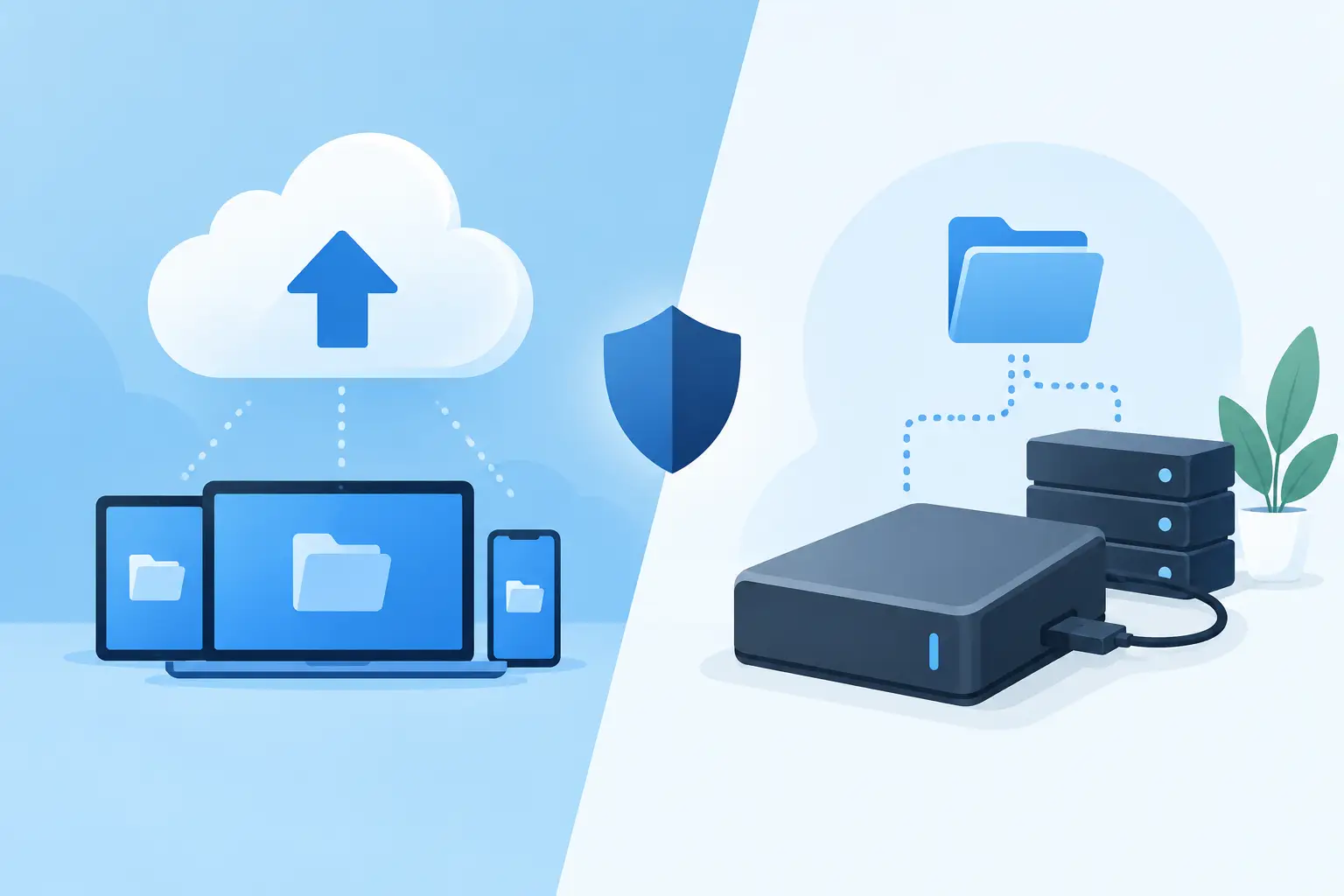
A server can fail at 2:00 p.m. on a Tuesday. A ransomware attack can encrypt shared files before anyone finishes their first coffee. A burst pipe can take out the network closet over a weekend. In each case, cloud backup versus local backup stops being a technical preference and becomes a business continuity decision: How quickly can your team get back to work, and how much data can you afford to lose?
For Metro Atlanta organizations, the answer is rarely one backup method or the other. A law firm cannot wait three days to retrieve active case files. A medical practice cannot casually accept lost scheduling data. A nonprofit or congregation may not have the budget for duplicate enterprise infrastructure, but it still needs to protect donor records, financial data, and operations. The practical answer is usually a layered backup plan built around the systems your organization relies on most.
Cloud Backup Versus Local Backup: The Core Difference
Local backup stores a copy of your data close to home, usually on a network-attached storage device, backup appliance, external drive, or a separate server in your office. Because the backup is nearby, data can often be restored quickly. If a staff member deletes a folder from the file server or a server drive fails, a local backup may return those files in minutes or hours rather than days.
Cloud backup sends an encrypted copy of your data to an off-site data center through an internet connection. That distance is the point. If your office is damaged by fire, theft, flood, power problems, or a building-wide incident, a properly managed cloud copy remains available somewhere else.
Neither approach is automatically safer just because it has a modern label. A local backup can be fast but vulnerable to the same physical event that affects the original data. A cloud backup can survive a site disaster but take longer to restore if you need to recover several terabytes through a limited internet connection. The right design accounts for both recovery speed and survival distance.
Where Local Backup Earns Its Place
Local backup is often the fastest route back from common, contained problems. If an accounting database becomes corrupted, a virtual server needs to be rolled back, or an employee accidentally overwrites a shared document library, a local recovery device can make a meaningful difference to downtime.
Speed matters most when the data set is large. Restoring a few documents from the cloud is generally simple. Restoring an entire file server, line-of-business application, or virtual environment can be a different story. Even with solid internet service, moving a large volume of data back to your office can take a long time. A local appliance may allow your team to restore critical systems on-site or temporarily run workloads from the backup device while the primary server is repaired.
There is another benefit: local backup can keep recovery less dependent on an active internet connection. After a localized equipment failure, that may be useful. But local backup has a clear weakness. If the backup device sits in the same office, on the same network, and uses the same administrator credentials as the production environment, one serious incident can affect all of it.
An external hard drive connected permanently to a server is not a disaster recovery strategy. It is a second target.
Where Cloud Backup Is the Better Defense
Cloud backup is built to protect against the incidents local backup cannot outlast. A stolen server, an electrical event, a building disaster, or a ransomware attack that reaches on-site devices can turn a seemingly adequate local setup into a very expensive lesson.
For many small and midsize organizations, cloud backup also reduces the burden of maintaining off-site media. No one has to remember to rotate drives, carry them home, lock them away, bring them back, and hope the backup actually completed. With the right setup, backups run automatically, are encrypted, and generate alerts when they fail.
The word “right” does real work here. Cloud backup is not simply copying files to a vendor account and hoping for the best. A dependable system needs retention rules, encryption, access controls, monitoring, and a defined restoration process. It should also use immutable or otherwise protected backup copies where appropriate, so ransomware cannot easily encrypt or delete the backup along with the original data.
Cloud backups are particularly valuable for organizations with no second office, no secure off-site storage, and no appetite for assigning backup chores to a staff member who already has a full-time job. They also support recovery when your office cannot be used at all. That is not theoretical planning. It is how you keep operations moving after a real disruption.
The Risk Most Businesses Miss: Backup Is Not Recovery
A green status indicator does not prove you can recover. It only proves a process reported that it ran.
A backup may be incomplete, corrupted, missing the application configuration needed to use the data, or too old to meet the business’s actual needs. A firm might have copies of documents but no workable plan for restoring its practice management platform. A healthcare-adjacent office may protect its server but overlook cloud-based scheduling, email, or Microsoft 365 data. A nonprofit may back up financial files but have no current copy of its donor database.
That is why recovery testing matters. A sensible test does not need to shut down your business every month. It can involve restoring sample files, verifying a virtual machine boots, confirming application data is usable, and measuring how long the process takes. The goal is to replace assumptions with evidence.
Two measurements should guide the conversation. Recovery point objective, or RPO, is how much data loss you can tolerate. If backups run nightly, you could lose a full business day of changes. Recovery time objective, or RTO, is how long you can tolerate being unable to use a system. If payroll, client files, or patient scheduling cannot be down for two days, your backup approach needs to reflect that reality.
Why a Hybrid Backup Strategy Usually Wins
The strongest answer to cloud backup versus local backup is often both, managed as separate layers rather than one system pretending to be two.
A common approach follows the 3-2-1 principle: keep at least three copies of important data, on two different types of storage, with one copy stored off-site. For higher-risk environments, a protected immutable copy adds another safeguard. The exact technology can vary, but the business logic stays the same: one failure should not erase every path to recovery.
In practice, a hybrid plan might keep frequent local backups for quick restores while replicating protected copies to the cloud for off-site recovery. Critical systems may receive more frequent backups than archive data. Some workloads may be restored from a cloud environment if the office is unavailable, while others are best recovered locally. There is no prize for buying the most complicated arrangement. The plan should match the cost of downtime and the sensitivity of the data.
For example, a small law firm may prioritize rapid restoration of document management and case files while retaining long-term, encrypted off-site copies for continuity and confidentiality. A growing professional services company might protect its virtual servers locally and its Microsoft 365 environment separately. Those are different systems with different recovery paths, and treating them as one backup problem creates gaps.
Questions to Ask Before Choosing a Backup Model
Start with what would actually stop work. Identify the servers, applications, file shares, cloud platforms, and network configurations your team needs to serve clients, bill, schedule, communicate, and meet obligations. Then ask how long each can be unavailable and how much recent work you can afford to recreate.
Next, look closely at the conditions around the backup. Is it isolated from your production network? Can a compromised administrator account delete it? Are alerts reviewed by someone who will act on them? Has a restoration been tested recently? Is the backup encrypted, and are access credentials protected with multifactor authentication?
Finally, do not confuse storage with coverage. Microsoft 365, Google Workspace, SaaS applications, phone system configurations, and cloud file platforms may each need their own backup or export strategy. A provider’s standard retention policy is not always the same thing as a recoverable business backup.
A Backup Plan Should Be Boring on the Worst Day
The best backup setup is not the one with the flashiest dashboard. It is the one your organization can count on when a device fails, a user makes a mistake, or an attacker gets farther than they should. It has documented priorities, protected copies, tested recovery steps, and a real person accountable for checking that the plan still works.
For businesses that do not have an internal IT department watching those details, that is where a local partner such as 404 Network Ninjas can help assess the gaps, fortify the weak points, and sustain the process over time. When the worst day arrives, your team should be making business decisions, not discovering whether last night’s backup was real.



