
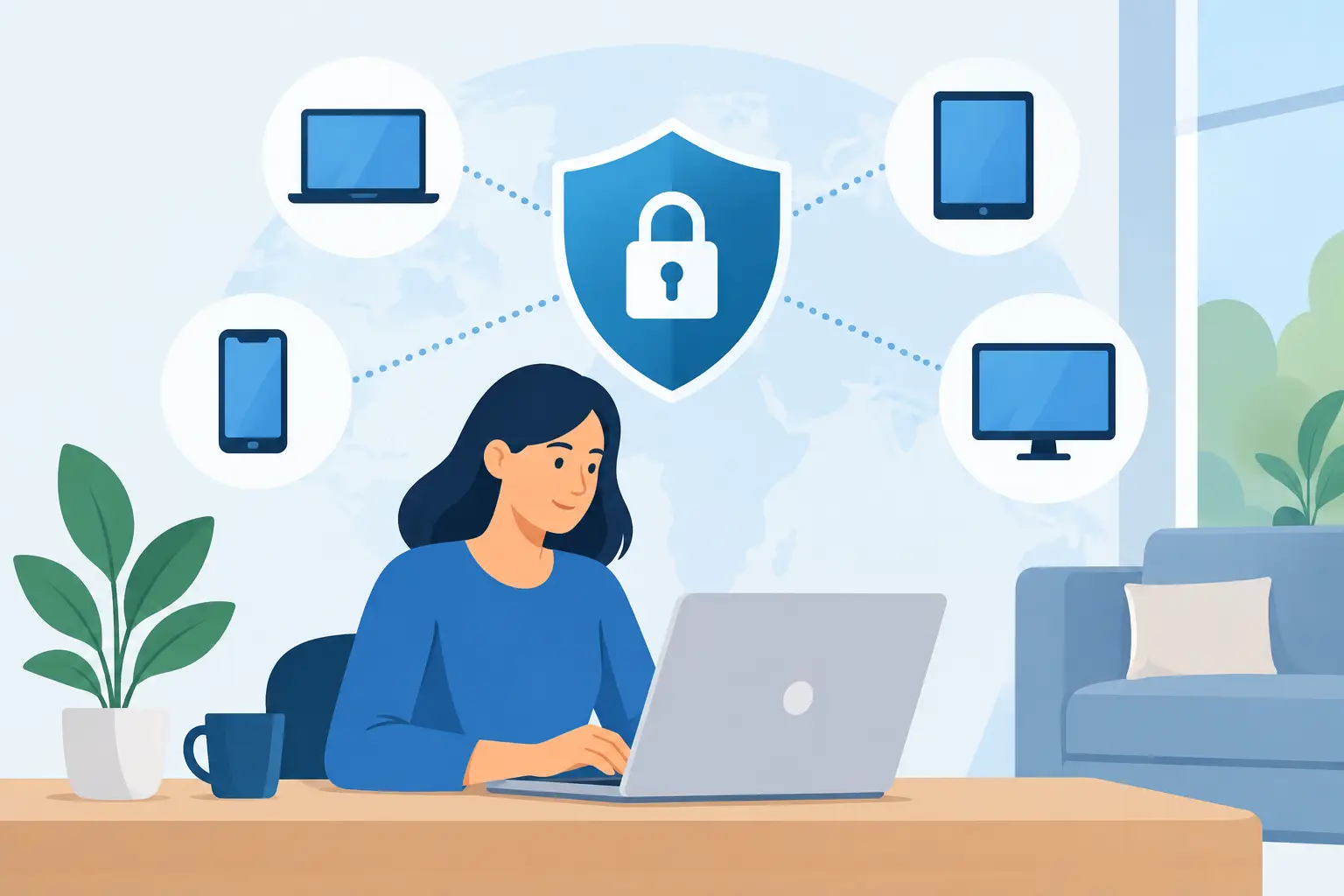
A lost laptop in an airport, a former employee still logged into email, or an unpatched home computer can become a serious business problem before anyone in the office notices. To secure remote employee devices, you need more than a policy telling people to be careful. You need clear standards, the right management tools, and someone accountable for enforcing them.
For Metro Atlanta businesses, remote work rarely looks the same across every department. A law firm may have attorneys working from home, court, and client sites. A nonprofit may have a lean office team using personal phones after hours. A healthcare-adjacent practice may need to protect sensitive records while employees split time between locations. The security controls should fit the work, but the baseline should not be negotiable.
Secure Remote Employee Devices by Managing Them
The first question is simple: do you know every device that can access your business systems?
If the answer is a spreadsheet from last year, a collection of old purchase receipts, or a best guess from the office manager, start there. You cannot protect what you cannot identify. Build and maintain an inventory that records the device owner, serial number, operating system, security status, assigned applications, and whether it is company-owned or personally owned.
Company-owned devices are easier to control. They can be configured before an employee receives them, enrolled in device management, monitored for updates, and wiped if they are lost or stolen. That does not mean every organization must buy a laptop and phone for every employee. It does mean leadership should understand the trade-off.
Bring-your-own-device arrangements can reduce hardware costs, especially for part-time staff and volunteers. They also create more privacy, support, and security complications. A personal phone may contain business email next to family photos and personal apps. If the employee leaves, you need a way to remove company data without wiping their entire device.
A practical approach is to separate access levels. Employees handling confidential files, financial systems, legal matters, or protected health information should generally use managed company devices. Lower-risk roles may be able to use a personal device with limited access through approved applications and browser-based systems. The line depends on the data involved, not on who argues hardest for an exception.
Start With the Controls That Stop Common Failures
Remote security does not need to begin with an expensive security project. It begins with consistent controls that reduce the most common paths to compromise.
Every remote device should have these basics in place:
- Full-disk encryption so data is unreadable if a laptop is lost or stolen.
- Automatic operating system and application updates, with visibility into devices that fall behind.
- Endpoint protection that can detect malware, suspicious activity, and known threats.
- Multi-factor authentication for email, cloud applications, remote access, and administrator accounts.
- Screen-lock settings and strong passwords or biometric sign-in.
- A way to remotely locate, lock, or wipe company information when needed.
None of these controls is exotic. The hard part is making sure they apply to every appropriate device, not just the laptops sitting in the main office.
Multi-factor authentication deserves special attention. Stolen passwords remain one of the easiest ways into a small business. An employee can have a strong password and still lose it through a phishing page, password reuse, or a compromised personal account. A second sign-in factor does not eliminate risk, but it stops many account takeover attempts before they turn into mailbox fraud or data theft.
Be cautious with text-message codes when better options are available. Authentication apps, hardware security keys, and device-based prompts generally provide stronger protection. For firms with high-value client data or administrator accounts, the added friction is worth it.
Home Networks Matter, but You Cannot Manage Every Router
Employees do not need enterprise-grade networking equipment in every spare bedroom. They do need a reasonable standard for how they connect.
At a minimum, home Wi-Fi should use a strong, unique password and current encryption. Default router credentials should be changed. Employees should avoid using public Wi-Fi for sensitive work unless they are connected through an approved, properly configured secure access method. Coffee shop Wi-Fi is convenient. It is not a place to assume privacy.
The bigger risk is often not the home router itself. It is the unmanaged device connected to it. A family computer used for gaming, an old tablet with no updates, or a personal phone full of unvetted apps should not automatically have the same access as a managed work laptop.
Rather than trying to police an employee’s entire home network, control access to your systems. Use conditional access rules where appropriate, require managed devices for sensitive applications, and limit administrator privileges. This is a more realistic way to reduce risk without turning remote work into a bureaucratic obstacle course.
Protect the Data, Not Just the Laptop
A secure laptop is useful. A secure laptop with unrestricted access to every file in the organization is still a problem.
Use role-based access so people can reach the files and applications required for their job, not every folder because it was easier to grant broad permissions. Review access when someone changes roles, takes extended leave, or leaves the organization. Offboarding should be a defined process, not a reminder someone sends after the farewell lunch.
This matters deeply for law firms, medical practices, and organizations with donor or financial information. Confidential data should not be copied casually to personal desktops, USB drives, or unapproved cloud storage accounts. Employees often do this for convenience, not malice. The answer is to provide an approved, workable way to share, store, and access files securely.
Backup strategy is part of this conversation as well. If a remote employee’s laptop is encrypted by ransomware or dropped in a parking lot, critical work should not disappear with it. Business data belongs in managed systems with backup, retention, and recovery procedures, not only on an employee’s hard drive.
Give Employees a Clear Path When Something Goes Wrong
People delay reporting security incidents when they fear blame or do not know whom to call. That delay gives an attacker more time to use a compromised account or stolen device.
Every employee should know what to do if they lose a device, click a suspicious link, approve a sign-in prompt they did not initiate, or suspect someone accessed their account. The instructions should be short: disconnect if appropriate, call the support number, and report what happened immediately. Do not ask employees to diagnose the incident first.
The support experience matters here. A distant ticket queue that responds tomorrow is not much help when an employee sees unfamiliar activity in their email account at 8:15 a.m. Responsive human support gives people a reason to report problems early, when they are easier and less expensive to contain.
Run through real scenarios with managers and staff. What happens if an attorney’s laptop is stolen from a car? Who disables access? Can the device be wiped? Where are the client files backed up? What does the employee tell clients, if anything? A short exercise exposes gaps that a policy document will not.
Make Remote Security Part of Onboarding and Offboarding
The cleanest time to secure a device is before an employee begins work. Issue it configured, encrypted, updated, and enrolled in management. Create accounts based on the employee’s role. Confirm multi-factor authentication works before their first remote day. Document what equipment they received.
Offboarding needs the same discipline. Disable accounts promptly, revoke active sessions, recover company equipment, remove approved business data from personal devices, and redirect or preserve email according to your records requirements. For a small organization, this can be a simple checklist. What matters is that it happens every time.
There is no single perfect remote-device setup. A 12-person nonprofit will make different choices than a 75-person law firm with strict client confidentiality obligations. But both need visibility, managed access, timely updates, protected data, and a person who answers when an employee says something looks wrong.
That is the practical standard: give your people technology that lets them work from anywhere, then make sure one lost device does not get to decide what happens to the business next.



